Integration · Nexmosphere sensors

Your shelves, mirrors and doorways — talking to your screens.

Retailr turns Nexmosphere sensor data into content decisions. A product lifted, a shopper approaching, a tag entering a fitting room — each becomes a rule in the CMS, and the screen responds in under a second.

Pick-up · presence · RFID · lidarXN-115 to XN-185Works offline
Brand loop Trail Runner X Waterproof · 4 colours See sizes Pick-up sensor Controller USB → player

How it connects

Four pieces, one cable run.

01Nexmosphere sensor

Pick-up, presence, RFID, weight, gesture — mounted on the fixture.

02X-talk controller

Sensors plug into an Xperience controller (XN-115 to XN-185), which speaks one serial protocol.

03Retailr player

The controller connects to the media player by USB. The player reads every sensor event.

04Retailr CMS

You map each sensor to content and rules. Events are logged for reporting.

One controller handles several sensors, so a four-product fixture is one cable to the player — not four.

Controllers

Pick the controller by how many sensors you’re running.

Sensors don’t connect to the player directly — they plug into a Nexmosphere Xperience controller, which presents itself to the player as a USB serial device. One channel per sensor is the rule of thumb.

ControllerChannelsGood for
XN-115Smallest of the range — one sensor, one screen.1 X-talk channelA single pick-up sensor or one presence sensor
XN-125Two sensors from one controller.2 X-talk channelsA two-product fixture
XN-135The common starting point for a small fixture.2 X-talk channelsLift & Learn on a two-item plinth
XN-135M8LAdds linear LED control alongside the sensors.2 X-talk + 1 X-Wave interfaceShelf lighting that follows the picked product
XN-135M8SDrives pixel LED strips in segments (up to 26).2 X-talk + 1 Selection LED interfaceHighlighting the selected product on a long shelf
XN-145Four sensors, still tiny.4 X-talk channelsA four-product display or a mixed sensor set
XN-165Adds physical buttons without using X-talk channels.2 X-talk + 4 push-button interfacesCompare-products or language-select buttons
XN-185The workhorse for bigger fixtures.8 X-talk channelsA full gondola end or a multi-sensor mirror
USB, no fussThe controller appears as a USB-to-serial device. Most players recognise it with no driver at all.
USB poweredOne cable carries power and data, and the controller powers the connected sensors.
Auto-configuringSensors are detected on their channel, so swapping one doesn’t mean re-programming.
Built for 24/7Auto start-up after a power cut, which matters for a fixture nobody visits daily.

Model list from Nexmosphere’s controller range; confirm current part numbers and any newer models before ordering. We’ll spec the controller as part of your quote.

Supported sensor families

What you can connect.

Nexmosphere’s range is large. These are the families that map to content rules in Retailr — browse the full catalogue on nexmosphere.com.

Pick-upLift the product, the screen changes
PresenceSomeone approaches, the loop wakes
RFIDA tagged item is recognised
7
People countingFootfall past the display
GestureTouch-free, even through glass
LED feedbackLight points at what they picked
FamilyExample modelsWhat it sensesTypical use
Pick-up & LiftX-Snapper, wired and wireless pick-up sensorsXDW-X36C · XSW-X36 · XF-P3W · XF-P3BDetects a product being lifted from a holder or shelf.Lift & Learn, product storytelling, compare-two-items
WeightBar and quad weight sensorsXZ-W11 · XZ-W21 · XZ-Q46Senses weight change on a shelf or plinth — no holder needed.Shelf interaction, stock-level triggers, heavy or irregular products
Presence & motionPresence and motion sensorsXY-240 · XY-241 · XY-251B · XY-176 · XY-320Knows when someone is standing in front of the display.Wake the screen, switch from loop to interactive, dwell measurement
People countingLidar sensorsXQ-L2 · XQ-L5Counts people crossing a line or entering a zone.Footfall by hour, zone traffic, content exposure numbers
RFID & NFCReaders, writers and antennasXR-DR1 · XR-DR2 · XR-DW2 · XR-A45 to XR-A80Reads the tag already on your product or loyalty card.Fitting rooms, tagged-product displays, member recognition
Gesture & air touchAirButton, AirGesture, HandGestureXT-EF30 · XT-EF650 · XV-H40Touch-free control with a wave or a hand held over a point.Hygienic interaction, window displays behind glass
Touch buttonsCapacitive touch and push buttonsXT-1EW6 · XT-4FW6 · XT-B4N6A physical button that plays a specific piece of content.Language select, compare products, request assistance
EnvironmentLight, ambient light, temperature, colourXZ-L20 · XE-A20 · XE-T50 · XZ-H60Reads the conditions around the display.Auto-brightness, weather-led content, cold-drink promos
Audience sensingCamera module and gender sensorS-CLA05 · XY-520Estimates audience attributes anonymously — see the privacy section.Mirror personalisation, aggregated audience reporting
Feedback & outputLED boards, colour LEDs, buzzer, DMXXW-L56 · XW-L96 · XW-C56 · XDW-B46 · IX-DM3 / IX-DM6Lights and sound the CMS can drive back out.Highlight the picked product, guide attention, confirm an action

Model availability and specifications come from Nexmosphere and can change — confirm current part numbers before ordering.

Rules

If this happens, play that.

Rules are set in the CMS, not in code. Each one is a sensor event, a condition and a piece of content.

WhenSensorThen
A shopper lifts the trainer from the shelfPick-up sensorScreen plays that model’s film, sizes and reviews
Someone stands within two metresPresence sensorLoop switches to the interactive experience
They put the product backPick-up sensorScreen returns to the brand loop after 5 seconds
A tagged garment enters the fitting roomRFID readerMirror shows sizes, colours and matching pieces
Twelve people pass the window in ten minutesLidar counterSwitch to the high-traffic playlist
Store temperature climbs above 26°CTemperature sensorPromote cold drinks and iced desserts
Nobody has interacted for 30 minutesPresence sensorLog it — the fixture may be in the wrong place

Use cases

What people build with it.

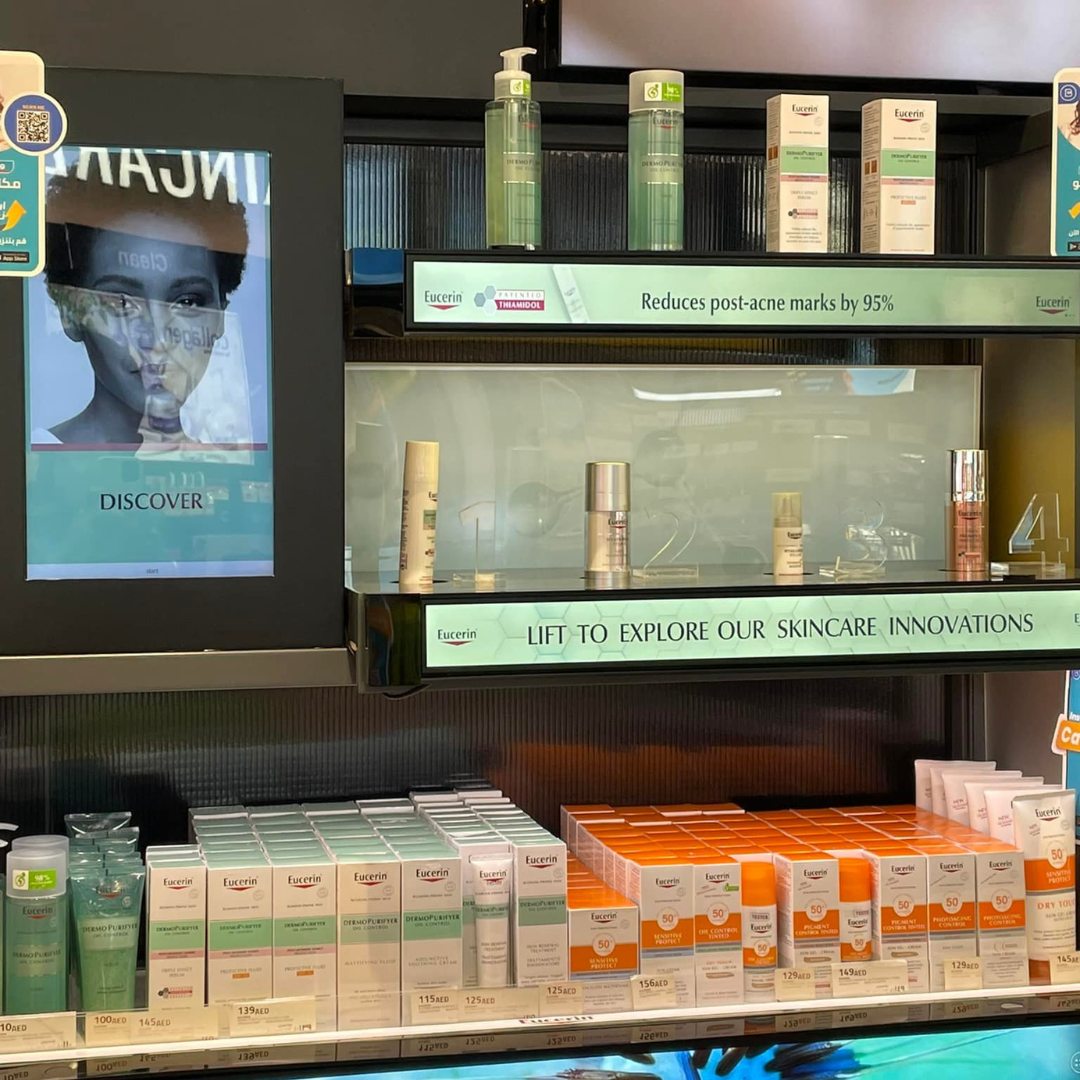
Lift and Learn fixture with sensor shelf
Lift & LearnPick-up sensor on the shelf
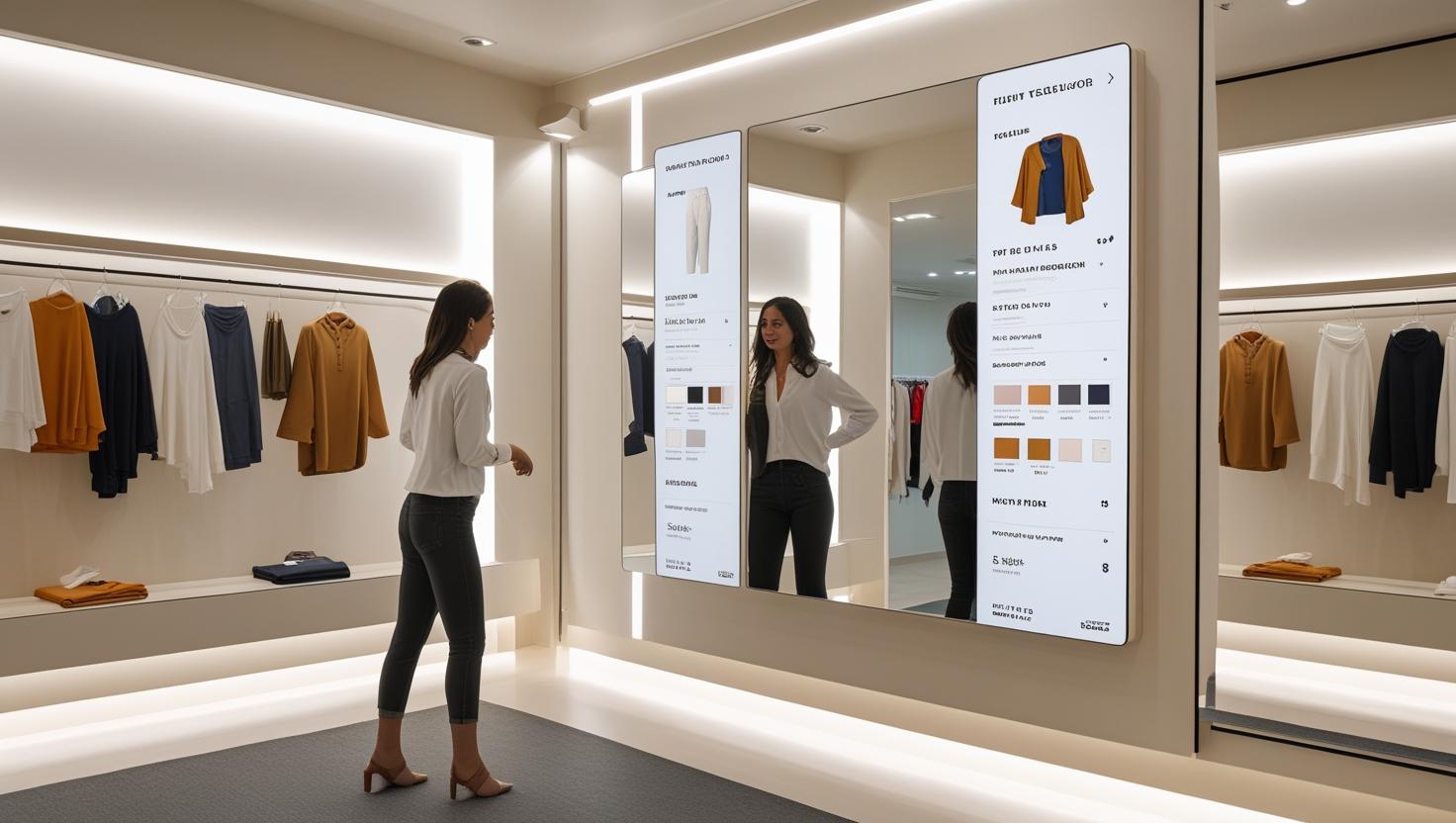
Smart mirror with RFID
Mirror & fitting roomRFID reads the garment
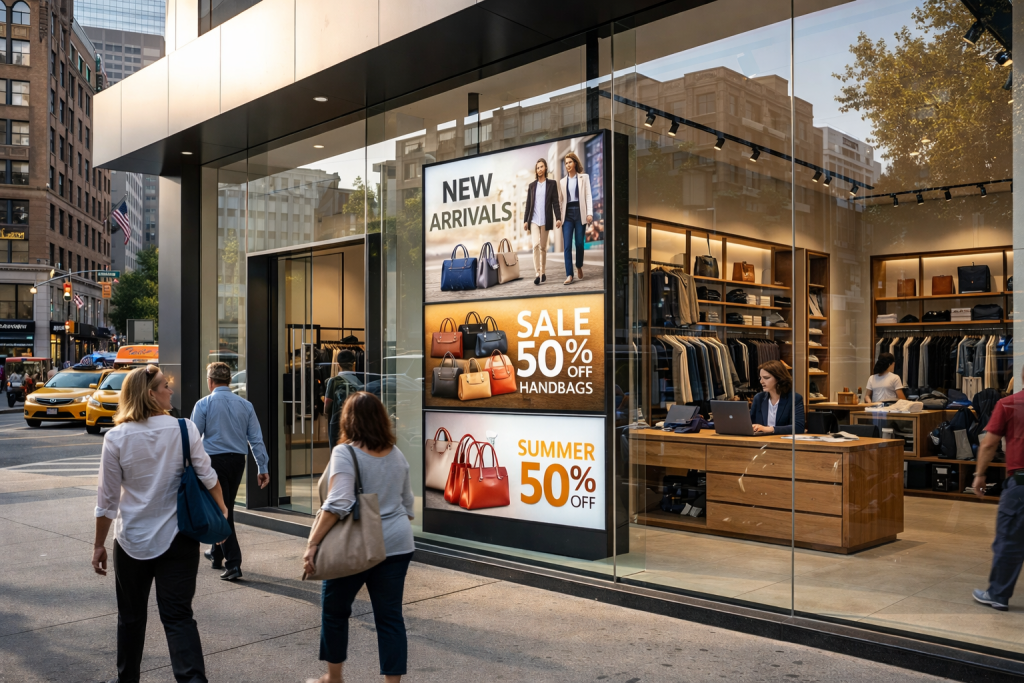
Window display
WindowGesture through the glass
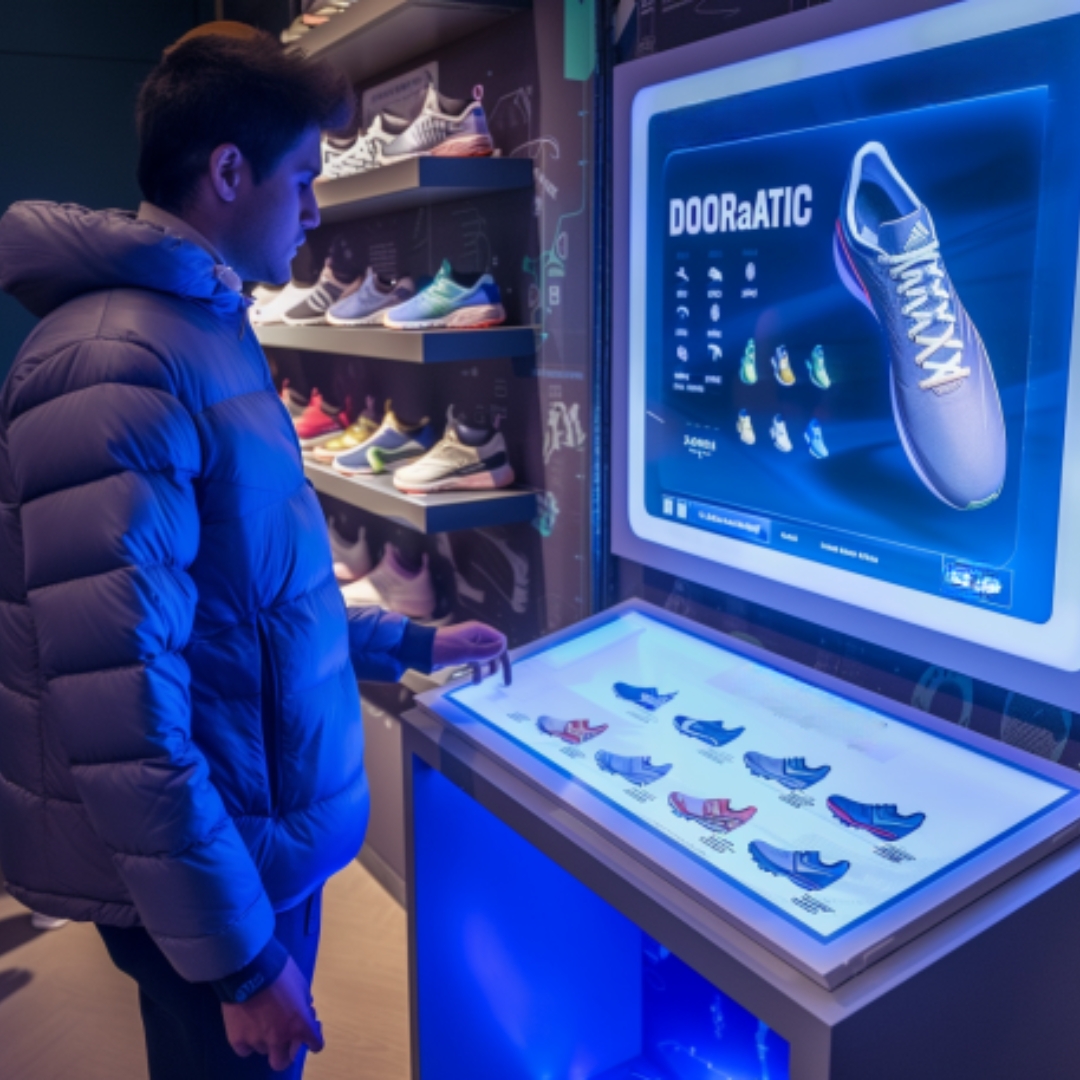
Interactive kiosk
KiosksButtons and presence
Pick-up or weight sensor

Lift & Learn

Product picked up → its story plays on the screen beside it. The classic application, and the easiest to prove: lift counts against till sales.

See the module →
Presence sensor

Wake on approach

The screen runs a quiet brand loop until someone comes close, then switches to the interactive experience. Saves the panel and catches attention at the right moment.

Lidar

Visitor counting

Count people entering a zone or passing a window, by hour. Turns “the screen played 400 times” into “400 plays seen by 1,800 people”.

Camera module, RFID

Smart mirror personalisation

Recognise a tagged garment and show matching pieces; optionally adapt suggestions using anonymous audience estimates.

See the module →
RFID reader and antenna

RFID fitting rooms

Garments are read as they enter the room. Sizes, colours and styling appear with no camera in the room at all.

See the module →
AirGesture, AirButton

Touch-free window displays

Interaction through the glass, out of hours — passers-by browse without entering the store.

See the module →

Audience sensing

Where we draw the privacy line.

Nexmosphere offers a camera module and a gender sensor. They can make a mirror or display adapt to who is in front of it — and they need handling with care.

Processed on the device — estimates are produced locally; Retailr stores no images or video Aggregated only — reporting is counts and trends, never individual profiles Tell people — a visible notice at the display is the minimum, and in some regions explicit consent is required Check your jurisdiction — inferring age or gender from a camera is regulated in Canada, the EU and parts of the US. Take legal advice before you deploy it You can skip it entirely — RFID, presence and pick-up sensors deliver most of the value with none of the questions

Our default recommendation

Start withPick-up, presence, RFID and weight sensors
Add laterLidar counting for exposure numbers
Only with adviceCamera and gender sensing

Fitting rooms are the hard rule: no camera, ever. RFID reads the garment, not the guest.

Setup

From box to working fixture.

01Plan

Choose sensors per position

One sensor per product position you want to trigger. We’ll help pick the family and the controller.

02Install

Mount and wire to the controller

Sensors connect to the X-talk controller; the controller connects to the Retailr player by USB.

03Map

Map sensors in the CMS

Each sensor address is named — “shelf 1, left” — and linked to a product and its content.

04Tune

Set rules, then watch a week

Set trigger, hold and return-to-idle timings, then review the interaction data and adjust.

Measurement

Sensors only matter if they tell you something.

Lifts per product

Which items get picked up, by hour and by fixture.

Lifted, not bought

Interest that didn’t convert — a price, fit or story problem worth fixing.

Exposure vs engagement

People counted past the display against people who interacted.

Fixture comparison

The same product on two fixtures, or two stores, side by side.

Questions we get asked.

Do I need a Retailr media player, or will any screen do?

You need a player that can read the controller over USB. The Retailr Media Player and supported Android players do this; a built-in smart TV app generally can’t.

How many sensors can one player handle?

One X-talk channel per sensor: 2 on an XN-135, 4 on an XN-145, 8 on an XN-185. You can connect more than one controller to a player, so a large fixture is still one screen.

Which controller do I need?

Count the sensor positions. Two or fewer: XN-135. Up to four: XN-145. Up to eight: XN-185. Add XN-165 if you also want physical push buttons, or the M8L/M8S variants if you want LED feedback.

How fast does the screen react?

Well under a second for pick-up and presence events — fast enough that it feels like the product triggered it.

Does it work offline?

Yes. Sensor rules and content run on the player, so a dropped connection doesn’t stop the fixture. Event logs sync when it returns.

Can I use sensors I already have?

If they’re Nexmosphere, yes. For other brands, tell us the protocol and we’ll tell you honestly whether it’s a connector or a custom build.

Who installs the hardware?

Sensor fixtures need positioning and calibration on site. We handle that in most Canadian markets, or brief your installer.

Send us a photo of the fixture.

We’ll tell you which sensors fit, how many controllers you need, and what the whole thing costs installed.