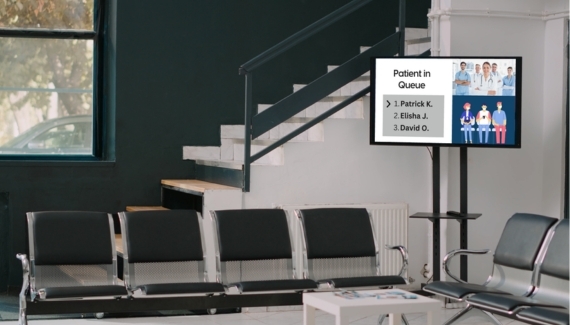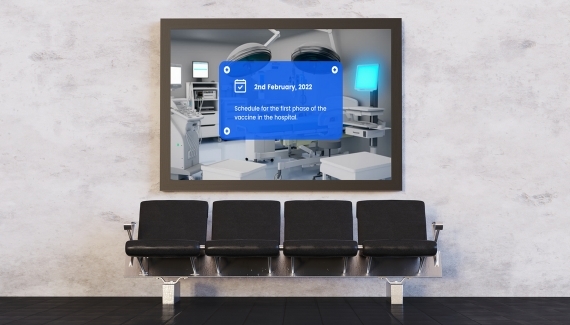

Improve Patient Experience
Display wait times, appointment queues, wayfinding maps, wellness tips, and doctor availability. Keep patients informed and reduce perceived wait times with engaging content.

Streamline Internal Communication
From emergency alerts to staff updates and policy changes—digital screens in staff-only areas keep everyone on the same page, boosting coordination and efficiency.

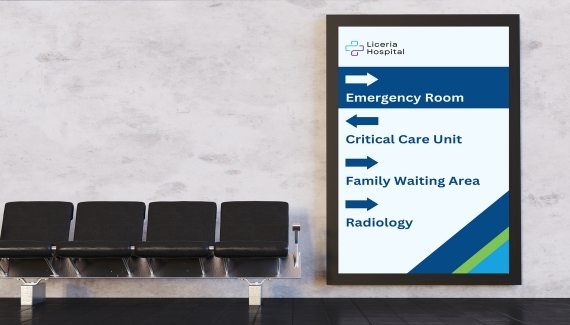
Simplify Wayfinding
Interactive and static digital maps help patients and visitors navigate large hospital campuses or multi-floor facilities easily, minimizing confusion and delays.
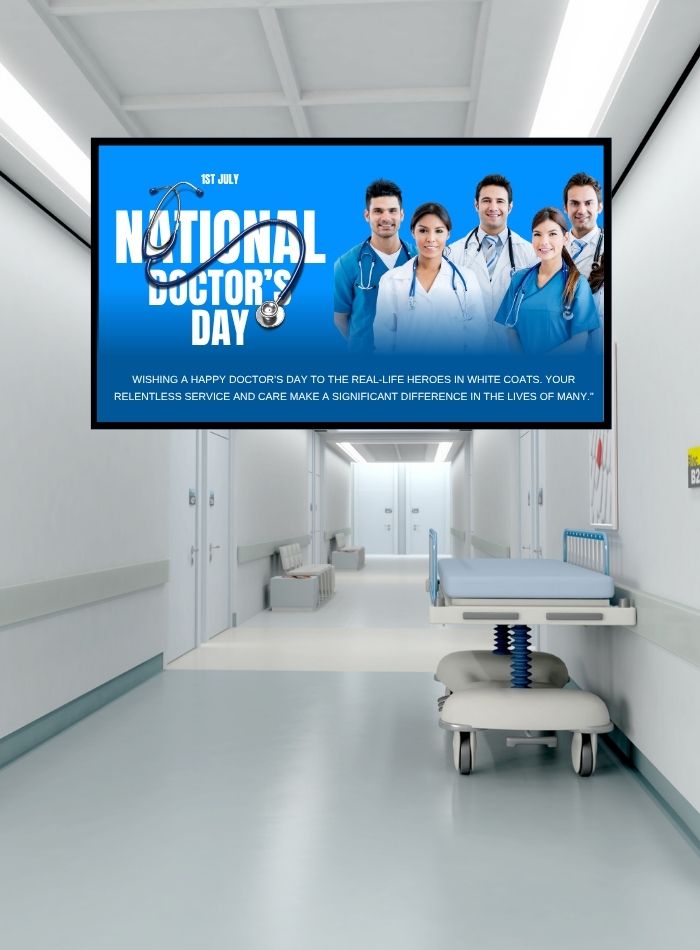

Promote Health Awareness
Use digital signage to broadcast seasonal health campaigns, wellness tips, and hospital initiatives—encouraging better public health literacy and trust in your facility.

Real-Time Emergency
Updates
Instantly communicate emergency procedures, safety information, or evacuation instructions across all screens to protect patients and staff during critical events.

Queue Management & Patient Flow
Integrate queue systems to reduce congestion in waiting areas. Automatically display patient numbers, directing them to the right room or counter with minimal friction.

Hospitals
To ensure a safe and organized environment, guide patients and visitors with live navigation updates, security protocols, and emergency announcements.
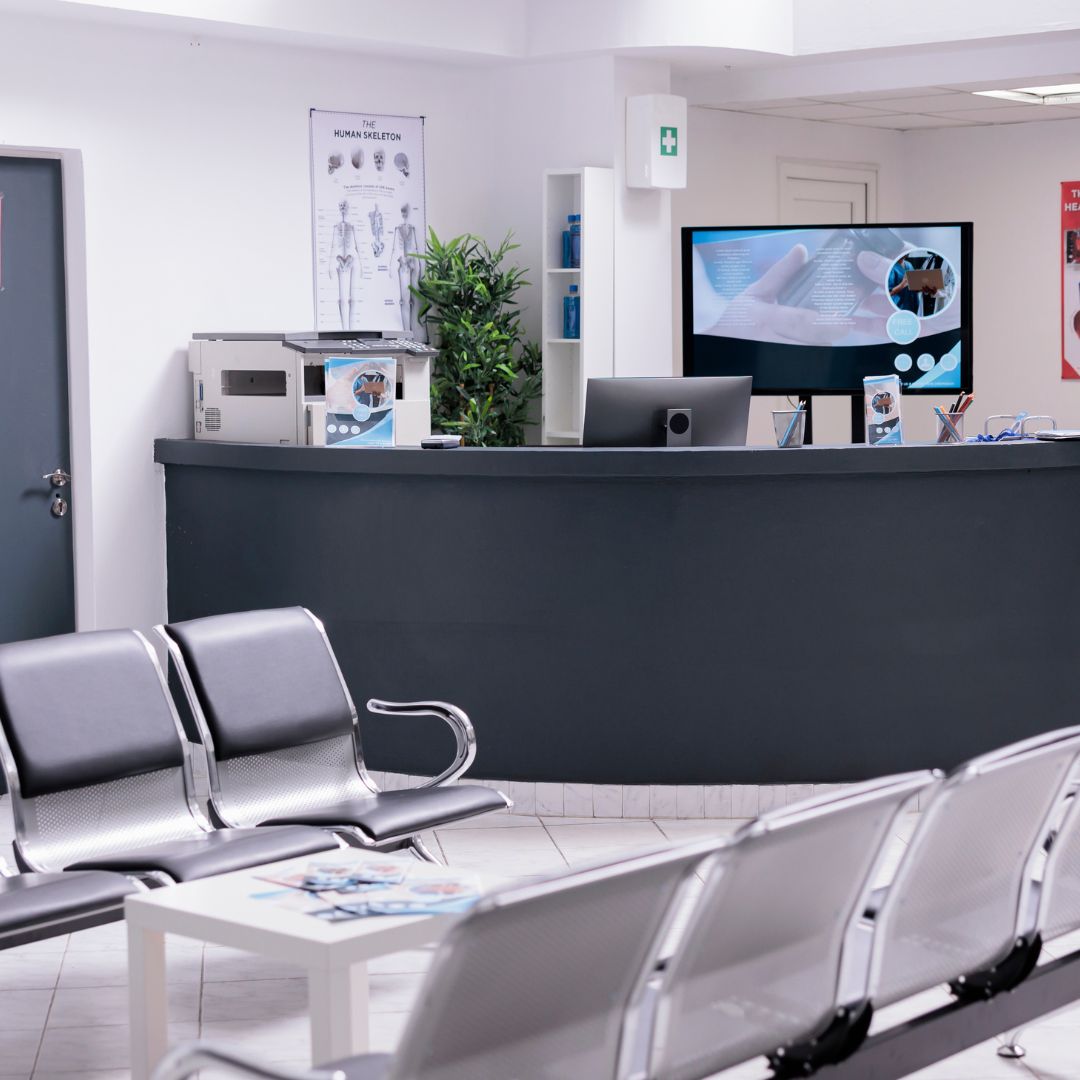
Waiting Rooms
Engage patients with health tips, news, and wait time information to help reduce perceived wait times and improve the overall experience.

Medical centres
Display physicians’ schedules, clinic hours, and check-in instructions to optimize workflow and make it easy for patients and staff.

Veterinary clinics
Share pet care tips, vaccination reminders, and updates to provide valuable information to pet owners and improve engagement.

Pharmacies
Promote special offers, new health products, and wellness tips right at the point of sale, increasing customer satisfaction and trust.

Dental practices
Educate patients with oral health tips, treatment information, and reminders, enhancing patient knowledge and appointment follow-through.

Upload Any File Type
Easily add images, videos, PDFs, and even presentations. Retailr.ai supports common formats and connects with your preferred file systems.

Built-In Apps & Live Feeds
Enhance your screens with apps like weather, clocks, traffic updates, or social media feeds from Instagram, Facebook, and Google.

Create Dynamic Playlists
Mix visuals, videos, and widgets into custom playlists. Content rotates automatically based on your setup.

Flexible Content Scheduling
Plan content by time of day, day of the week, or for specific dates—perfect for promotions, seasonal messages, or events.

Display Orientation Options
Use landscape or portrait mode based on your screen layout and space—Retailr.ai supports both seamlessly.

Custom Screen Zones
Divide screens into sections to show different types of content at once—like a promo video, menu, and live weather.

Offline Functionality
Your screens won’t go blank during outages. Content stays downloaded and keeps playing without internet.

Automatic Reboots
Keep displays running smoothly with scheduled restarts—no need for manual resets.

Built-In Content Editor
Design and manage content directly within Retailr.ai’s dashboard—no extra tools or switching between apps required.

Team Access with Roles
Give team members different access levels to manage screens. Approvals and roles keep everything organized.

Content Analytics & Reports
Track how your content performs in real time. Export reports and make data-driven decisions easily.

Interactive Kiosk Support
Enable touchscreen features and add interactivity to your screens for a more engaging in-store experience.