Integration Ecosystem
Keep your stack. Connect it to the floor.
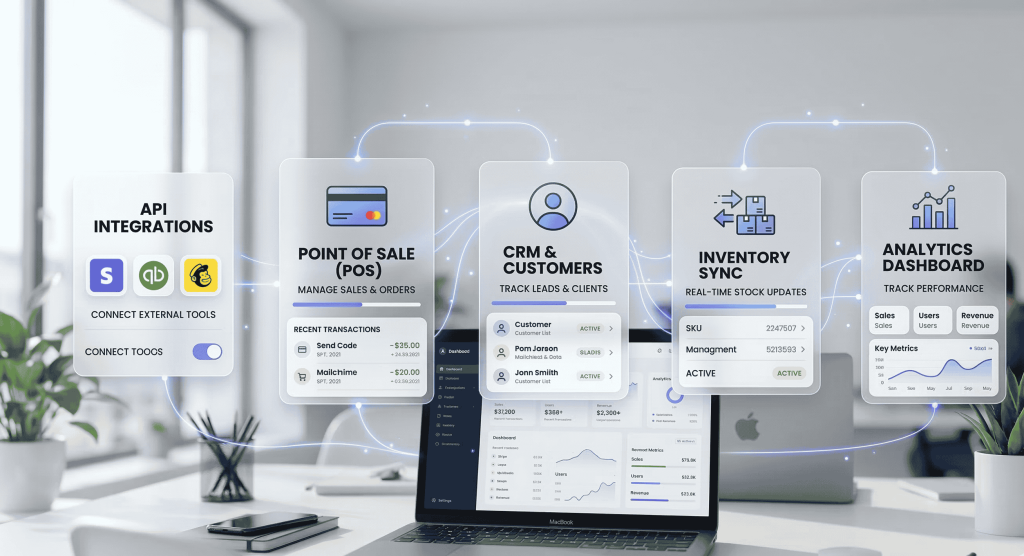
Retailr plugs into the POS, ERP, CRM, inventory and analytics tools you already run — and turns that data into what plays on your screens, what gets promoted and what your staff are told.
No rip and replace · no double entry · no data island
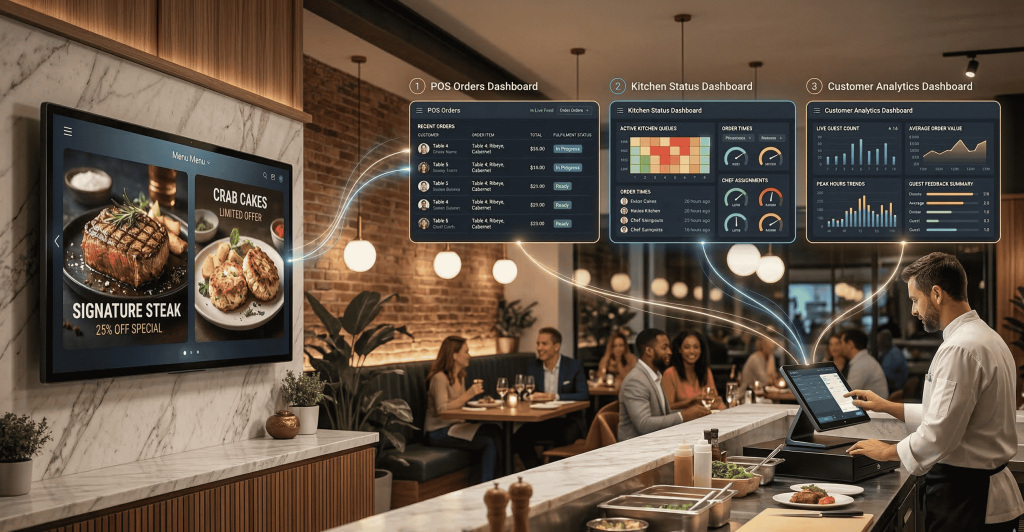
One connection point, seven directions.
Each system already holds something the others need. Retailr is the place they meet.
01 · Point of sale
Link your screens to your cash register.
When the screens and the till agree, pricing arguments and "sorry, we're out of that" disappear.






Real-time price updates
Change a price at the till and menu boards, window displays and kiosks follow.
Automated menu syncing
New POS items generate screen-ready graphics through AI Studio.
Omnichannel order routing
Delivery apps, table QR and kiosks all route through the POS to your KDS.
Loyalty at the till
Offers and points redeem on the same transaction, no second terminal.
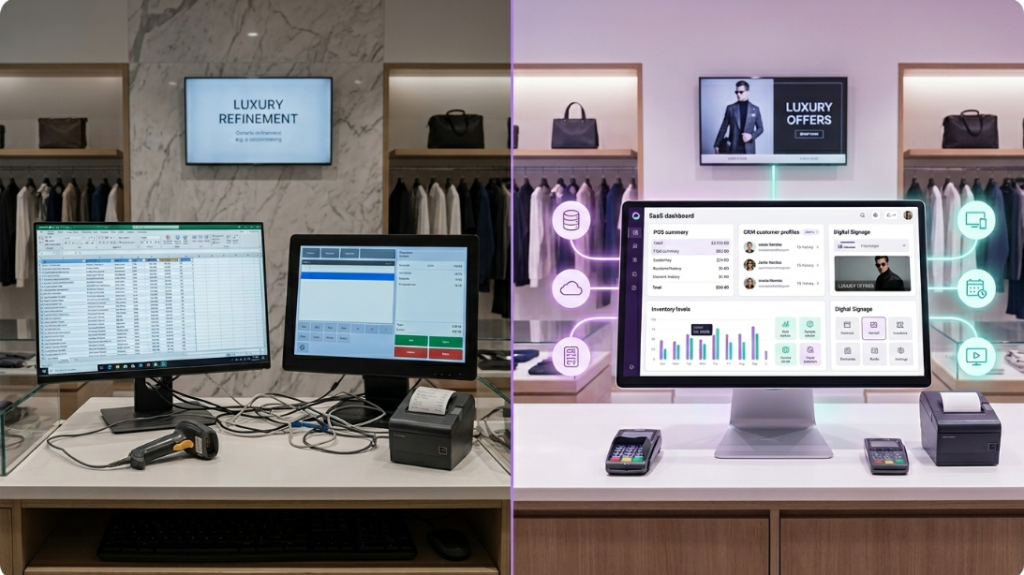
02 · Enterprise systems
Where ERP meets the customer experience.
The operational data sitting in your ERP is exactly what should decide which product gets screen time. Retailr connects to the major platforms so it can.






03 · CRM & loyalty
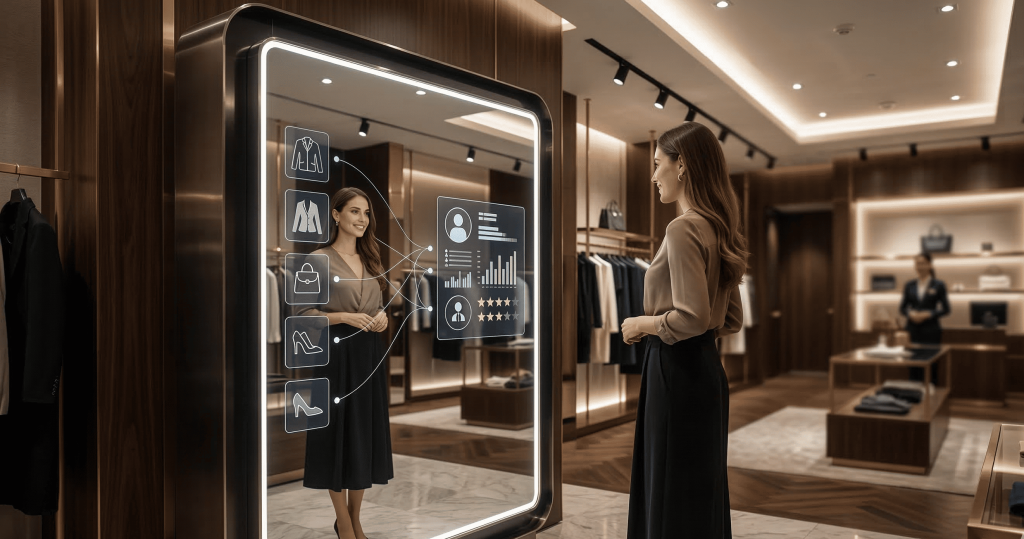
Passive data becomes an active upsell.
Connect Salesforce, HubSpot or your own loyalty programme — or use the Retailr CRM if you'd rather not run one at all.





04 · Live stock & inventory
Never advertise something you don't have.
Inventory is the heartbeat of retail and grocery. These integrations keep the screens honest.
Auto-pull out of stock
A SKU flagged sold out disappears from signage, online ordering and your Google profile immediately.
Dead stock triggers
Overstocked or slow-moving items tell AI Studio to generate a flash sale graphic.
Perishable management
Targeted discounts triggered automatically as goods approach their date.
Localised stock
Each store's screens reflect that store's shelves, not a national average.




05 · BI & analytics
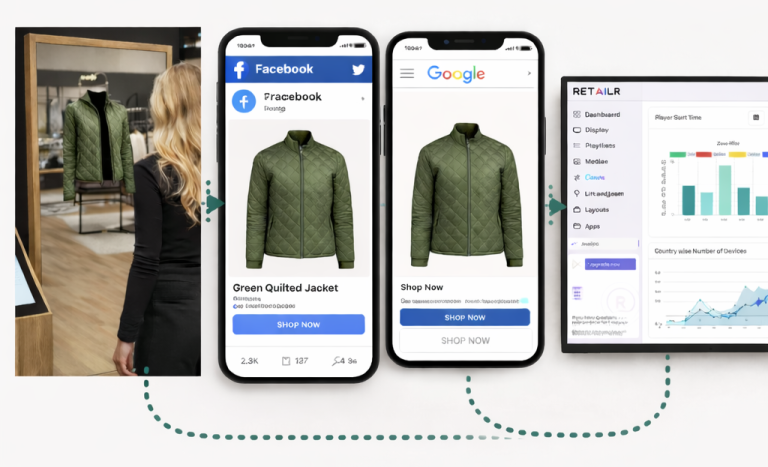
E-commerce has Google Analytics. Physical retail has this.
The metrics your store has never been able to see, fed straight into the BI tools your team already uses.




06 · Ad platforms & retail media
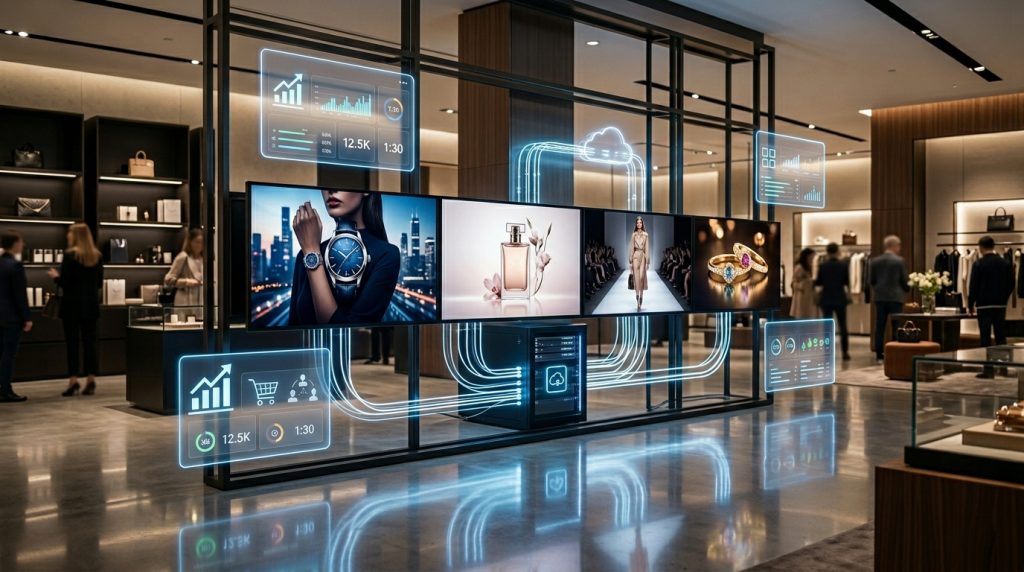
Your screens are inventory. Sell some of it.
If you have foot traffic, unused screen time is real estate. These integrations turn it into a line of revenue instead of a cost line.






07 · Staff ops & floor enablement
The alerts reach a person, not a screen nobody watches.
Retailr Crew app
Fitting room requests, discrepancy alerts and KDS tickets routed to phones and smartwatches.
Shift & task management
Connect your scheduling software to show assignments and checklists on backroom screens.
Silent floor comms
Visual alerts for restocks, breaks and VIP arrivals — without a PA system.
Escalation rules
Anything waiting too long moves up to a manager automatically.
Custom integrations
Not on the list? Build it.
Documented open APIs let your development team bridge a proprietary backend into Retailr — and let Retailr push data back out into yours.
Questions we get asked.
Do we have to change our POS?
No. That's the point of this page. Retailr connects to what you run — we'll confirm your specific version and setup before you commit to anything.
What if our system isn't listed?
Most are reachable through the open API, and we build bridges regularly. Tell us what you're on and we'll tell you honestly whether it's a connector, a custom build or not viable.
How long does an integration take?
Standard POS connectors are usually live within days. ERP and custom API work is scoped per project.
Is data synced both ways?
It depends on the system. Some connections read only; others write back — for example, orders into the POS or engagement data into your CRM.
Who owns the data?
You do. Exports and API access mean you can take it into your own warehouse whenever you want.
Does it work if a connection drops?
Yes. Screens keep playing the last synced content, and the queue catches up when the connection returns.
Tell us what you're running.
Name your POS, your CRM and your inventory system. We'll tell you what connects today, what needs building, and what it would take.