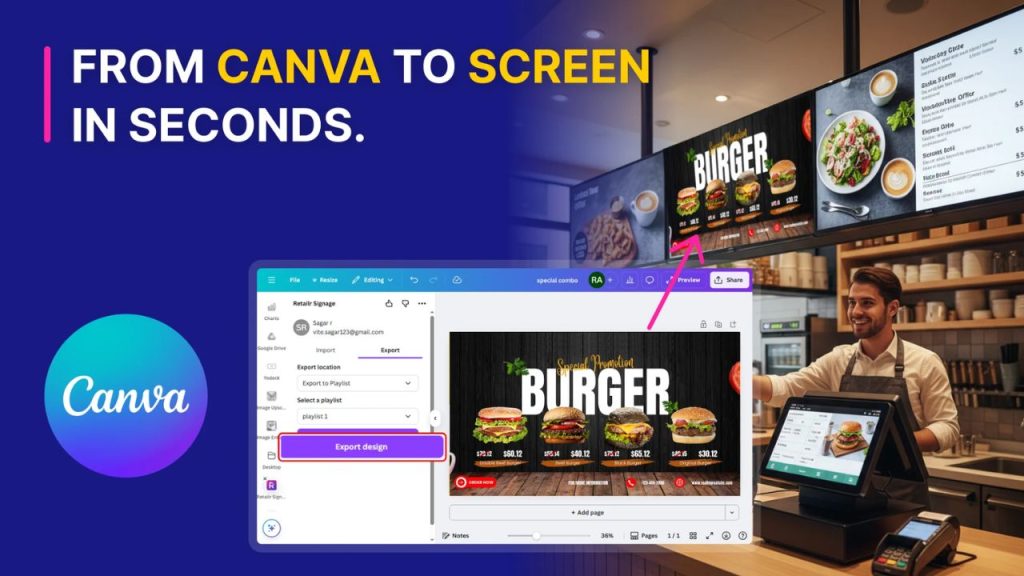
Canva app
Design a promo in Canva and publish it straight to your screens from the same window. No downloads, no resizing, thousands of ready templates.
Digital Signage Software
Most signage software is a media player with a calendar. Retailr connects your screens to your POS, your inventory and your customers — so the content changes because the business changed, not because someone remembered to update it.
Android TV · Fire TV · Retailr Media Player · any HDMI screen
Trusted by the world's most innovative brands







A playlist doesn't know you sold out of the special. Retailr does.
Intelligent scheduling
Breakfast becomes lunch becomes happy hour without anyone touching a screen — including on the days you're closed.
Content creation
The reason most screens go stale is the design queue. Three ways around it, all built in.
Design a promo in Canva and publish it straight to your screens from the same window. No downloads, no resizing, thousands of ready templates.
Point a screen at a Drive folder or a Slides deck. Update the file and the screen follows — no re-upload step.
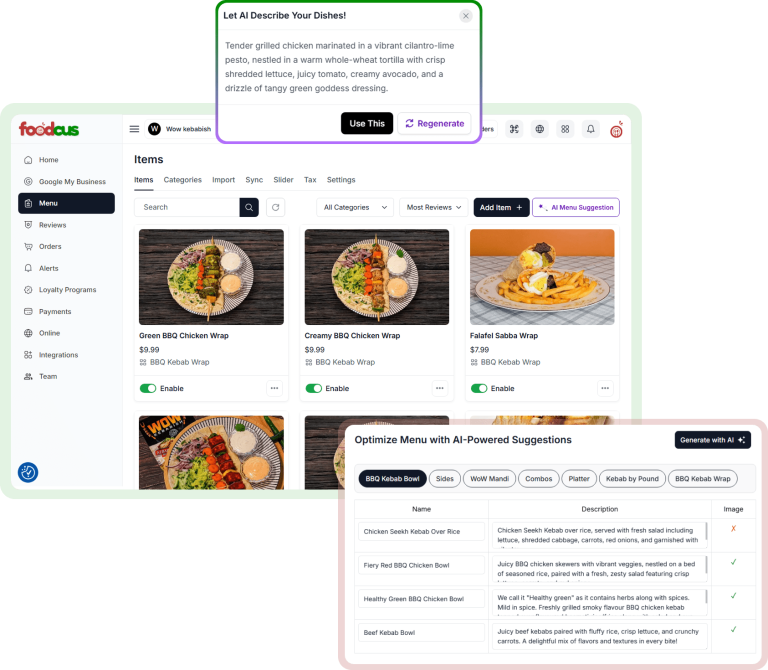
Describe the promotion and get screen-ready artwork and copy in your brand colours, generated from what your POS says needs pushing.
Fleet control
Every display, every location, live — with the one that needs attention pushed to the top.
Online, offline, what's playing and when it last updated — per screen.
By location, region, zone or screen type. Push to 500 displays in one action.
Head office publishes globally, a site lead only touches their own screens.
Reports on what actually played and when — the evidence a brand partner asks for.
The full feature set
Images, video, PDFs, presentations and web pages.
Mix media and widgets; content rotates automatically.
Split one display — menu, promo video and a live clock at once.
Both orientations, plus video walls and irregular ratios.
Weather, clocks, news tickers, Instagram, Facebook and Google reviews.
Content keeps playing locally if the connection drops.
Scheduled restarts keep players healthy unattended.
Every screen, one action, then back to normal afterwards.
Design in the dashboard without licensing another tool.
Content per site or per audience, switched automatically.
Interactive directories, ordering and self-service.
Playback, engagement and campaign performance, exportable.
Runs on
No installer visit, no proprietary screen to buy, no rack in a cupboard.
Install the app on the TV you already own and pair it in seconds.
Turn a Fire Stick into a signage player for the cost of a takeaway.
Our own high-performance box for menu boards and video walls — also on Amazon.
Window displays, totems, tablets and existing panels all work the same way.
Powering success across industries
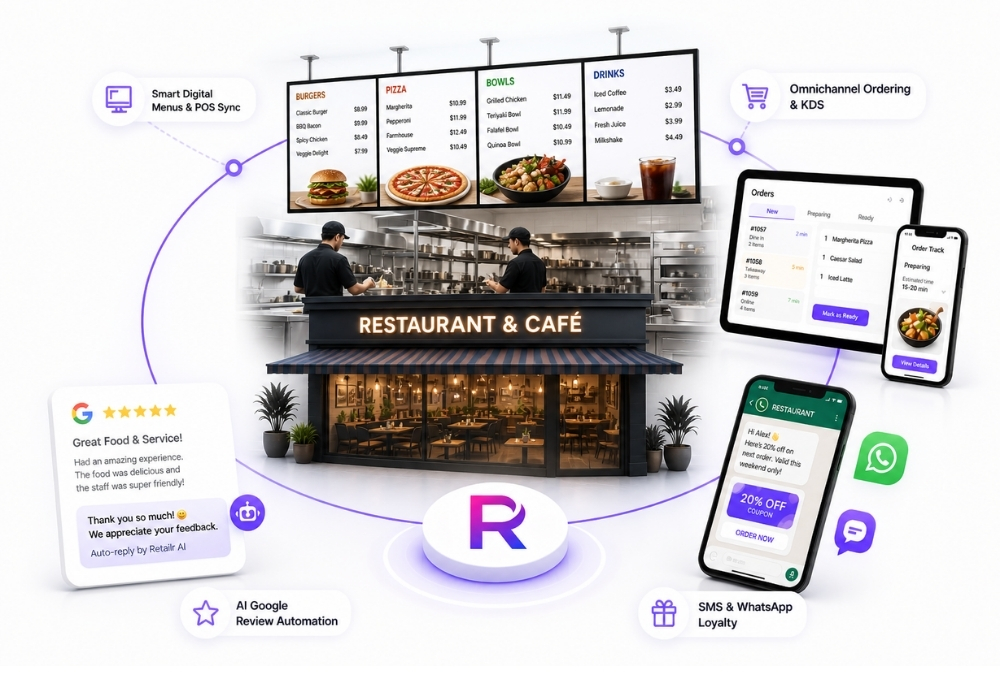 Restaurants
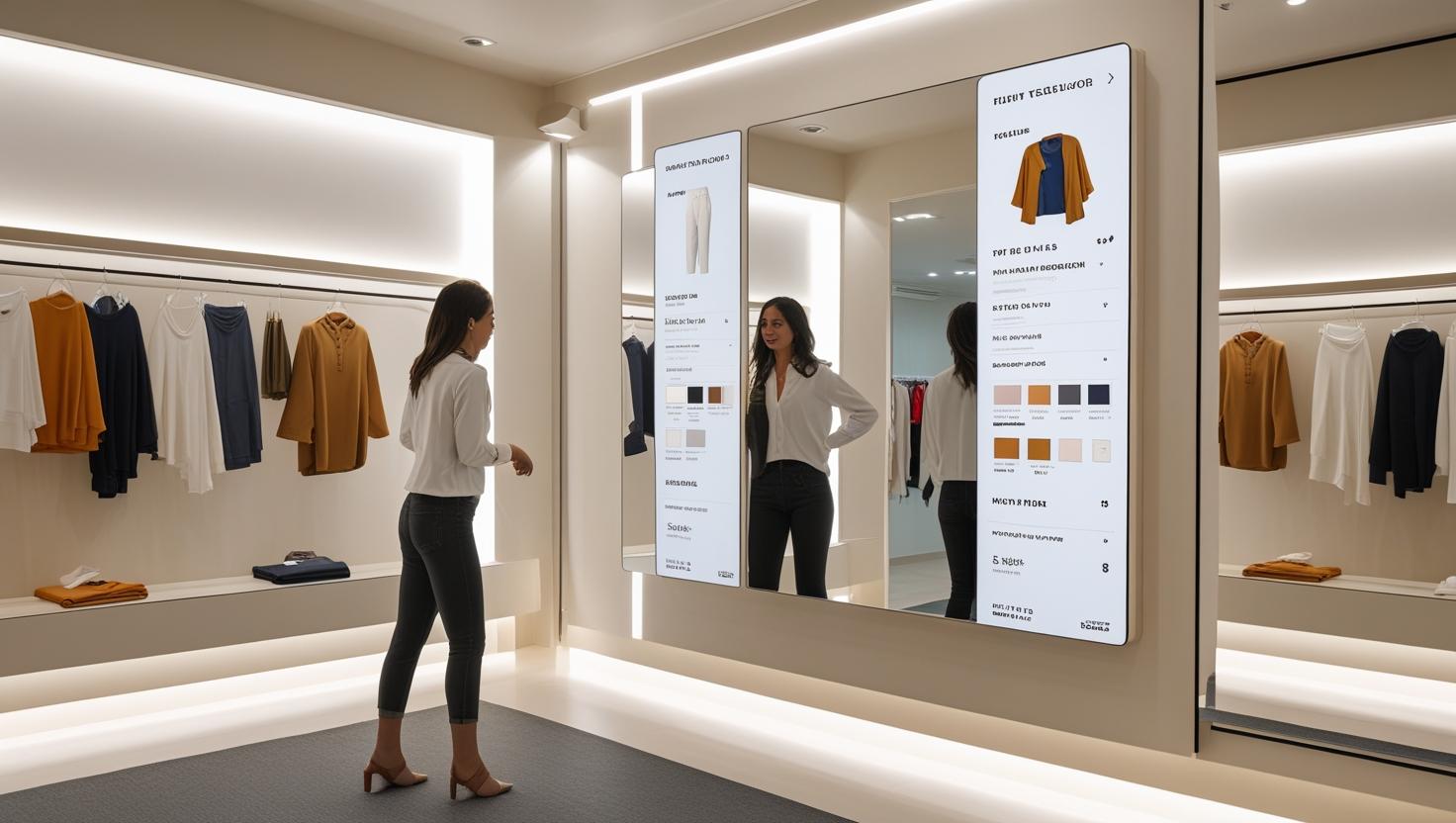 Retail
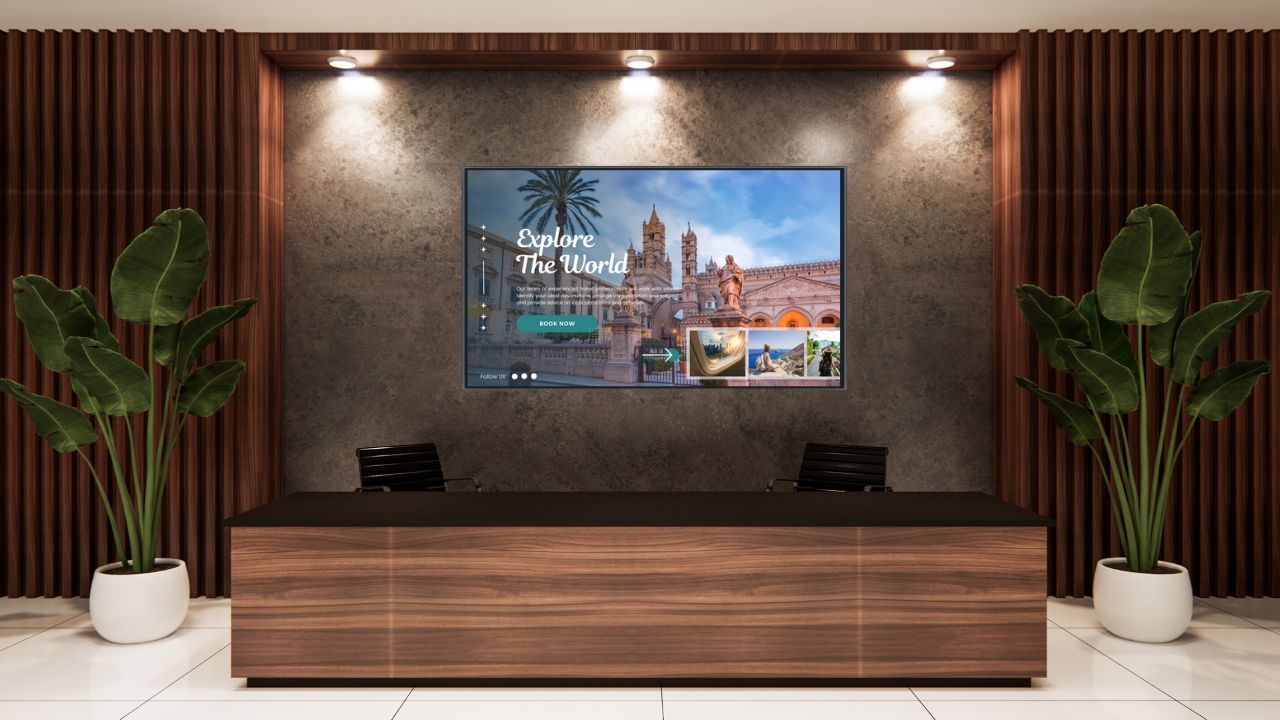 Hospitality
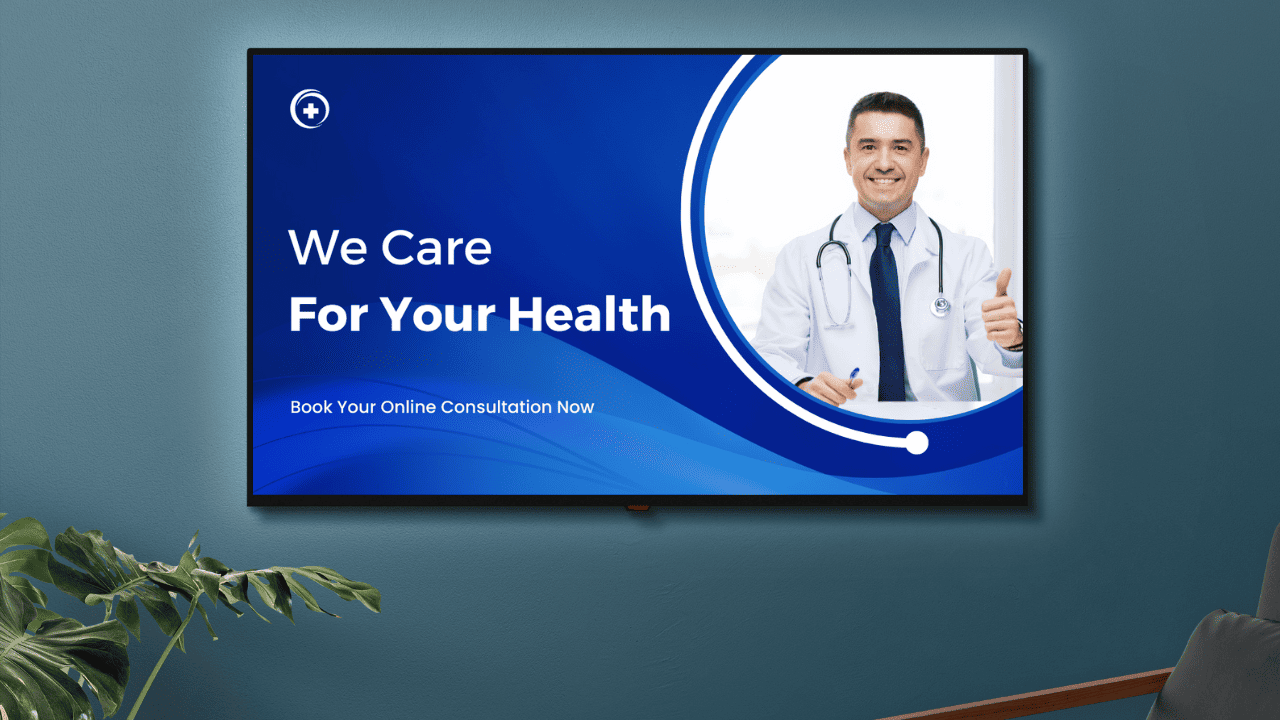 Healthcare
Most platforms schedule files. Retailr connects to your POS, inventory and customer data, so screens react to what's actually happening — sold-out items disappear, aging stock gets promoted, dayparts switch themselves.
Yes. Content plays locally and syncs when the connection returns, so a dropped line never means a blank screen.
Android TV, Amazon Fire TV devices, the Retailr Media Player, and any screen with an HDMI port.
Yes — breakfast, lunch, evening, weekends and holiday overrides, set as far ahead as you like.
Yes. Publish straight from Canva, and sync content from Google Workspace so updating a file updates the screen.
One or several hundred, grouped by location, region or type, with role-based access at each level.
Bring one screen and one menu. We'll have it running, scheduled and connected to your POS before the call ends.