
Hotel Digital Signage & In-Room Guest Experience | Retailr

Hotels · Resorts · Motels & Inns

Smart hospitality starts with smarter screens.

Lobby signage, personalised in-room TV welcome, QR service requests, room-service ordering, a staff dispatch board and automatic Google reviews — one platform, one login, every property you run.

No app for guests to download · works with the TVs you already have · live in about two weeks

Hotel lobby lounge with a Retailr welcome screen
Welcome, Mr. Rohan Sharma · Room 512
2 extra towels · Room 214 · 4 min
1Login for every property
0Apps guests must install
24/7Requests captured, even at 2 AM
More review invites than a paper card

Boutique hotels · Resorts · Motels & roadside inns · Extended stay · B&Bs · Hotel restaurants & bars

The guest journey

Five moments. One platform.

Most properties stitch together a TV vendor, a printed comment card, a phone at the front desk and a clipboard in the kitchen. Retailr replaces all of it with one system that talks to itself.

01

They arrive

The lobby wall greets them, shows what's open, and points them to the bar, the spa and tonight's offer.

02

They settle in

The TV says their name, shows checkout time, Wi-Fi and one QR code that opens everything.

03

They need something

Towels, a razor, late checkout — one tap. It lands on the staff board with a timer running.

04

They get hungry

Full in-room dining menu, paid on the phone, straight to the kitchen screen. No phone tag.

05

They check out

Happy guests get walked to Google. Unhappy ones reach your manager first, privately.

01 · Reception & lobby signage

Your best salesperson never takes a break.

Screens in reception, the lift lobby, the breakfast room and corridors that tell your story — and quietly sell the spa, the rooftop bar and the sister property down the road.

Welcome messages, check-in information and hotel announcements Amenity boards: restaurant, spa, fitness centre, pool, parking, shuttle times "What's on in town" — events, festivals, walking distances, local partners Special offer tiles: weekend getaways, spa packages, upgrades, late checkout Live weather, clock and dayparted content that changes itself Instant all-screen takeover for emergencies or a last-minute announcement
Hotel reception with a Retailr lobby signage screen
Guest room with a personalised Retailr welcome screen on the TV

02 · In-room TV player

The TV knows who just walked in.

A small player behind the TV turns every room into a personal welcome screen — the guest's name, their checkout time, and one QR code that opens dining, housekeeping and concierge. Then it hands the TV back to normal viewing.

Personalised welcome: guest name, room number, checkout time, Wi-Fi details Scan-to-open menu for in-room dining, service requests and spa booking Property directory, house rules and local guide — no printed binder needed Group and event screens: "Welcome, Northland Sales Kickoff" Same content engine as the lobby wall — update once, lands everywhere Works with the TVs you already own; hands back on any key press

03 · Smart service requests

Every "can I get…" in one place, with a timer on it.

A printed QR card by the bed, a QR on the TV, a link in a text — all three open the same request page. It hits your staff board the second they tap.

Printed QR codes per room, per floor, per lobby desk — no app, no login Build your own request list: housekeeping, maintenance, concierge, front desk Requests route to the right team automatically, with a clock running Guest sees live status — received, on the way, done — so nobody calls twice Anything sitting too long escalates to the manager on duty Multi-language, so international guests ask in their own words
Printed QR scan-to-order card in a hotel room
In-room restaurant menu displayed on a hotel room TV

04 · In-room dining & ordering

Room service without the phone call.

Your full menu, photographed and priced, opens from the TV or the QR card. Guests order and pay on their own phone — or charge it to the room. The kitchen sees it instantly.

Full menu with photos, modifiers, allergens and daily specials Pay by card on the phone, or charge to room — your call, per property Same menu powers your restaurant's pickup, delivery and table ordering Scheduled ordering, so breakfast-in-room can be booked the night before One menu feeds the room TV, your menu boards and your Google listing Connects to Clover and your existing till — no double entry

05 · Staff board & order display

One tablet runs the floor.

A single tablet at the desk shows every open request and order across the property, colour-coded by how long it's been waiting. The kitchen gets its own screen with bump-to-done status the guest can see.

Central tablet board: requests, orders, rooms, and who's on it Kitchen display with ticket status — new, cooking, ready, delivered Assign to a housekeeper or runner in one tap; they get it on their phone Ageing requests turn amber then red, so nothing quietly rots in a queue Shift handover view — what's still open when the night crew walks in End-of-day summary: what was asked for, how fast you answered, by team
Requests & orders · Live● 4 open
Room 214 · 2 towelsHousekeeping · Priya
4 min
Room 108 · AC not coolingMaintenance · escalated
18 min
Order #4471 · Butter chickenIn-room dining · cooking
6 min
Room 512 · Taxi for 8 PMConcierge · front desk
Booked
7m 20sAverage answer time today
63Requests handled today

Where the screens go

Every space in the property, covered.

Lobby to spa to staff room — the same platform, with content that suits each space.

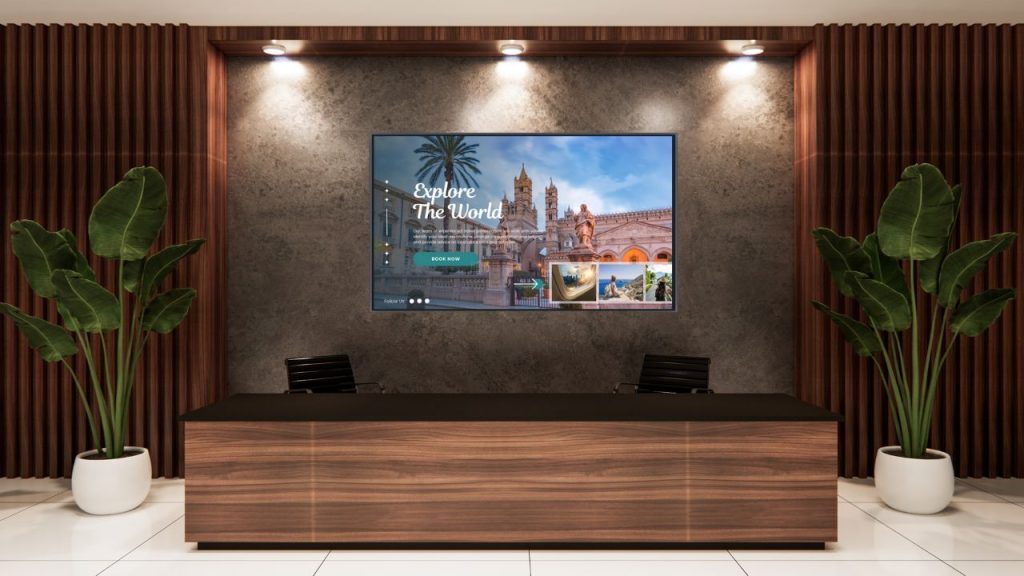
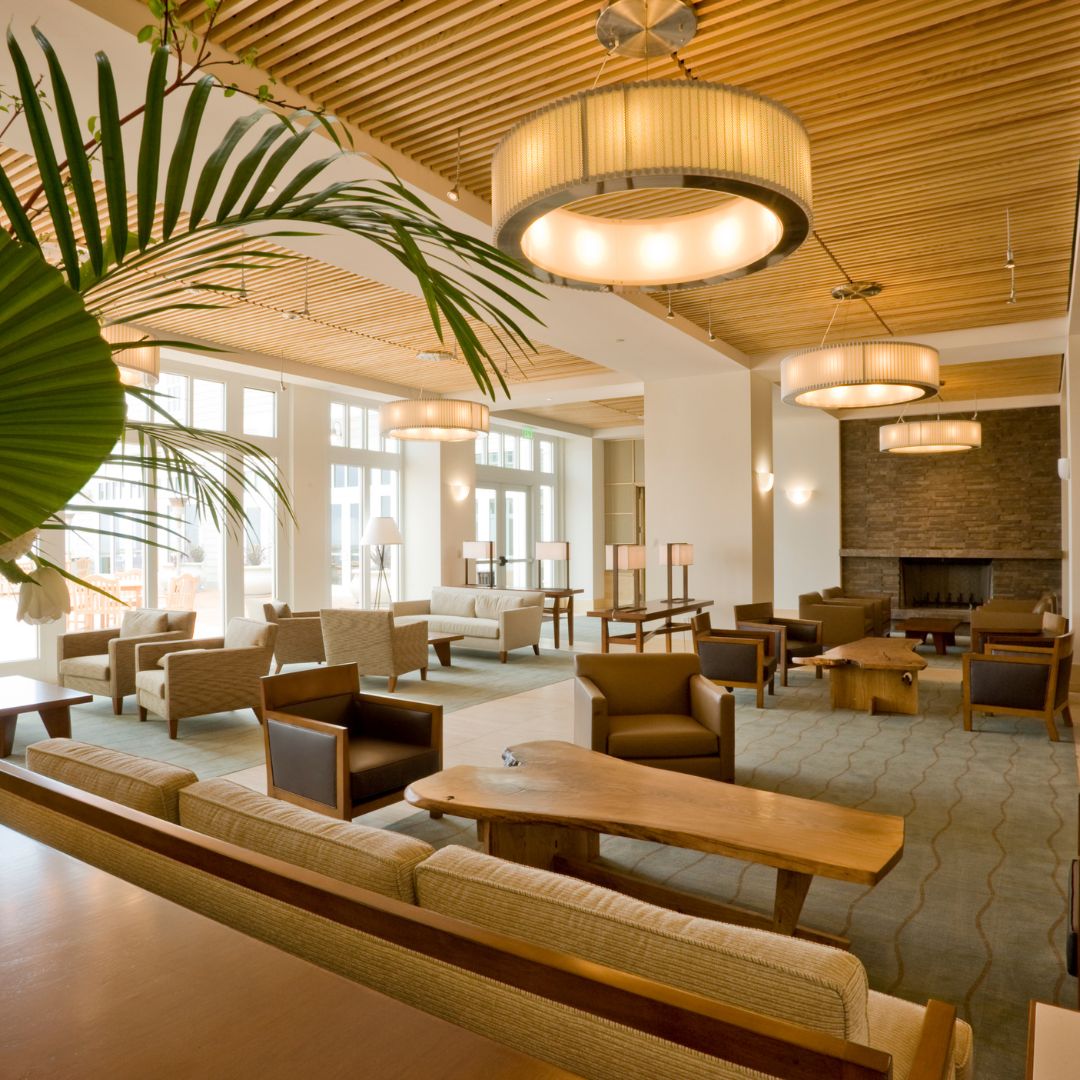
Hotel lobby digital signage

Hotel lobbies

Welcome guests, show weather, local guides and check-in hours with branded visuals.

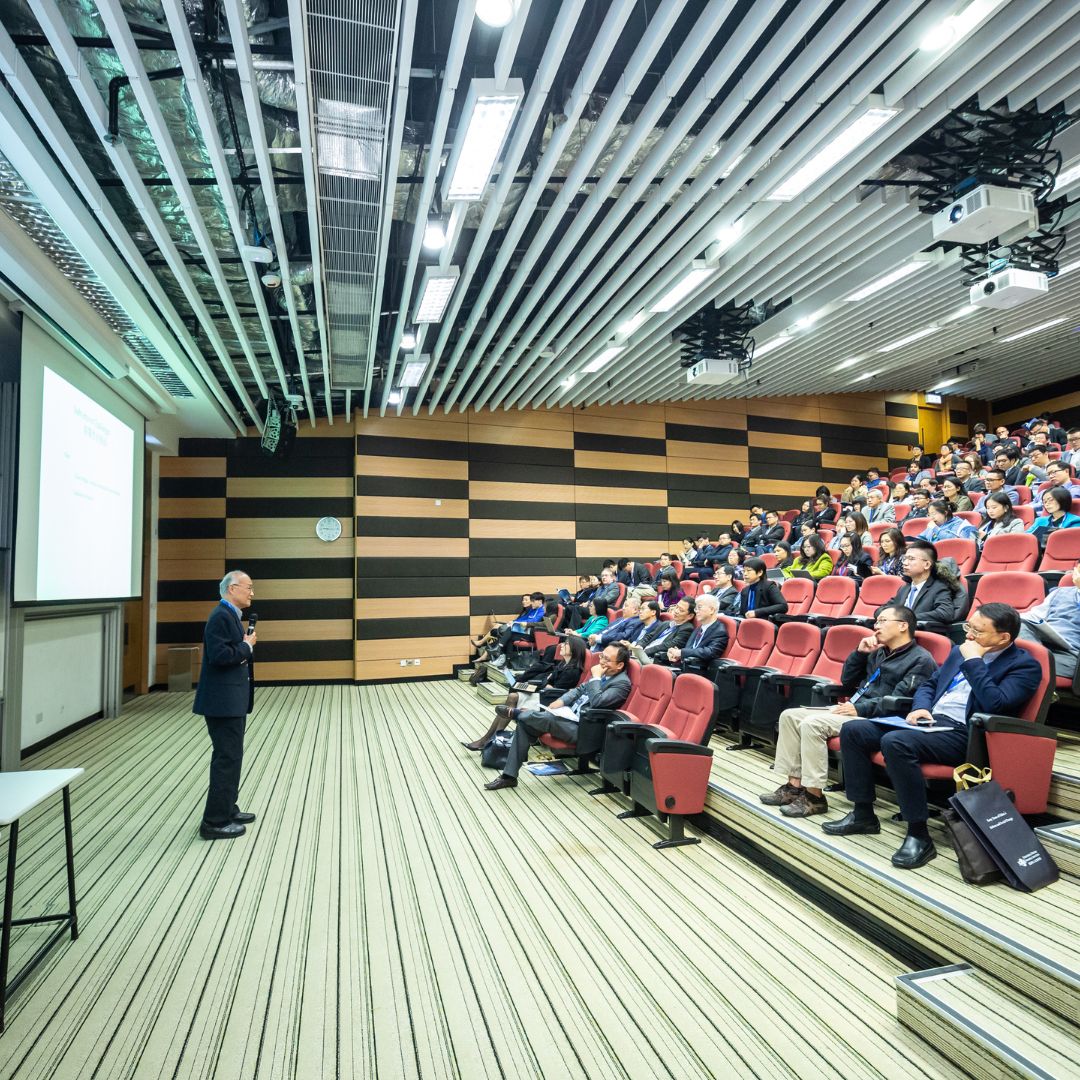
Conference and event space signage

Conference & event spaces

Digital agendas, speaker line-ups, sponsor content and directions to the right room.

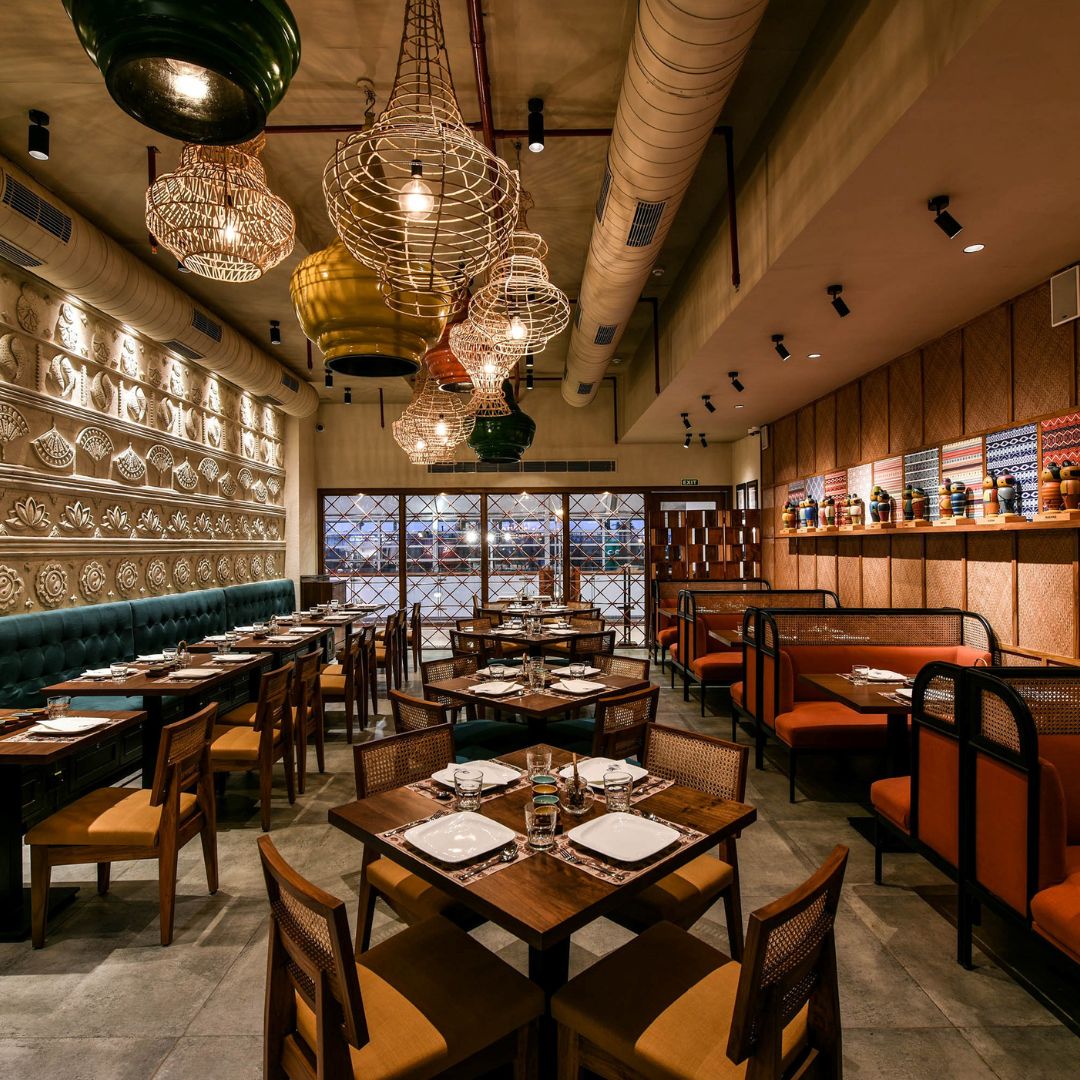
Restaurant and lounge digital menus

Restaurants & lounges

Digital menus, happy hour timings, chef's specials and reservation details.

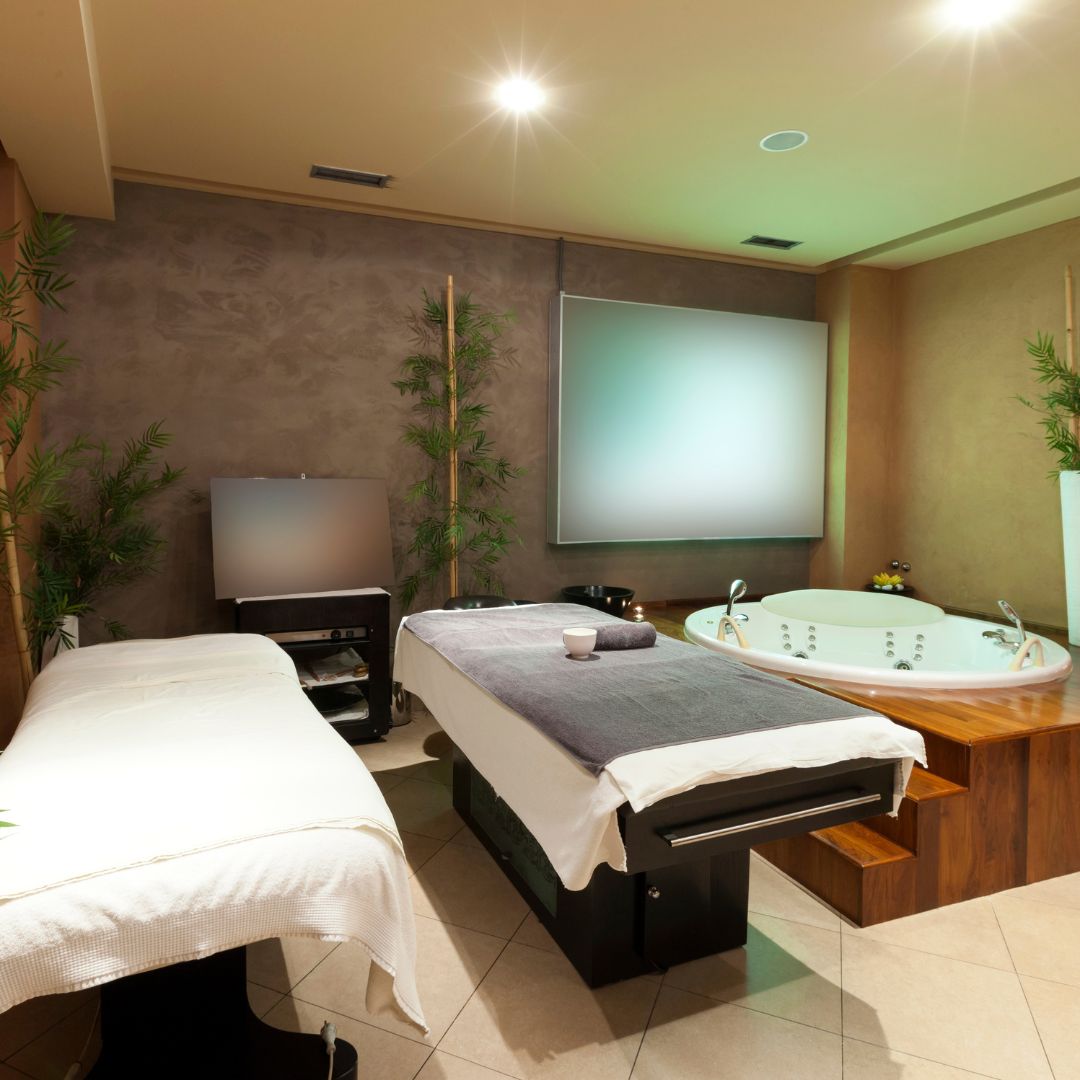
Spa and wellness centre signage

Spa & wellness

Treatments, promotions and therapist availability — the fastest way to fill an empty slot.

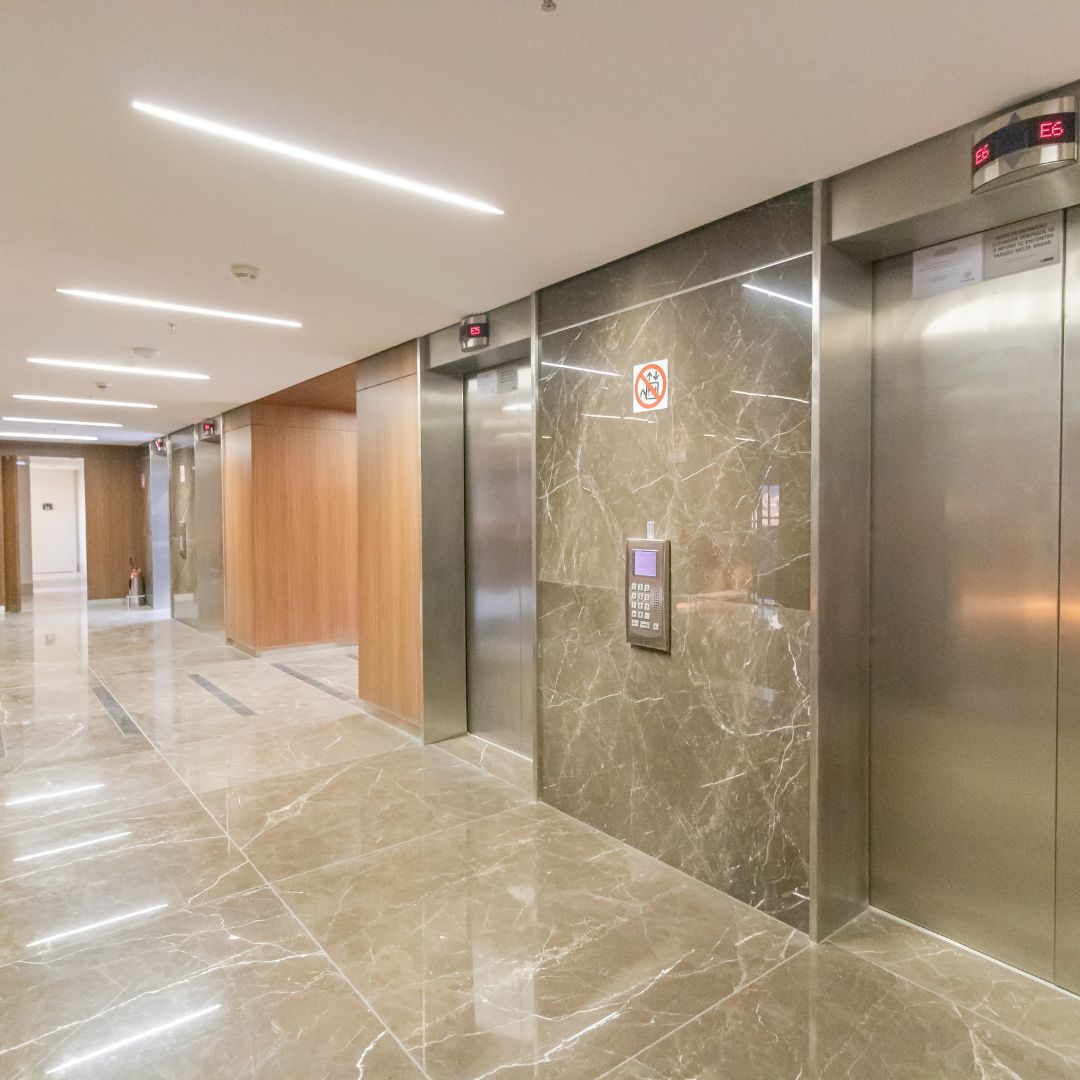
Elevator and guest floor screens

Lifts & guest floors

On-site services, packages and safety messages during the ride or the walk to the room.

Back of house staff screens

Staff zones

Shift rosters, internal announcements and policy updates — digitally, not on a laminated poster.

Signage platform

Everything the screens themselves can do.

The guest experience runs on top of a full signage platform — the same one powering restaurants and retail.

Any file type

Images, videos, PDFs and presentations, from the file systems you already use.

Built-in apps & feeds

Weather, clocks, traffic and social feeds from Instagram, Facebook and Google.

Dynamic playlists

Mix visuals, video and widgets; content rotates automatically.

Flexible scheduling

By time of day, day of week or specific dates — ideal for events and seasonal offers.

Landscape or portrait

Both orientations supported, so screens fit the space rather than the other way round.

Custom screen zones

Split a display — promo video, menu and live weather on one screen.

Offline playback

Screens don't go blank in an outage. Content stays downloaded and keeps playing.

Automatic reboots

Scheduled restarts keep displays healthy without anyone unplugging anything.

Wayfinding & directories

Interactive maps and digital directories for large properties and resort grounds.

Built-in editor

Design and manage content in the dashboard — no extra tools to license.

Roles & approvals

Different access levels per property and per team, with approval steps.

Content analytics

Track what played and how it performed, with exportable reports.

06 · Reviews & reputation

More five-star reviews. Fewer surprises.

Ask every guest how the stay went — on the TV, at checkout, or by text the morning after. Happy guests get a one-tap path to Google. Unhappy ones reach your manager privately, before they reach the internet.

Feedback capture from the TV, the QR card, checkout, or an automatic text Happy guests routed straight to Google, Tripadvisor or Booking.com Private complaints alert your manager on duty within minutes Suggested replies to every public review, ready to approve and post Automatic monthly audit: star rating, response time, recurring themes Brand standards check across all your properties
Reputation · All propertiesLast 30 days
4.7 ★★★★★
Average rating · up from 4.3
142New Google reviews
96%Reviews replied to
9Caught privately, never posted
Guests keep mentioningBreakfast · staff · parking
Retailr centralised screen management dashboard

07 · Centralised screen management

Ten properties. One screen. One evening.

Push a menu change, a promo tile or a brand refresh to every property at once — or to just the two on the highway. Each location still edits what's local, inside the rules you set.

Brand templates with per-property overrides for hours, prices and offers Group screens by property, floor, zone or screen type Live screen status — know a display went dark before a guest tells you Staff roles and permissions per property, per team Side-by-side view of requests, orders and ratings across the group One bill for the group, itemised by property

Screens that sell

Turn every display into quiet revenue.

The same screens that inform your guests are the cheapest advertising space you own.

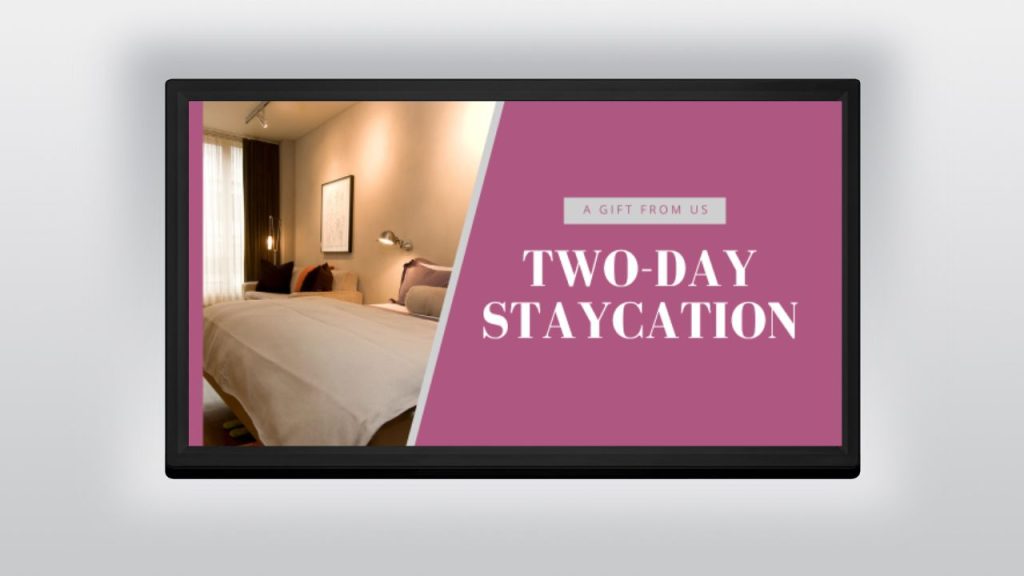
Gym and spa promotions on a hotel screen

Promotions & offers

Spa deals, restaurant specials, gym offers and room upgrades — scheduled to the hour they actually sell.

Seasonal campaign artwork across a hotel video wall

Seasonal experiences

Festive campaigns, holiday packages and wellness weeks — a year of content planned once, released on schedule.

Event and meeting schedule board outside a hotel banquet hall

Event & meeting boards

Conference timings, banquets and weddings, with wayfinding to the right room and the group's name on the door.

Also available

The rest of the Retailr toolkit, pointed at hospitality.

Everything below runs on the same platform and the same login. Turn on what you need, when you need it.

Queue management

Front desk at 3 PM, the breakfast rush, spa check-in. Guests take a spot and get a text when it's their turn.

Guest rewards

Points for repeat stays and restaurant spend, perks for booking direct, and a spin-the-wheel offer at checkout.

Commission-free ordering

Your restaurant and bar taking pickup, delivery and table orders on your own site — no third-party app skimming 25%.

Digital menu boards

Breakfast bar, café, lounge and poolside. Same menu as your ordering page, so a price change lands everywhere.

Occupancy sensors

Live counts for the pool, gym and lounge on the lobby wall and in-room TV. Guests stop asking "is the gym busy?"

Back-of-house screens

Shift notes, housekeeping targets, safety reminders and today's arrivals — in the staff room, not on a laminated poster.

Local partner tiles

Sell tile space on your lobby wall to tour operators, taxi firms and nearby attractions. Your signage starts paying for itself.

Multi-language screens

Guest-facing content in the languages your travellers actually speak, switched per property or per guest.

Emergency broadcast

Take over every screen in the building instantly — evacuation notices, weather warnings, lift outages — then hand them back.

Getting started

Live in about two weeks.

We do the heavy lifting. You approve the content and plug in the players.

Day 1

Walkthrough

Fifteen minutes on a call. We look at your property, your screens and what you want guests to see.

Week 1

We build it

Our team builds your welcome screens, amenity boards, menu and request list from your photos and price list. You review.

Week 2

Plug in

Players arrive pre-configured. Plug into HDMI, connect to Wi-Fi, done. QR cards ship printed and ready for the rooms.

Go live

Train & launch

Thirty minutes with your front desk and kitchen team. Then we stay on call while the first guests use it.

Pricing

Start with screens. Add the guest experience when you're ready.

Every property starts with signage. The full guest experience is one add-on on top of it. No setup fees, no per-order commission, no long lock-in.

Start here

Signage

$15 USD / screen / month

Reception, lifts, restaurant, gym, meeting rooms and guest-room TVs.

  • Unlimited content updates and scheduling
  • Welcome, amenity and offer screens
  • Weather, clocks and local event feeds
  • Live screen status monitoring
  • Emergency all-screen takeover
  • Central console across every property

Billed per active screen. Add or pause screens any month.

Full solution

Guest Experience

+$499 USD / location / month

The add-on that turns screens into service.

  • Personalised in-room TV welcome by guest name
  • QR service requests & digital concierge
  • In-room dining and online ordering
  • Staff tablet board & kitchen display
  • Review collection & reputation automation
  • Unlimited rooms, unlimited staff logins
  • Priority support and onboarding

Flat per location, however many rooms you run. Requires Signage.

One-off

Hardware

Talk to us

Buy from us or bring your own.

  • Pre-configured signage players
  • In-room TV players
  • Staff tablets and kitchen displays
  • Printed QR cards and table tents
  • Occupancy sensors
  • Mounting and on-site installation

Quoted per property once we know your screen count.

A 20-room motel

4 common-area screens$60
Guest Experience$499
Per month$559

An 80-room hotel

10 common-area screens$150
Guest Experience$499
Per month$649

Signage only

6 lobby & menu screens$90
No add-on
Per month$90

All prices USD, billed monthly. Cancel with 30 days' notice. Running more than one property? Ask about group pricing.

The things people ask us first.

Do we have to replace our TVs?

No. A small player plugs into the HDMI port on the TVs you already have. If a TV is very old or has no free HDMI port we'll tell you before you buy anything.

Do guest-room TVs count as screens?

Yes — any screen running Retailr content is $15 USD a month, room TVs included. If you'd rather start small, put signage on your common areas first and roll rooms out floor by floor. The $499 Guest Experience add-on is flat per location no matter how many rooms you have.

Do guests need to download an app?

Never. Everything opens in the phone's browser from a QR code — on the TV, on a printed card by the bed, or on a table tent.

Will it work with our property management system?

Guest name, room number and checkout time can be pulled from your PMS so the TV personalises itself at check-in. We'll confirm your specific system on the demo call. If a direct connection isn't available, your front desk can set a room's guest name in two taps.

Can the kitchen handle in-room dining on the same screen as restaurant orders?

Yes. Room service, restaurant tables, pickup and delivery all land on the same kitchen display, tagged so the crew knows where each ticket is going.

What happens to bad feedback?

It goes to your manager on duty, privately, usually within minutes of the guest tapping it — while they're still on the property and you can still fix it. Only guests who tell you the stay went well get walked to Google.

We run several properties. Is that one account or several?

One account. You get a group view across every property, brand templates that push everywhere at once, and per-property overrides for anything local. Billing arrives as one invoice, itemised by property.

How long is the contract?

Month to month. Cancel with 30 days' notice, whether you run one property or twenty.

See it running on a real property.

Fifteen minutes. We'll show you the lobby wall, the in-room TV, a live service request and the review flow — using your property's name and your own menu, so you can picture it properly.