Offices · Campuses · Manufacturing · Education
The message everyone missed in email, on the wall instead.
Lobby welcome boards, meeting-room status, floor-by-floor announcements, wayfinding and instant emergency broadcast — one platform, every screen, every site.
Runs on the screens you already have · works offline · no per-seat licence

Meeting room status
Stop walking the floor looking for an empty room.
A board by the lifts and a small panel by each door, both showing what's free right now and what's coming next.
Free, busy or booked soon
At a glance from the corridor, so nobody opens three doors to find out.
Panels by the door
What's on now, what's next, and who booked it.
Fewer ghost bookings
Rooms held and never used are visible, so they can be released.
Usage patterns
Which rooms are always full and which sit empty — evidence before you build more.
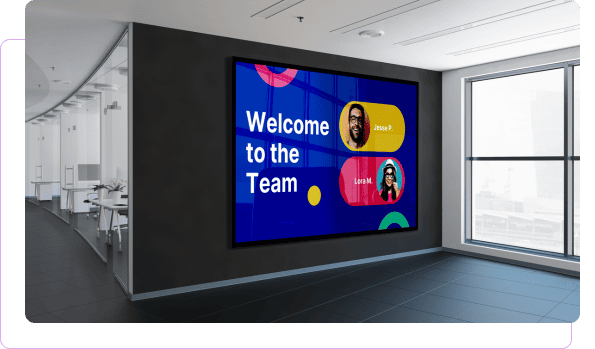
Employee communication
The people who never open the intranet still walk past a screen.
Company news, policy changes, safety notices, targets and recognition — shown where the whole organisation actually passes, including the teams who don't sit at a desk.
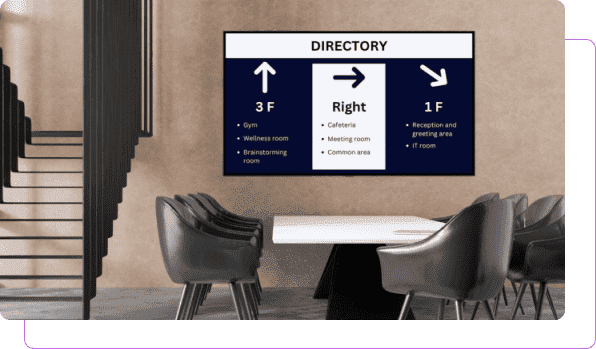
Wayfinding & directories
Visitors find the room. Reception gets on with their job.
Directional screens at entrances, lifts and junctions, plus touch directories for departments, amenities and meeting spaces.
Events & engagement
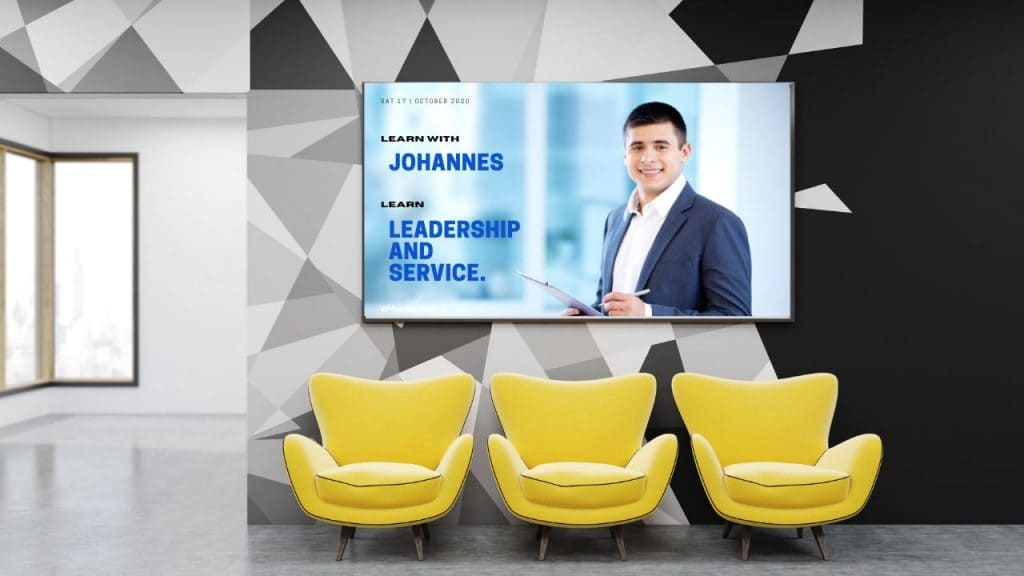
Town halls people actually turn up to.
Sessions, training, social events and volunteering days promoted for weeks beforehand — on the screens between the desk and the coffee machine.
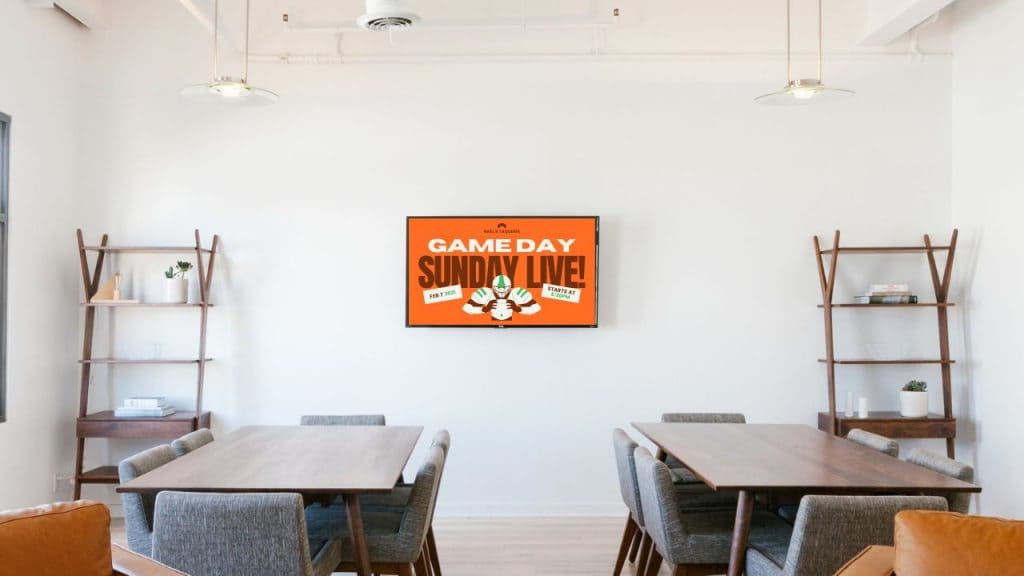
Break rooms & common areas
Not everything on a screen has to be about work.
Break-room screens people actually look at: wellness content, canteen menus, local transport, weather, quizzes and team photos.
Emergency & critical comms
One action, every screen in the building.
The screens carrying targets and town halls become your fastest broadcast channel the moment something goes wrong.
Instant takeover
Every display, one floor or a single building — evacuation, lockdown, weather, outages.
Pre-built templates
Written and approved in advance, so nobody is drafting copy during an incident.
Zone by zone
Different instructions for the shop floor, the offices and the visitor lobby.
Back to normal in one action
Screens return to their scheduled content when it's over.
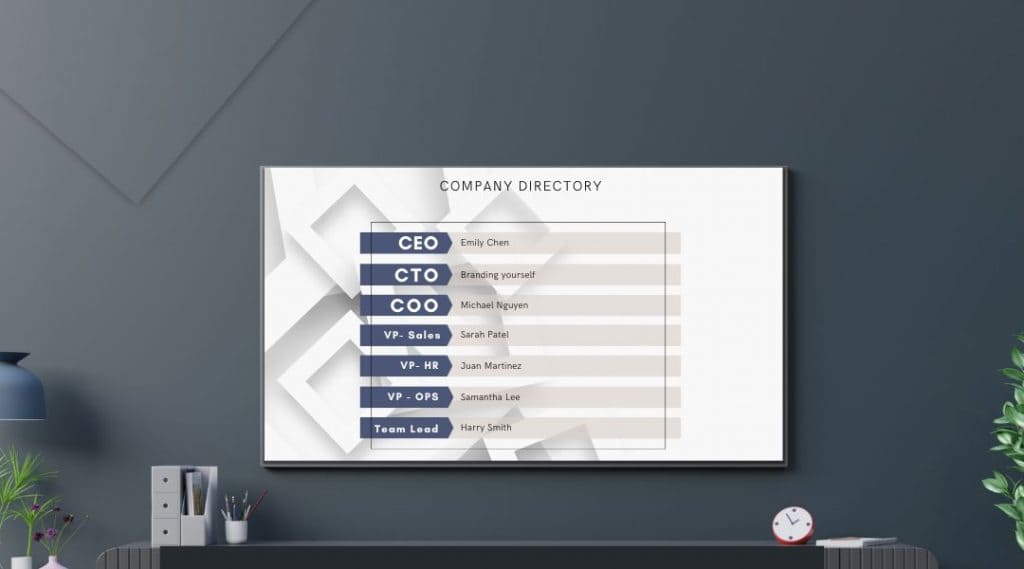
Directories
A directory that isn't a printed board from 2019.
Departments, floors and meeting spaces on a touch screen in the lobby, updated centrally when people move — which they do constantly.
Publicly visible directories carry privacy implications for staff. We'll help you scope what appears on a lobby screen versus an internal one.
Signage platform
Everything the screens themselves can do.
The same platform behind our restaurant, retail, hospitality and healthcare deployments.
Any file type
Images, video, PDFs and presentations from the file systems you already use.
Built-in apps & feeds
Weather, clocks, news, transport and social feeds alongside your own content.
Dynamic playlists
Mix visuals, video and widgets; content rotates automatically.
Flexible scheduling
By time of day, day of week, shift or specific dates.
Landscape or portrait
Both orientations, so screens fit the space rather than the other way round.
Custom screen zones
Split a display — announcement, live dashboard and a clock at once.
Offline playback
Screens don't go blank in an outage. Content stays downloaded and keeps playing.
Automatic reboots
Scheduled restarts keep displays healthy without anyone unplugging anything.
Built-in editor
Design and manage content in the dashboard — no extra tools to license.
Roles & approvals
HR publishes to all sites, a site lead publishes locally, with approval steps.
Content analytics
Track what played and when, with exportable reports.
Interactive kiosks
Touch directories, visitor lookup and self-service on the same platform.
The things people ask us first.
Do we need new screens?
Usually not. A small player plugs into the HDMI port on the displays you already have, including the TV that's been sitting unused in the lobby.
Can different teams manage their own screens?
Yes. Roles and approvals mean HR can publish across every site while a site lead only touches their own floor.
Can it show meeting room availability from our calendar system?
Room status boards can be driven from your booking system. We'll confirm which one you use on the demo call.
How do we reach staff who don't have a desk?
That's usually the strongest reason to install this. Screens in the warehouse, the loading bay and the break room reach people email never does.
What happens during a network outage?
Screens keep playing downloaded content and sync when the connection returns.
Is it licensed per employee?
No. Pricing is per screen, so a site with 400 staff and six displays pays for six displays.
Show us your lobby and your floor plan.
We'll map where the screens go, what each one shows, and how a message reaches every site in one action.