Fire TV player
Turn a Fire TV Stick into a signage player. The cheapest way to put a screen live — plug it into any TV's HDMI port.
- Fire TV Stick and Fire TV devices
- Offline playback built in
- Pairs with your dashboard in seconds
Downloads & Apps
Install a player on the TV, manage it from your phone or the web, and connect the tools you already use. Nothing here costs extra, and nothing needs an installer visit.
Plug in · enter the pairing code · you're live
01 · Player apps
The player is what plays your content. Install it on a TV you already own, or use our media player for menu boards and video walls.
Turn a Fire TV Stick into a signage player. The cheapest way to put a screen live — plug it into any TV's HDMI port.
The player app for Android TV screens, Android boxes and the Retailr Media Player. Best choice for menu boards and window displays.
Pre-configured and ready to plug in, for anyone who'd rather not source their own box. Buy it direct or from Amazon.
02 · Management apps
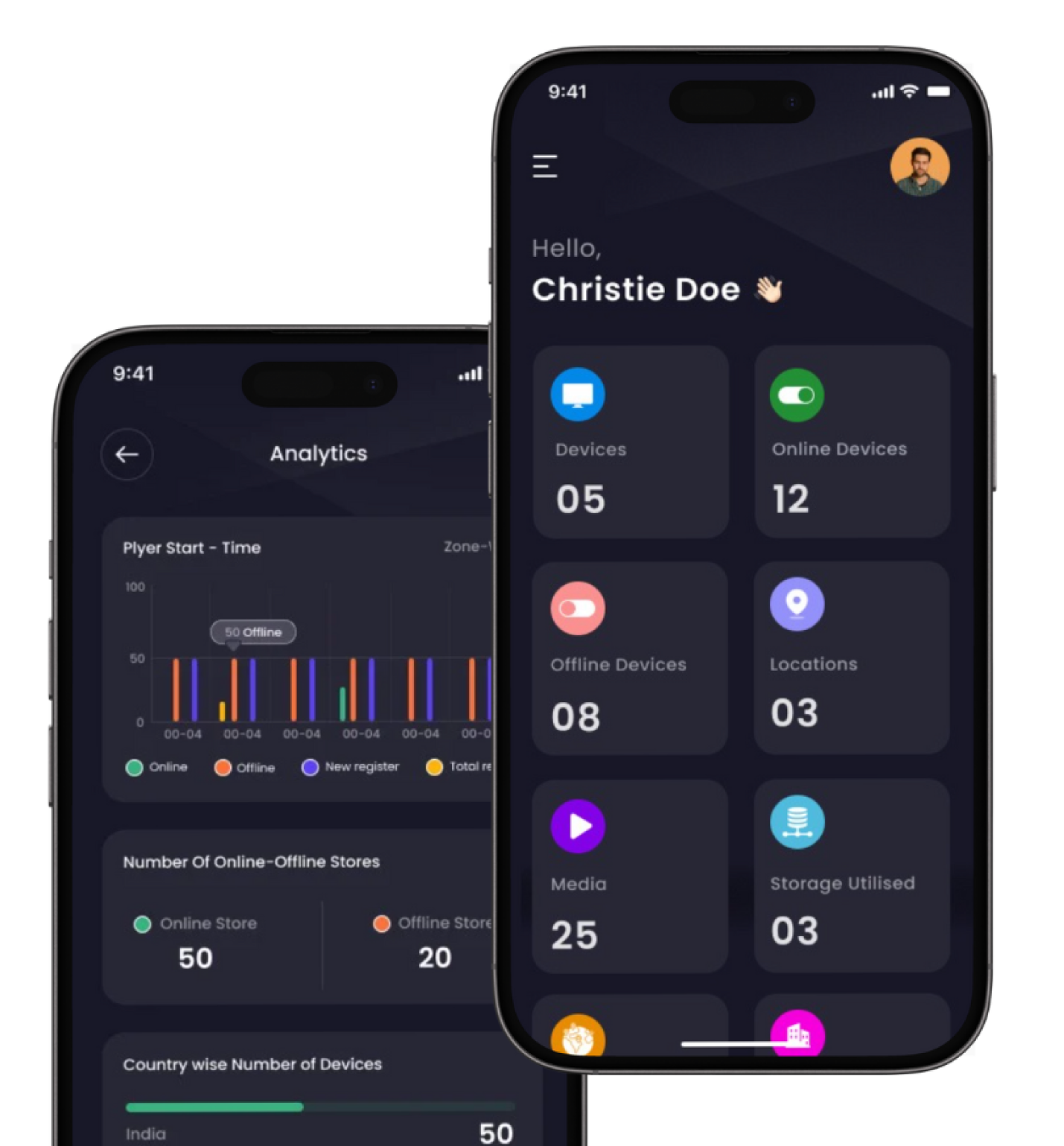
Content, playlists, schedules and screen status — from a phone behind the counter or a laptop at head office.
Smart Signage Studio for Android. Upload content, build playlists, schedule campaigns and check screen health on the move.
Smart Signage Manager for iPhone and iPad. The same control as the web dashboard, sized for one hand.
The full console — screen groups, roles and approvals, campaign scheduling, analytics and proof-of-play reporting.
03 · Connect your tools
Install these where you already work, and content or data flows into Retailr without another login.
Design a promo in Canva and publish it straight to your screens from the same window. No exporting, no resizing, no USB stick.
Runs as an app inside your Clover POS. Menu, pricing and stock sync to your screens, and offers redeem at the till.
Point a screen at a Drive folder or a Slides deck. Update the file and the screen follows — no re-upload step.
Getting live
Sign up on the web dashboard. No card needed to start.
On your Fire TV, Android TV or Retailr Media Player.
The screen shows a code. Type it into the dashboard and they're linked.
Upload a design, pull one from Canva, or generate one in AI Studio.
The player app — Fire TV from the Amazon Appstore, or Android TV from Google Play. The manager apps are for controlling screens, not for playing content.
You need a player on each screen. For managing, use the web dashboard or either mobile app — whichever suits you.
Yes. Content is stored on the player and keeps playing, then syncs when the connection returns.
Usually yes. Any screen with a free HDMI port works with a Fire TV Stick or Android player. Very old sets without HDMI won't.
One or several hundred, grouped by location or type, with role-based access at each level.
No. The Clover app connects your POS data to Retailr. You still install a player app on each screen.
Fifteen minutes on a call and we'll get your first screen paired, your content loaded and your POS connected.
