Restaurants & QSR
Order status boards, pickup lanes and drive-thru timing — fed by the KDS.
Order numbers · SMS ready alerts · Promo half-screenLive order status
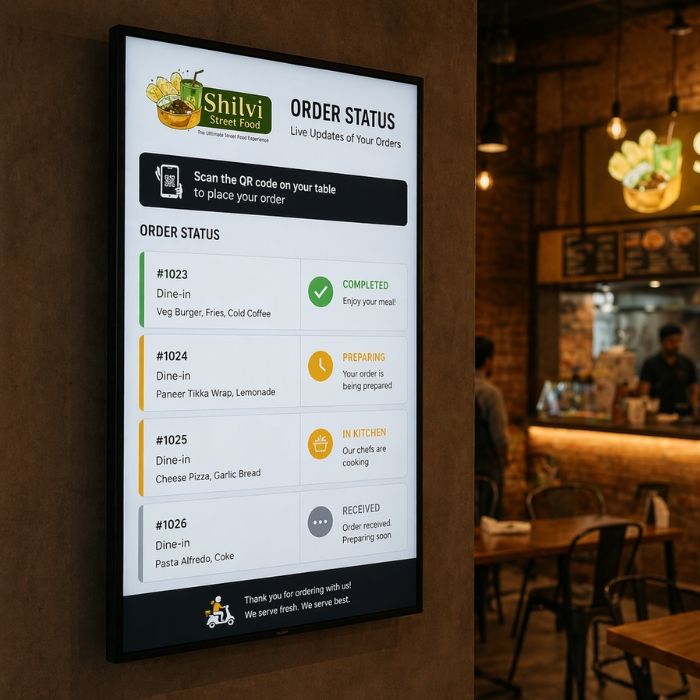
Order numbers on a screen at the counter and a text to the customer's phone the moment the kitchen marks it ready — straight from your KDS.
How it works
At the counter, a kiosk, a screen or online — it gets a number.
It appears under "Preparing" on the counter screen.
One tap on the KDS moves it to "Ready".
The customer's phone buzzes, wherever they're waiting.
On screen
Preparing on one side, ready on the other. Big enough to read from the door.
No one updates the board — the kitchen's bump does it.
Split the display: numbers on one side, today's offer on the other.
Drivers see their pickups separately and stop crowding the counter.
Runs on a screen you already have, via Fire TV or the Retailr player.
By text
Customers don't have to stand and watch the screen. They get a text when their order is ready — so your counter stays clear and your dining room isn't full of people waiting for takeout.
Why restaurants switch it on
The screen and the text answer "is mine ready?" so your team doesn't have to.
Nothing to hand out, collect, charge or replace.
People who can see progress complain less than people staring at a counter.
Pickup, dine-in and delivery drivers each know where to look.
Not a restaurant?
Clinics, service counters and waiting rooms use the same system with ticket numbers instead of orders.
Order status boards, pickup lanes and drive-thru timing — fed by the KDS.
Order numbers · SMS ready alerts · Promo half-screen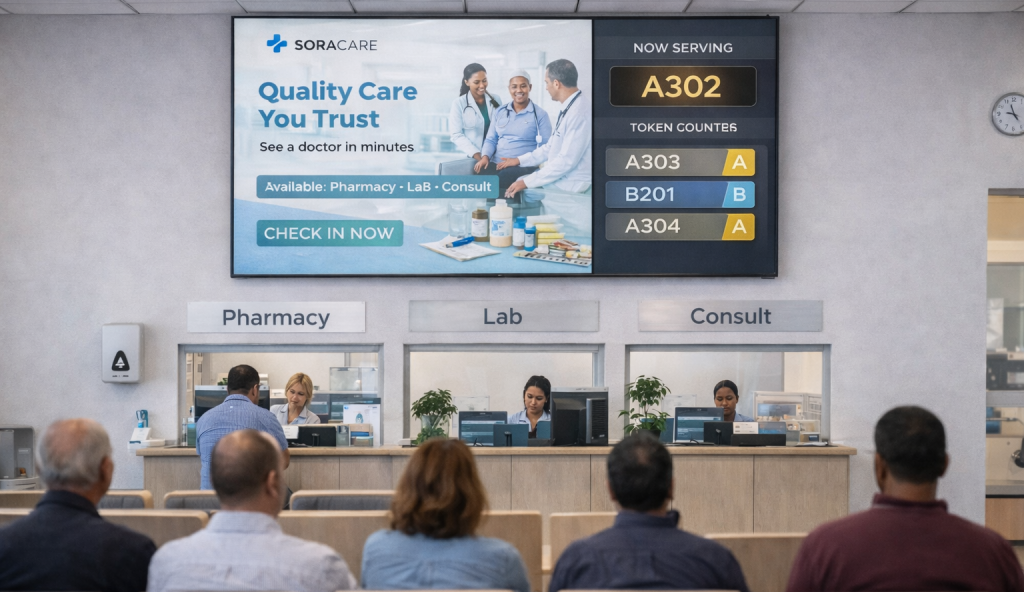
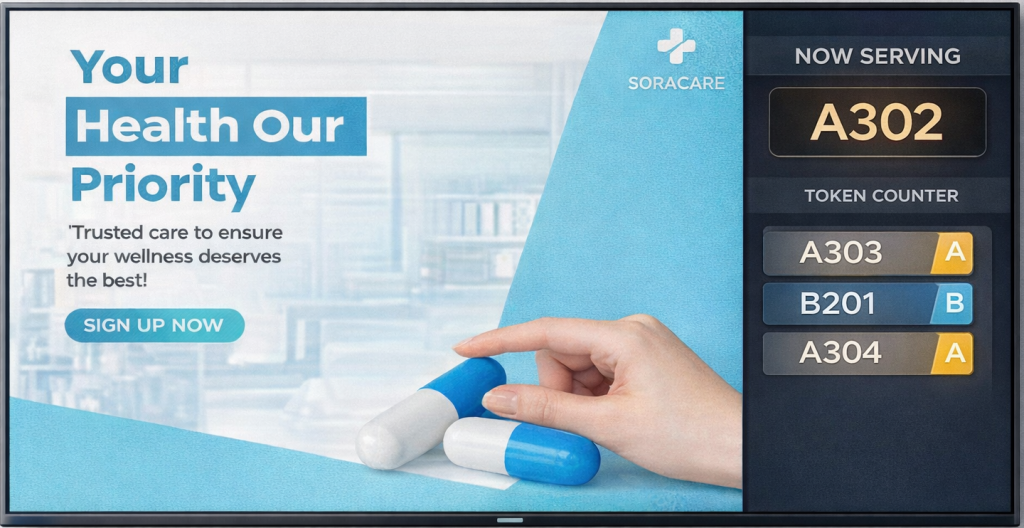
Route patients to pharmacy, lab or consultation, and push urgent announcements to every screen at once.
Multi-department routing · Token or initials only · Emergency override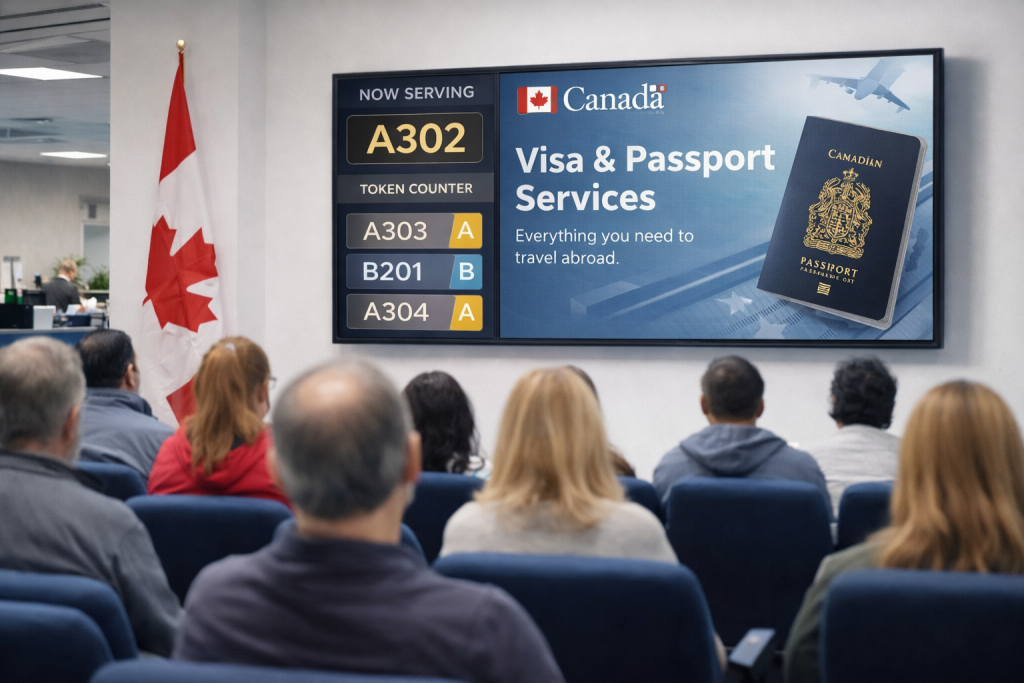
Banks, government offices, telecom stores and box offices — walk-in tickets and remote ones in the same line.
Numbered tickets · Counter assignment · Handling-time reports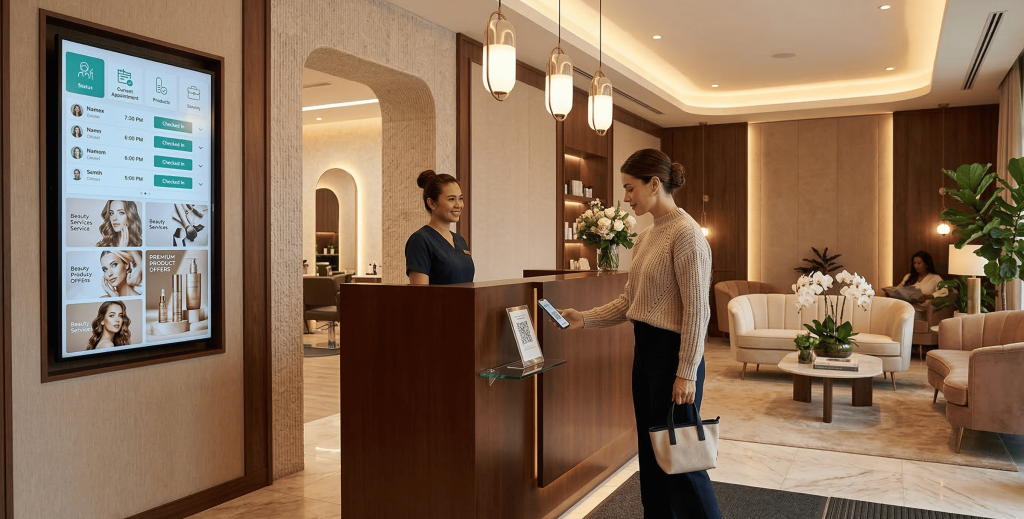
Check in by QR, wait somewhere more comfortable, and get called back by text.
Virtual check-in · Staff matching · Upsell on screenNo. When the kitchen bumps the order on the KDS, the board and the text update on their own.
No. They get a regular text message using the number from their order.
Yes — split it so order numbers run on one side and offers or menu content on the other.
It runs from the Retailr kitchen display, which takes orders from Clover and other POS systems, kiosks, QR and online ordering.
Any TV with an HDMI port, using a Fire TV Stick or the Retailr Media Player.
We'll set up a live order board and ready texts on the demo using your menu.