Google Business Profile
The same menu on your wall and on Google.
Retailr syncs your POS menu to your screens and your Google profile at the same time — with offers, direct ordering and dish-level reviews attached. One system, every location.
Change a price once. Boards, QR menus and Google all catch up.
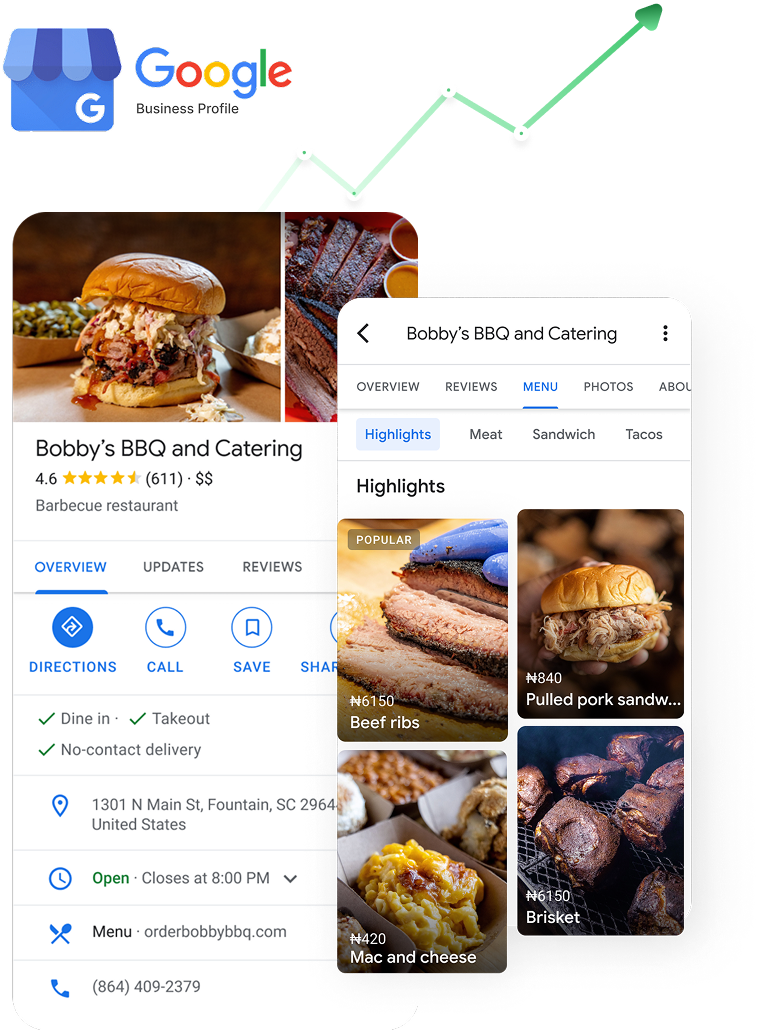
Your POS is the source. Google is just another screen.
Most restaurants treat their Google profile as a separate chore. Retailr treats it as one more place the same menu appears.
What a synced profile actually looks like.
Menu, offer, order button and reviews — all fed by the same data, all updating themselves.
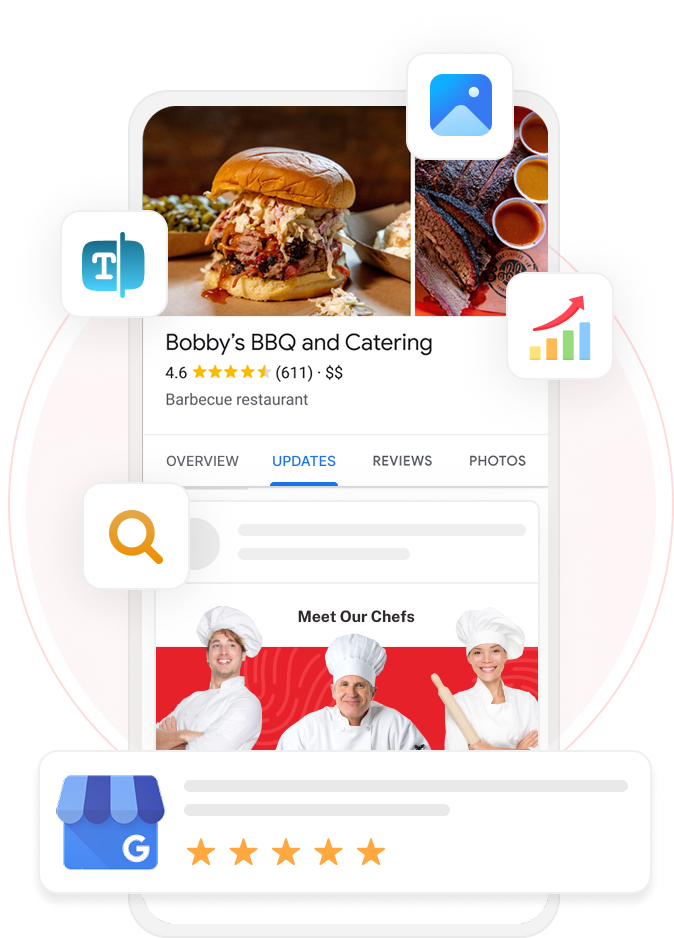
Menu sync, not menu re-typing.
The menu on your boards and the menu on Google come from the same POS record, so they can't drift apart.
Your promotion becomes a Google offer.
Build a campaign once in Retailr and it runs on your screens and as an offer post on your profile, with the same dates and the same artwork.
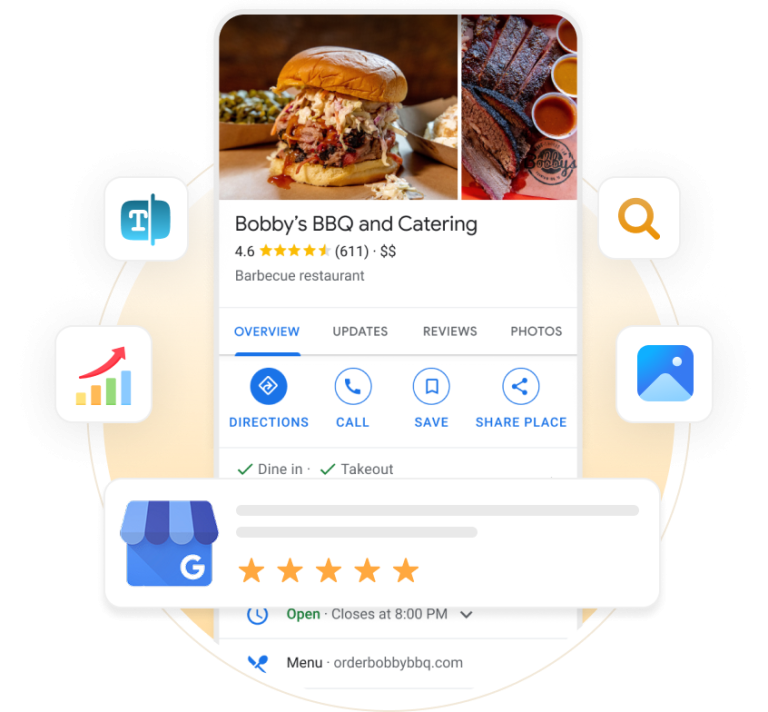
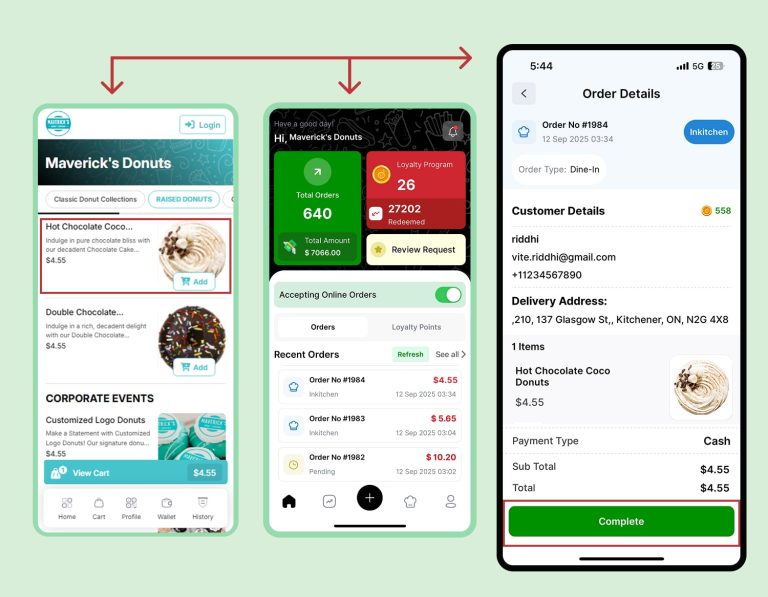
Take the order on Google, not on a marketplace.
The order button on your profile points at your own ordering page. The ticket lands on your KDS and the customer stays yours.
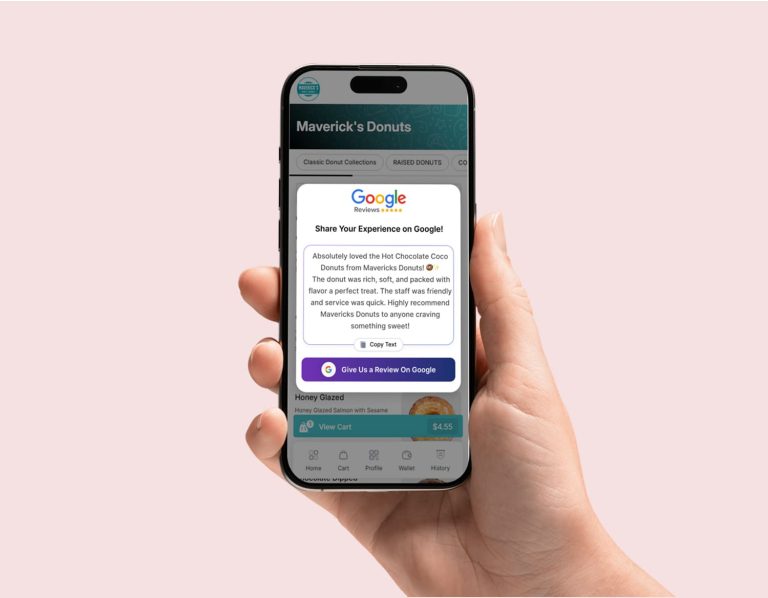
Reviews attached to the dish they're about.
Retailr matches review text to your menu items, scores the sentiment and drafts a reply in your voice — so praise gets promoted and complaints reach the right manager.
One dashboard. Every profile.
Managing 40 Google profiles by hand is how hours go wrong at Christmas and a closed store keeps taking orders.
Bulk updates
Push hours, menu changes or an offer to every location in one action.
Per-location control
Local pricing, local hours and local offers within the rules head office sets.
Health at a glance
See which profiles are missing photos, stale on hours or unanswered on reviews.
Ranked reporting
Profile views, actions and ratings compared store by store.
Questions we get asked.
How often does the profile update?
As soon as something changes in Retailr or your POS. Menu edits, price changes and hours push through without waiting for a batch.
Do we keep control of what gets published?
Yes. You can review and edit anything before it goes live, and set which changes publish automatically.
Does ordering from Google cost commission?
Not to us. The order link points at your own ordering channel and the ticket goes to your KDS.
Can we manage franchise profiles separately?
Yes — group by region or owner, with role-based access so a franchisee only touches their own locations.
Do we need technical skills?
No. Connect the profile once, connect the POS once, and the rest runs from the same dashboard as your screens.
Let's look at your profile together.
We'll pull up your Google listing, compare it to your live menu, and show you what's out of date right now.