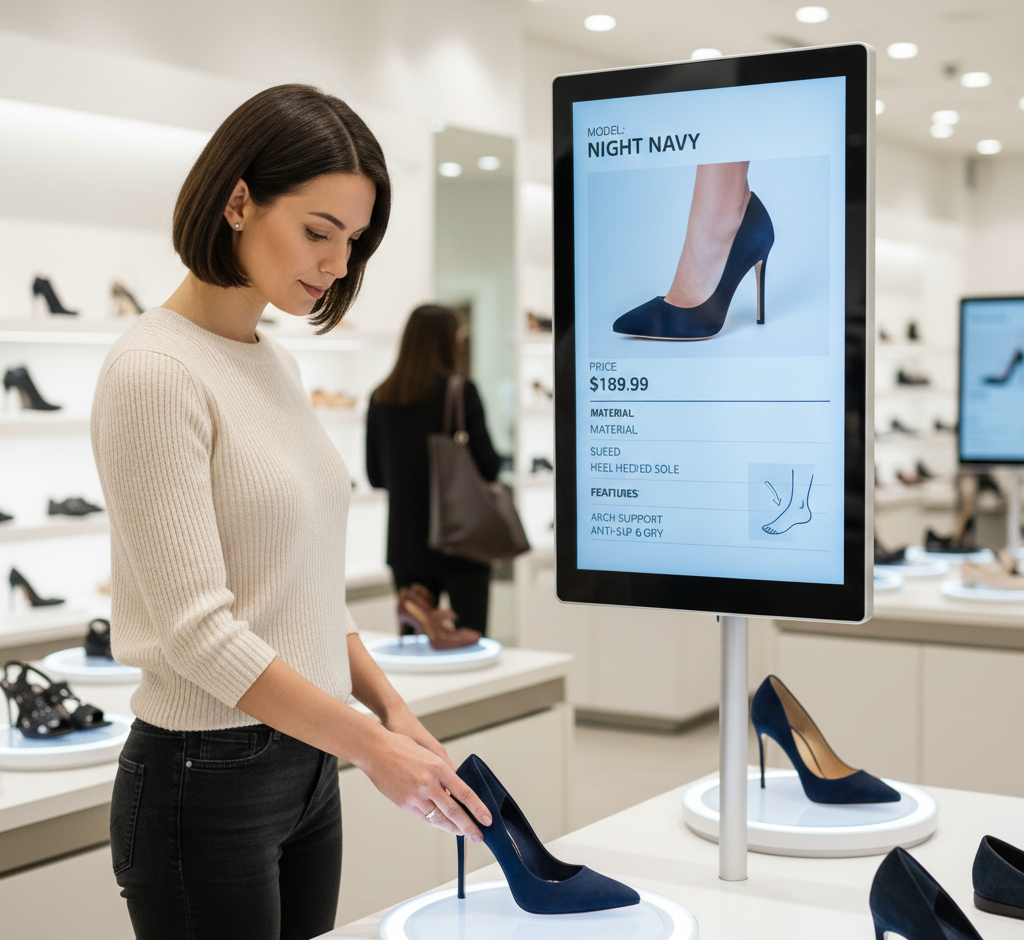
Footwear
Lift a runner and the screen plays the tech story — cushioning, drop, colourways in stock, and the lookbook video. Sizes available in-store appear without asking.
Lift & Learn · Interactive Kiosks
A shopper lifts a shoe, a bottle or a lipstick. The screen beside it instantly shows the story, the specs, the shades and what goes with it — no staff member required, no button to press.
Works with the RFID and NFC tags you already use.
Three things happen between a shopper's hand and the screen — and all three take less than a second.
Most retailers are already tagging stock for inventory or loss prevention. Lift & Learn reads those same tags — you're adding a screen and a rule, not re-tagging the store.
The tags already on your garments and boxes for stocktaking. Reads at shelf distance, no contact needed.
Tap-range tags for premium goods — a bottle, a watch, a tester unit. Also readable by the shopper's own phone.
No tag at all. A pad under the product detects the lift — ideal for testers, samples and open display units.
Where tagging isn't practical, a camera-based trigger watches the plinth rather than the person.
Anywhere the product needs explaining, and the person who could explain it is busy with someone else.
Lift a runner and the screen plays the tech story — cushioning, drop, colourways in stock, and the lookbook video. Sizes available in-store appear without asking.
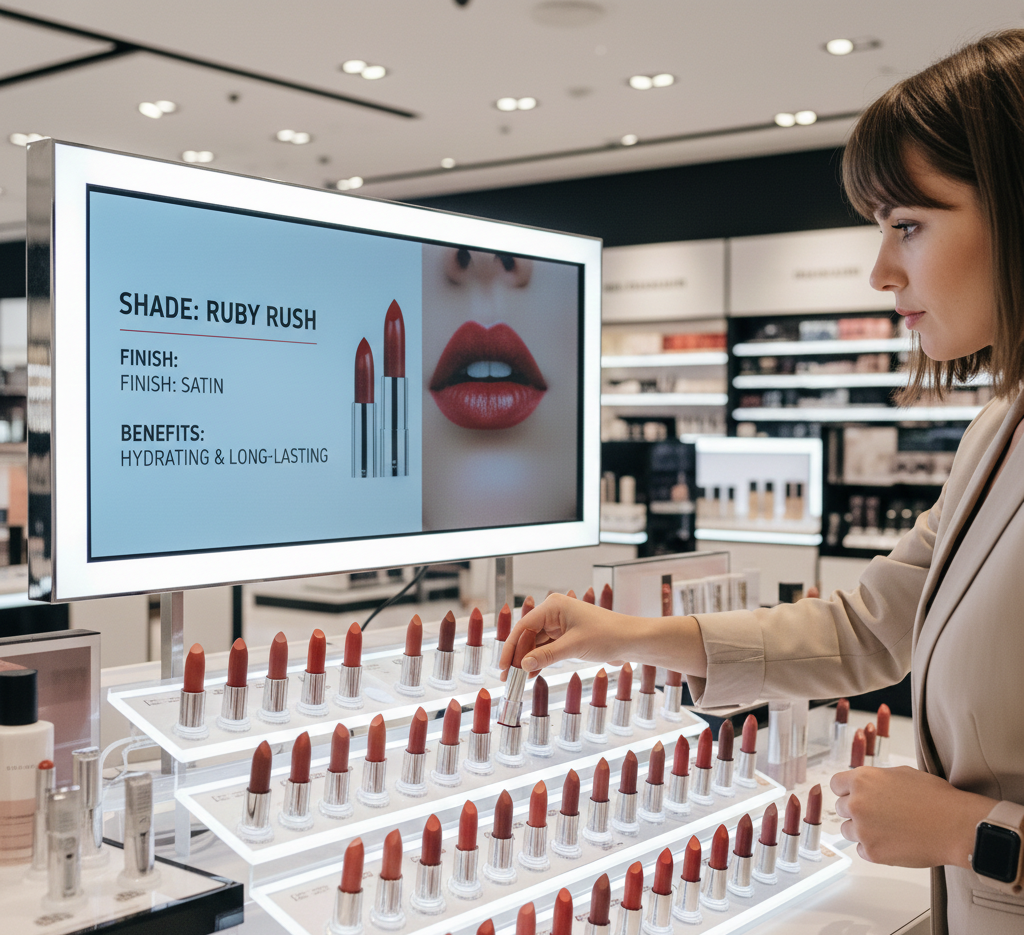
Pick up a shade and see it applied, the full range beside it, ingredients, and the tutorial. The tester does the selling instead of sitting there.
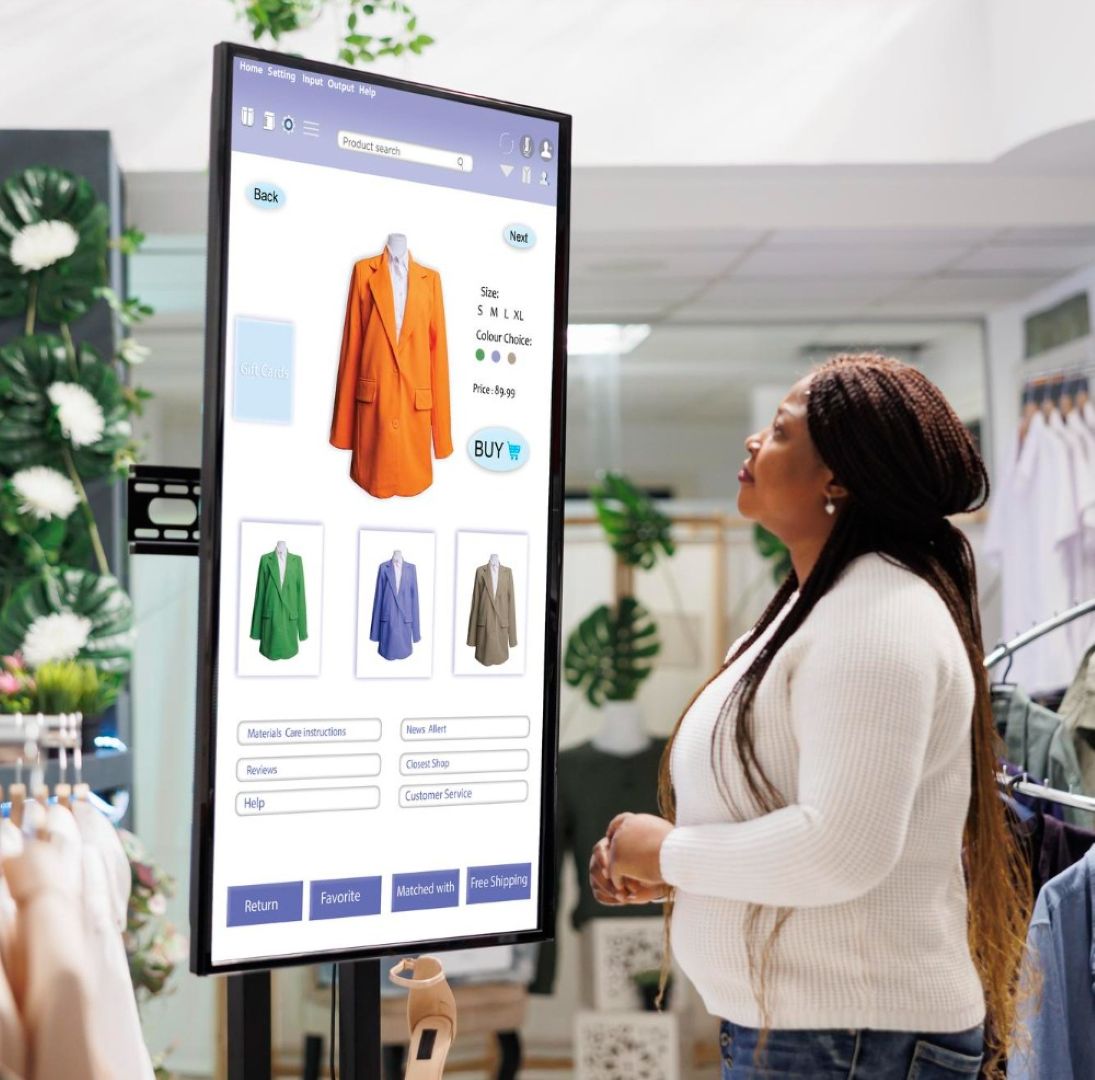
Lift a bottle for tasting notes, the region, food pairings and the distillery story — the conversation a specialist would have, on every aisle, all day.
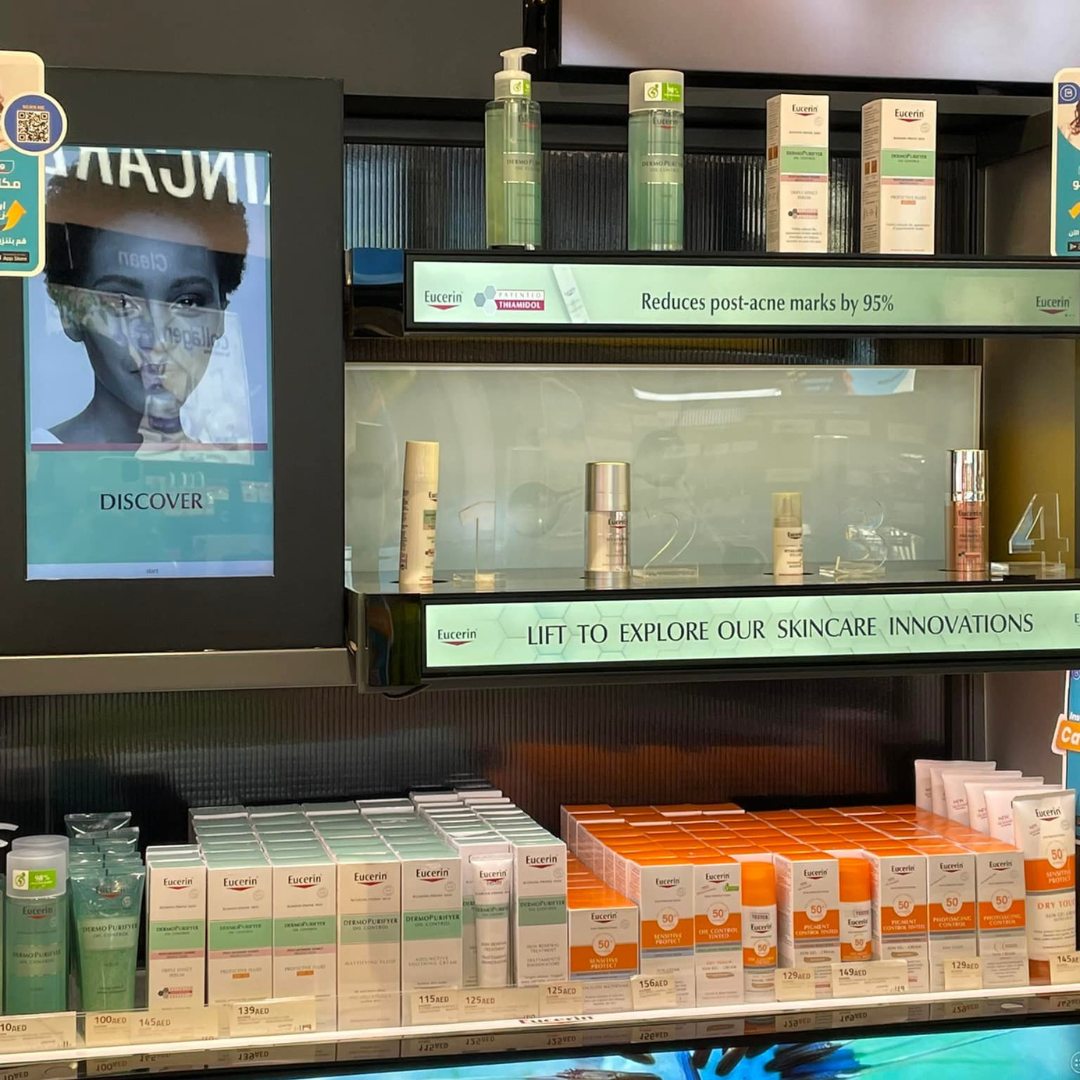
Watches, handbags, eyewear and jewellery: craftsmanship detail, materials, and the pieces that complete the look — at the moment they're holding it.
The same platform runs your interactive kiosks — endless aisle, product configuration, self-service and sign-ups, all tied back to your POS.
Every lift is a signal of interest. Compare that against what actually sold and you can see which products attract hands but lose the sale.
Ranked by pickups, per shelf and per store.
How long the content held attention before it went back down.
Picked up often but rarely bought is a price, fit or messaging problem — now visible.
The same fixture across stores, ranked, so you know which layout works.
Out of stock on the shelf still becomes an order from the kiosk.
Pairings and complementary items surface at the moment of interest.
The screen answers the repeat questions; your team handles the real consultations.
People who get their questions answered in the aisle don't leave to "think about it".
Usually not. If you already tag with RFID or NFC for inventory, we read those. Where there's no tag, a weight or IR pad under the product does the same job.
Effectively instant — the content is stored on the local player, so there's no waiting for a network round trip.
Your marketing team, from the same dashboard as your signage. Content maps to SKUs, so no one touches the fixture.
You can run a screen per plinth, or set priority rules on a shared screen so the most recent lift wins.
Yes. The player holds the content and the trigger rules locally, and syncs when the connection returns.
Yes — and pairing it with tag alerts means an item leaving the plinth unexpectedly can raise a flag as well as play content.
Tell us the category and how you tag today, and we'll show you the trigger and the content running end to end.