

Retailr AI: Lift and Learn Interactive Retail
Watch Our Podcast:
How does Lift and Learn technology transform the shopping experience?
When a customer picks up an item, the system uses smart shelves and sensors to detect the movement and instantly delivers relevant interactive content to nearby digital displays. This seamless integration enhances the shopping experience in several key ways:
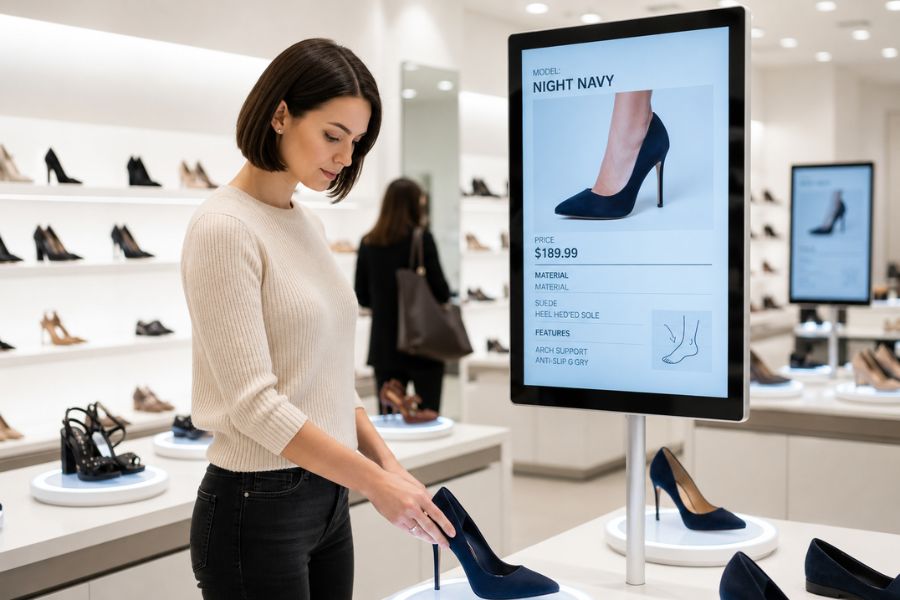
Interactive Demonstrations and Tutorials
Customers prefer lighter, refreshing options, making salads, cold pastas, and citrus-based drinks ideal choices.
Access to Detailed Information
Customers are instantly provided with comprehensive product details on the spot, including specifications, ingredients, and customer reviews, which helps them make confident and informed purchasing decisions.
Personalized Content
The technology can tailor the shopping experience to individual needs by delivering personalized product recommendations based on customer preferences and past interactions.
Enhanced Engagement and Sales
By offering an immersive, hands-on approach to product exploration, Lift and Learn creates a memorable and differentiated environment that draws in customers, increases their dwell time, and ultimately boosts sales and conversions.
What kind of data do smart shelves collect from customers?
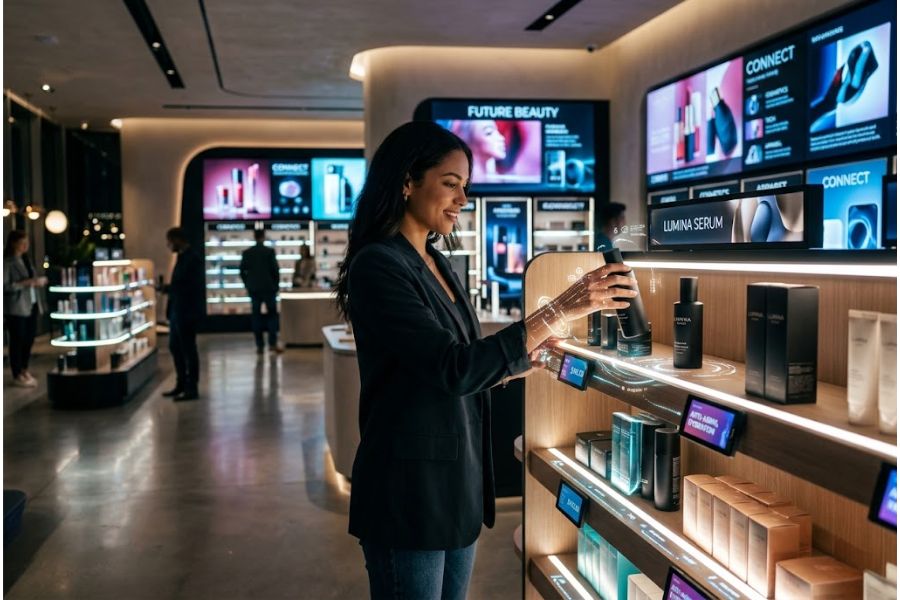
What other interactive solutions does Retailr AI offer?
- Personalized Storytelling
- RFID-Enabled Smart Fitting Rooms
- Presence Sensing and Gender-Based Content
- Sensor-Linked Digital Signage, which integrates NFC readers, light sensors, and temperature sensors with screens and alerting capabilities.
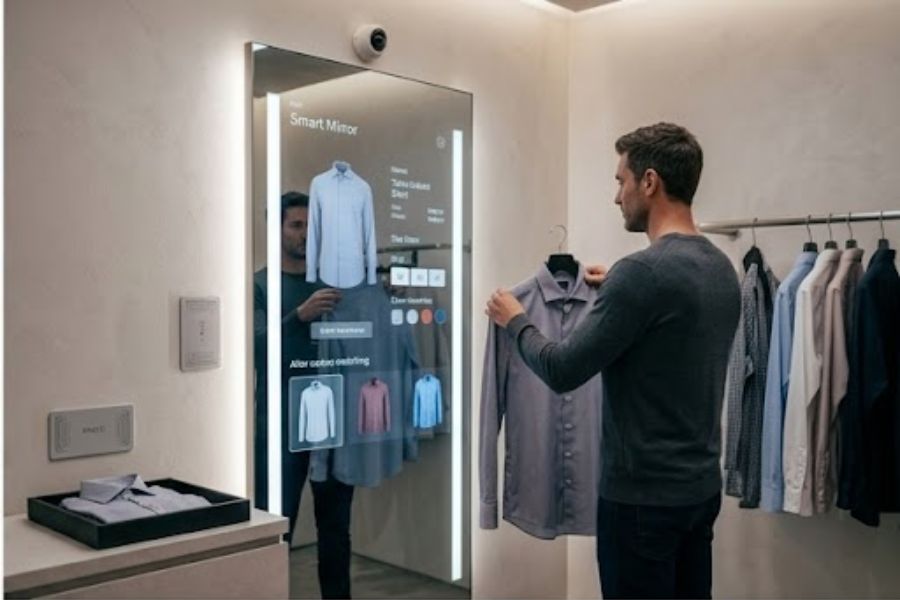
How do Smart Mirrors enhance the retail experience?
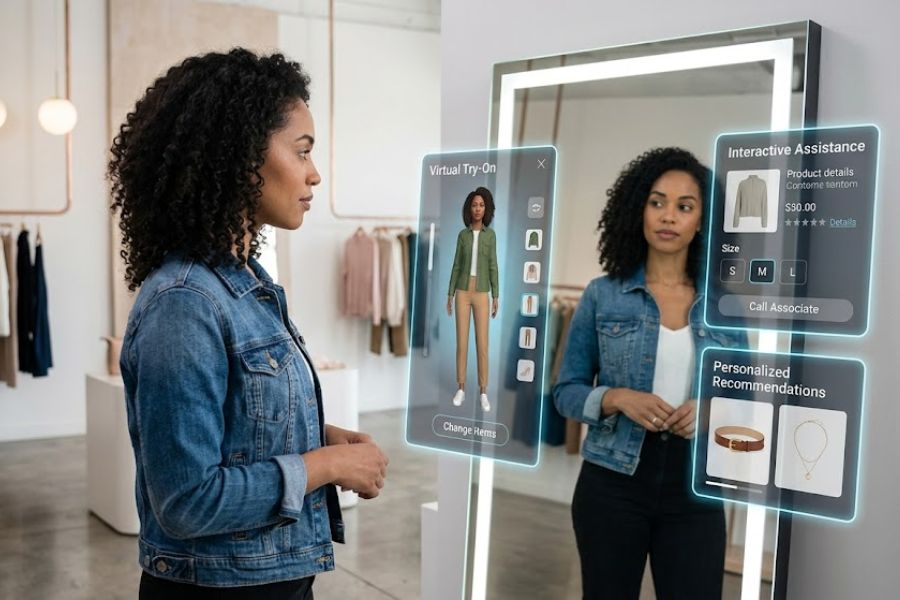
Virtual Try-On
They often utilize Augmented Reality (AR) to allow customers to see how clothing, makeup, or accessories look on them without having to physically try the items on.
Interactive Assistance
Similar to the goals of Lift and Learn technology, customers can interact with the mirror's touch screen to request different sizes from store associates, view available color options, or read product details and reviews without leaving the fitting room.
Personalized Recommendations
Smart mirrors can suggest complementary items or accessories to complete an outfit, driving cross-selling and boosting sales.
Lighting Adjustments
Many smart mirrors allow users to change the lighting settings (such as daylight, evening, or office lighting) to see how products will look in different environments.
What is the Personalized Storytelling solution?
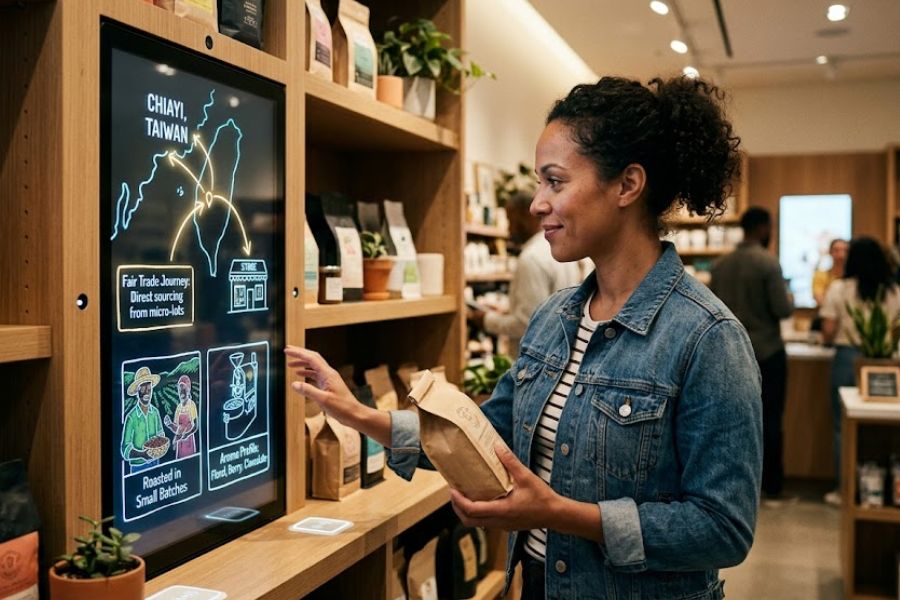
Dynamic Content
Adapting the messaging on digital displays to reflect the specific interests, demographics, or past behaviors of the shopper looking at them.
Tailored Product Journeys
Providing a customized narrative about a product's origin, sustainability, or unique benefits that specifically resonates with the individual customer's values.
Contextual Marketing
Creating a seamless and engaging "story" across multiple touchpoints (like mobile apps, kiosks, and smart shelves) that guides a customer through a curated shopping experience.
Tell me more about RFID-Enabled Smart Fitting Rooms.
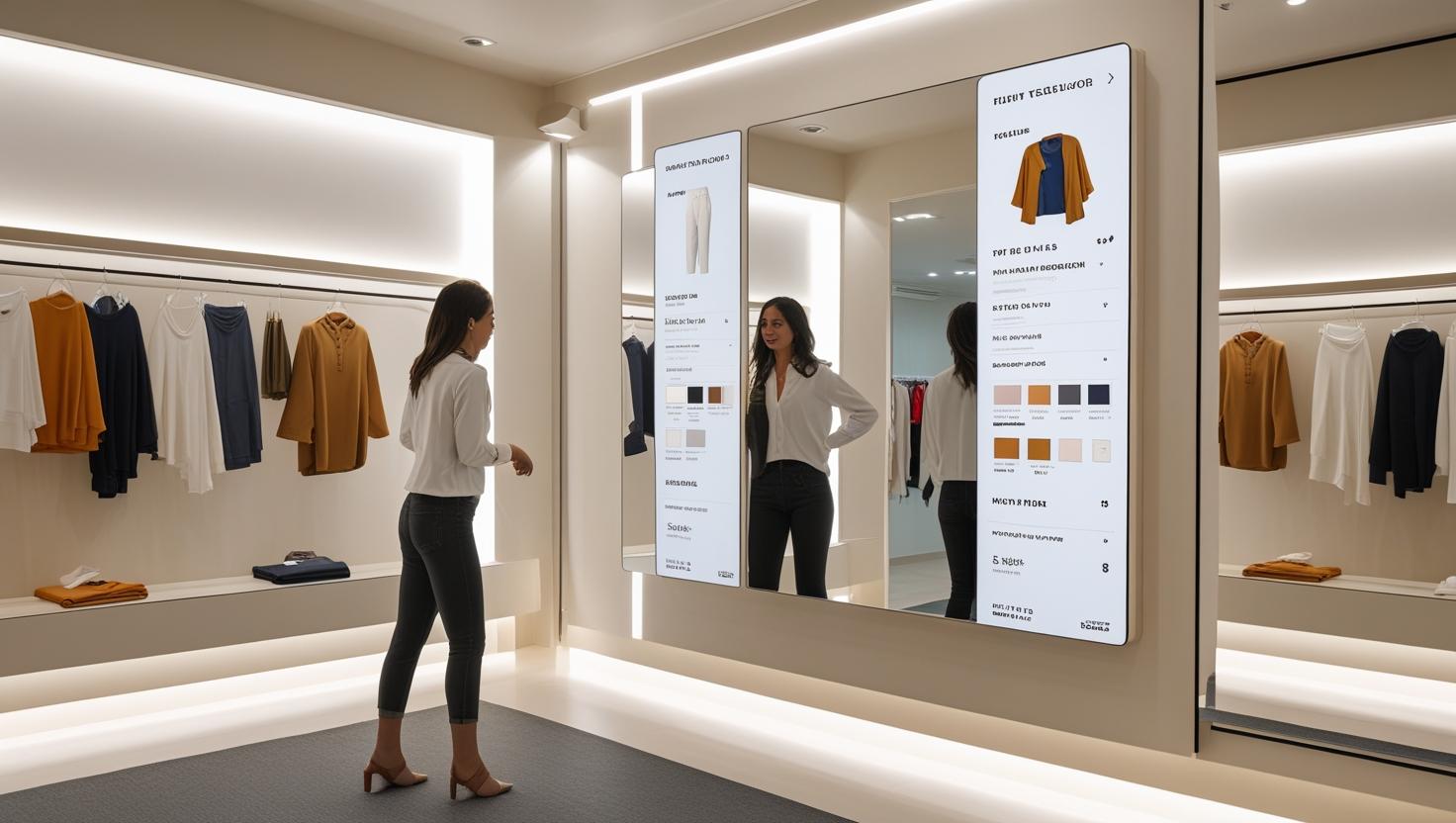
Automatic Item Detection
When a customer brings clothing into the fitting room, an RFID reader automatically scans the tags on the garments, instantly recognizing exactly which items and sizes have been brought inside.
Interactive Displays
The room is usually equipped with a digital touchscreen (which can sometimes be a Smart Mirror) that displays the detected items and provides real-time store inventory, showing what other colors or sizes are currently in stock.
On-Demand Assistance
Instead of having to get dressed to find a store associate, customers can tap the screen to request a different size or complementary item. This sends an alert directly to the staff's mobile devices so they can bring the requested item straight to the fitting room.
Cross-Selling and Recommendations
The system can analyze the items the customer is trying on to suggest matching outfits, accessories, or popular alternatives, driving additional sales.
What is Presence Sensing and Gender-Based Content?
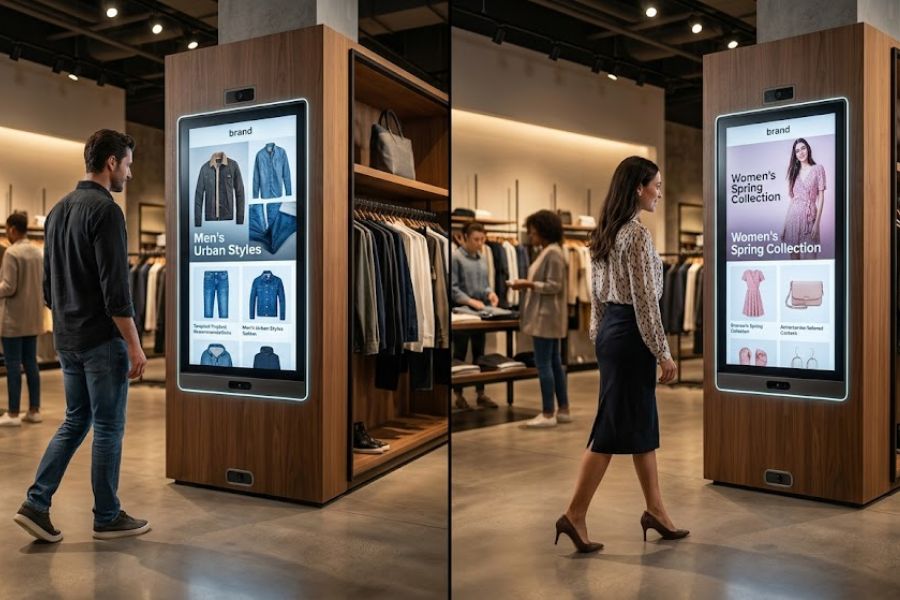
Presence Sensing
This technology generally uses motion sensors, proximity sensors, or cameras to detect when a customer walks up to a digital display or enters a specific zone in the store. When a shopper's presence is detected, the digital signage can automatically switch from a passive, default loop to highly engaging, interactive content designed to capture their attention and invite them to interact.
Gender-Based Content
This solution often relies on anonymous computer vision or facial analysis software integrated into digital signage or kiosks. When a customer looks at the screen, the software estimates their demographic characteristics—such as gender or age bracket—in real-time. The display then instantly serves targeted advertisements, product recommendations, or promotions that are tailored to appeal specifically to that demographic.
What industries can benefit from these retail solutions?
- Retail
- Corporates
- Entertainment
- Government
- Healthcare
- Hospitality
- Manufacturing
- Worship
- Restaurants and Quick Service Restaurants
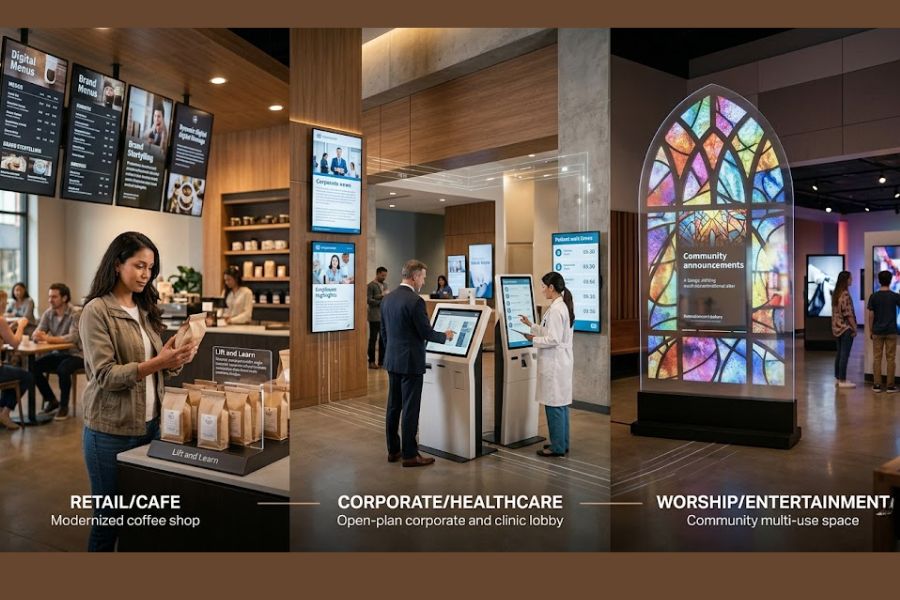
How can the hospitality industry use these interactive solutions?
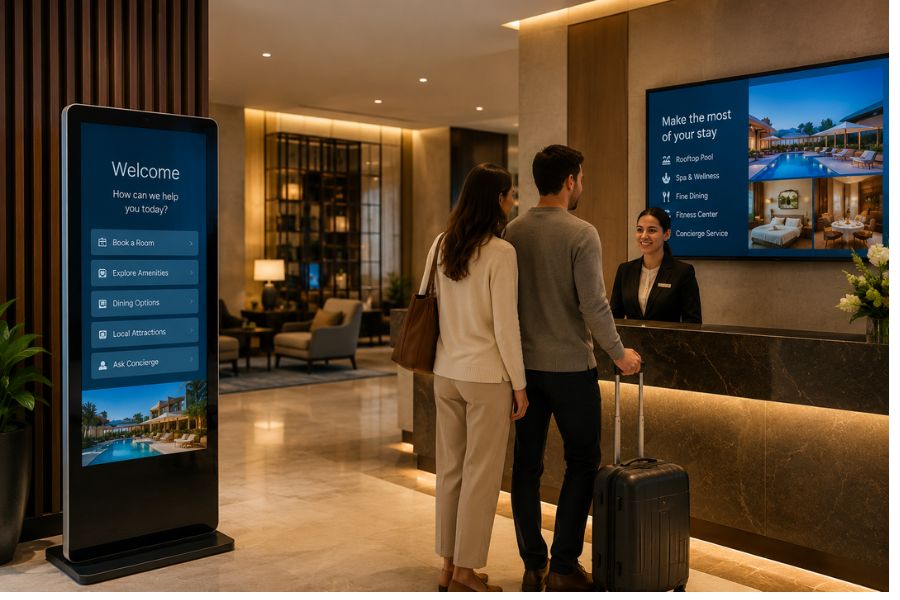
Interactive Kiosks and Digital Signage
These are often deployed as "digital concierges" in lobbies to help guests with wayfinding, displaying dynamic event schedules, showcasing restaurant menus, and highlighting local tourist attractions. They are also frequently used to facilitate quick, contactless self-check-in and check-out processes.
Smart Mirrors
In premium hotel rooms or spa facilities, smart mirrors can be installed in bathrooms or dressing areas. They can display the time, daily weather forecasts, and personalized welcome messages, or even allow guests to seamlessly request room service, extra towels, or spa bookings through a touch interface.
Lift and Learn Technology
While primarily focused on retail, hotels can utilize this sensor-based technology in their on-site boutiques, gift shops, or high-end pantries. For example, a guest could pick up a bottle of locally sourced wine or a premium souvenir, triggering a screen that displays the origin story of the product or tasting notes.
Presence Sensing
Hotels can use this to trigger welcoming, personalized content on lobby screens when a guest approaches the reception desk, or to change the ambiance of a digital display in a hallway or elevator as people walk by.
How do restaurants use interactive kiosks and signage?
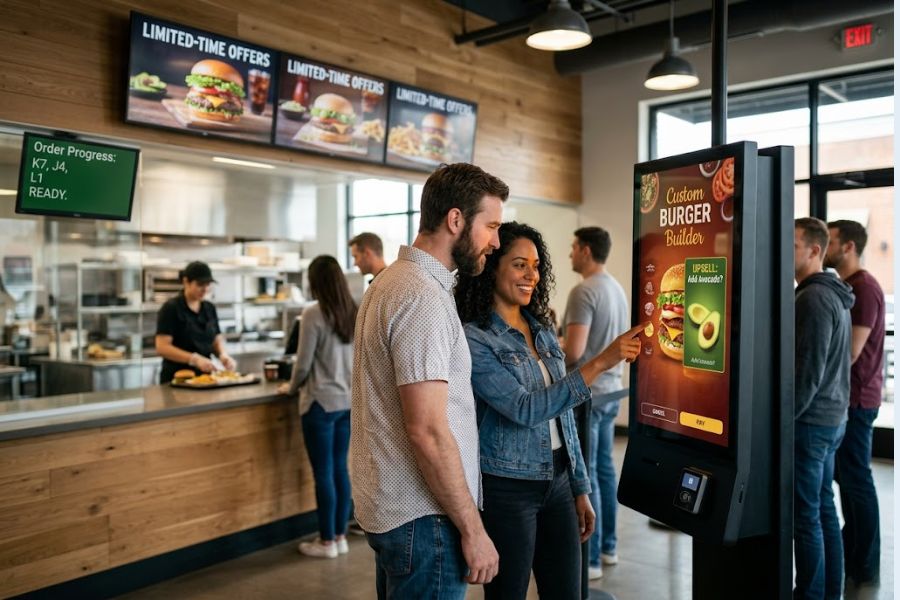
- Self-Service Ordering: Interactive kiosks are widely used in QSRs and fast-casual restaurants to allow customers to browse the menu, customize their meals, and pay independently. This helps reduce line wait times, improves order accuracy, and often increases the average order value through automated, visual upselling.
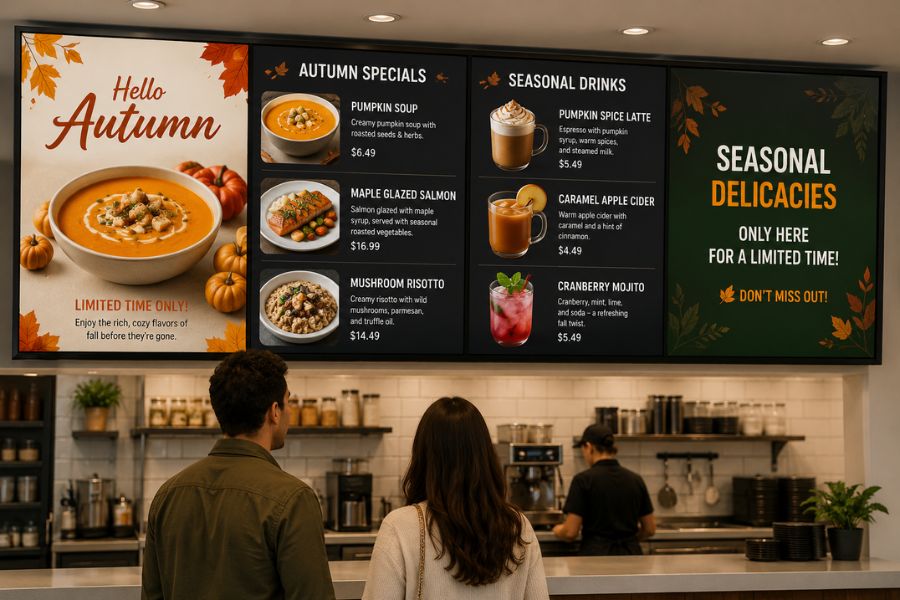
- Digital Menu Boards: Digital signage is frequently deployed behind the counter or in drive-thrus to display dynamic menus. These screens allow restaurants to easily update prices, remove out-of-stock items, or automatically switch between breakfast, lunch, and dinner menus based on the time of day.
Self-Service Ordering
Interactive kiosks are widely used in QSRs and fast-casual restaurants to allow customers to browse the menu, customize their meals, and pay independently. This helps reduce line wait times, improves order accuracy, and often increases the average order value through automated, visual upselling.
Digital Menu Boards
Digital signage is frequently deployed behind the counter or in drive-thrus to display dynamic menus. These screens allow restaurants to easily update prices, remove out-of-stock items, or automatically switch between breakfast, lunch, and dinner menus based on the time of day.
Order Status Displays
Restaurants often use digital screens to show real-time order progress, letting waiting customers or third-party delivery drivers know exactly when a specific order is ready for pickup.
Promotional Content
Digital signage can showcase high-definition, appetizing videos of menu items, advertise limited-time offers, or promote loyalty program sign-ups to customers waiting in line or dining in.

