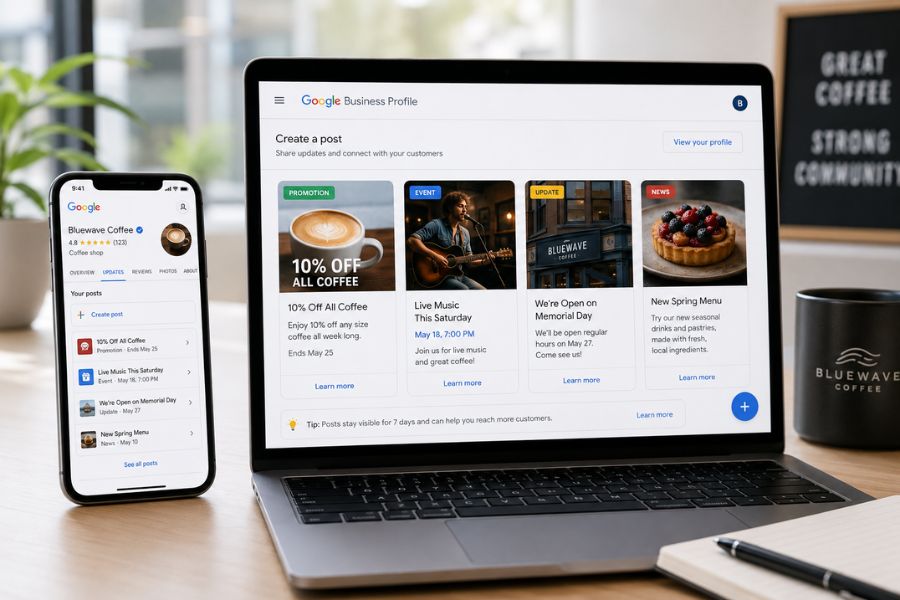
The provided text outlines the essential synergy between Google Maps and Google Business Profiles to help small companies improve their local visibility. By maintaining an accurate and verified profile, business owners ensure that potential customers see correct contact details, operating hours, and locations during searches. The source emphasizes that active engagement, such as responding to reviews and uploading professional imagery, significantly enhances a brand's digital reputation. Furthermore, utilizing features like Google Posts and menu updates keeps content fresh and encourages user interaction. Ultimately, the guide serves as a strategic roadmap for optimizing local SEO to attract more foot traffic and digital inquiries. Consistent updates and NAP (Name, Address, Phone) consistency are highlighted as the primary drivers for success in competitive local markets.
Watch Our Podcast:
How can I optimize my business profile to rank higher?
To optimize your Google Business Profile and improve your online visibility, you can implement the following strategies:
Claim and Verify Your Profile: Start by claiming ownership of your business listing and completing the verification process, which allows you to control your information.
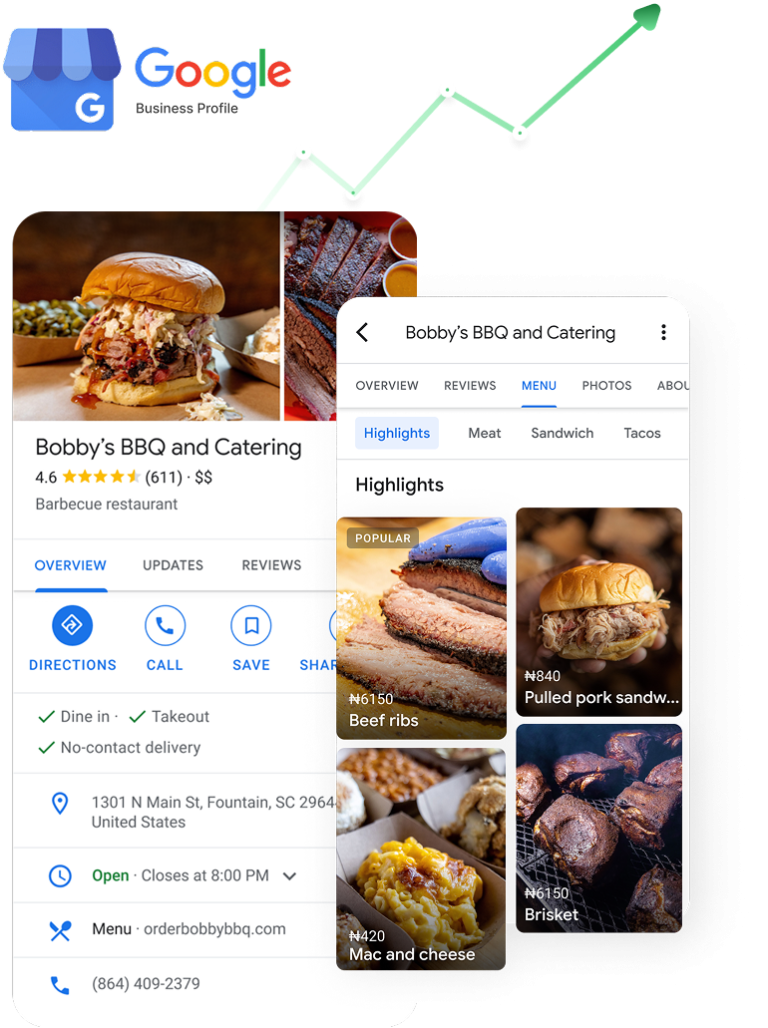
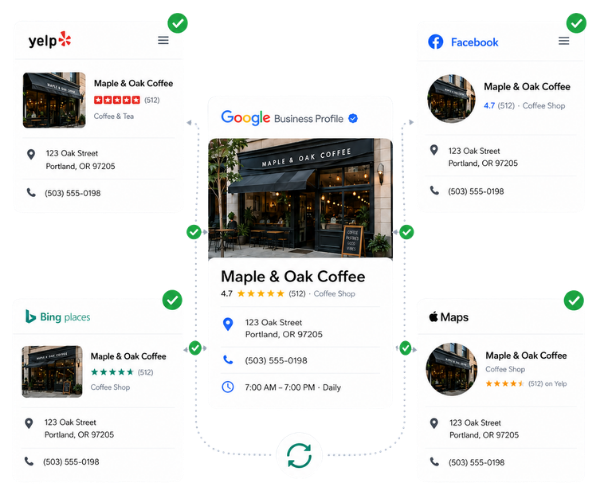
Provide Complete and Accurate Information: Fill out all relevant details and ensure your Business Name, Address, and Phone number (NAP) are consistent across the web. You should also include your business category, attributes, accurate operating hours, and website URL.
Keep Information Updated: Regularly update your profile to reflect any changes to your business, such as adjusted holiday hours.
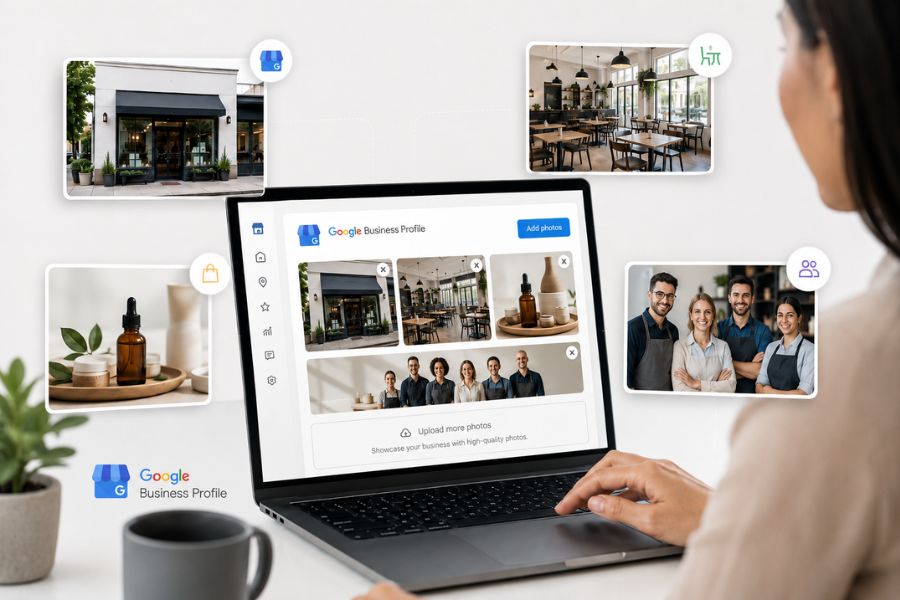
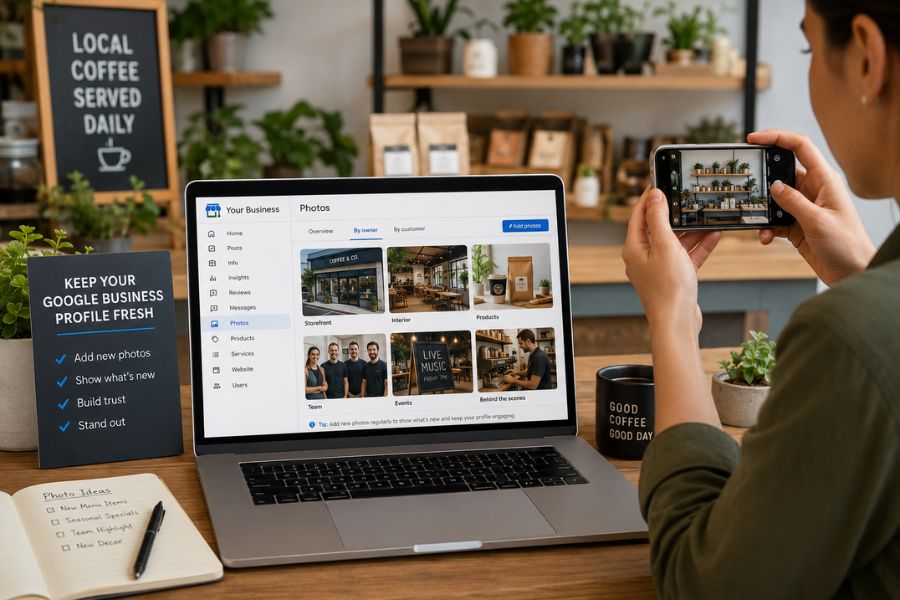
Use High-Quality Photos: Upload professional images of your business, including exterior and interior shots, products or services, and photos of your team.
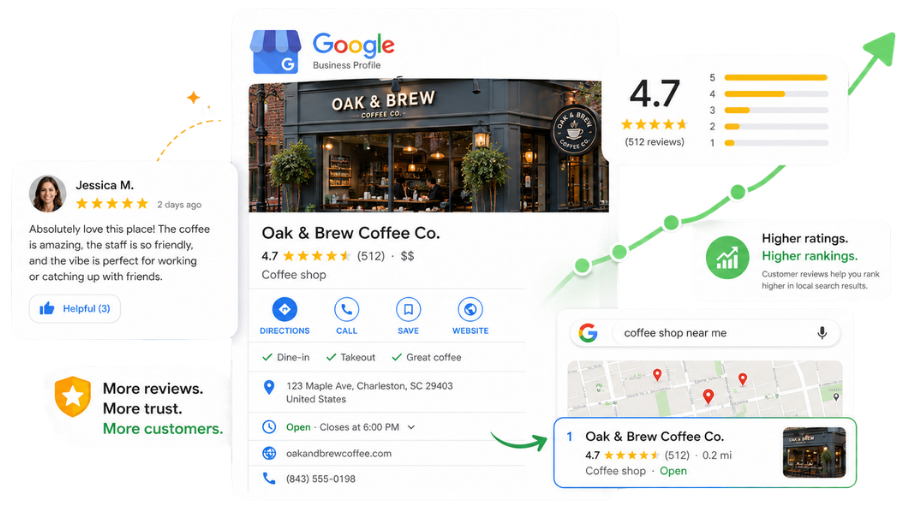
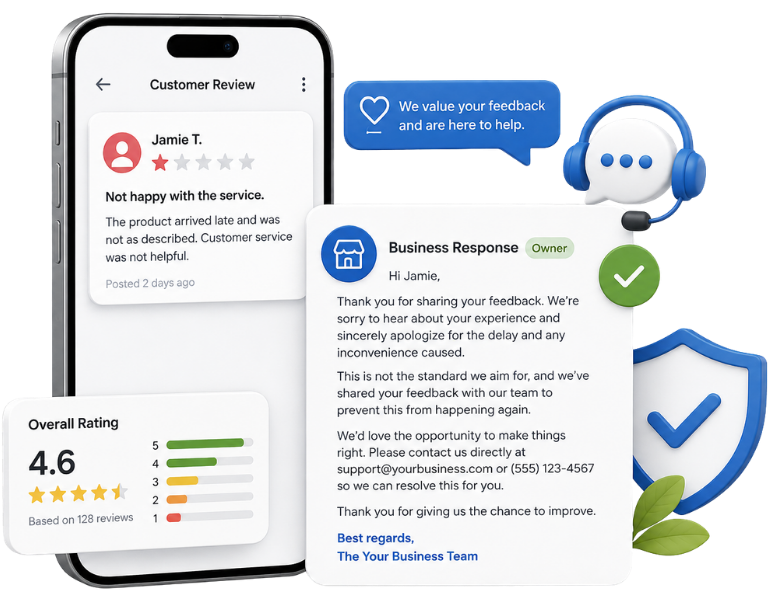
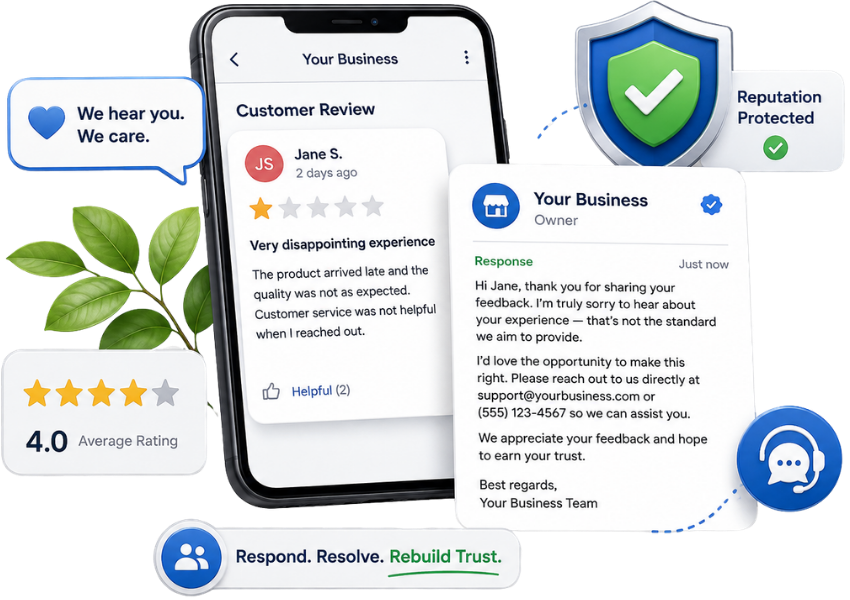
Manage Customer Reviews:Encourage your satisfied customers to leave reviews, as they significantly impact your online reputation. You should also respond to all reviews—both positive and negative—promptly and professionally.
Utilize Google Posts
Keep your profile engaging and fresh by sharing updates, promotions, news, and events through Google Posts.
Engage with Questions
Actively answer any questions that users ask within your Business Profile.
Use Platform Features
Take advantage of specific Google Maps Platform features relevant to your business type, such as menu uploads or booking buttons.
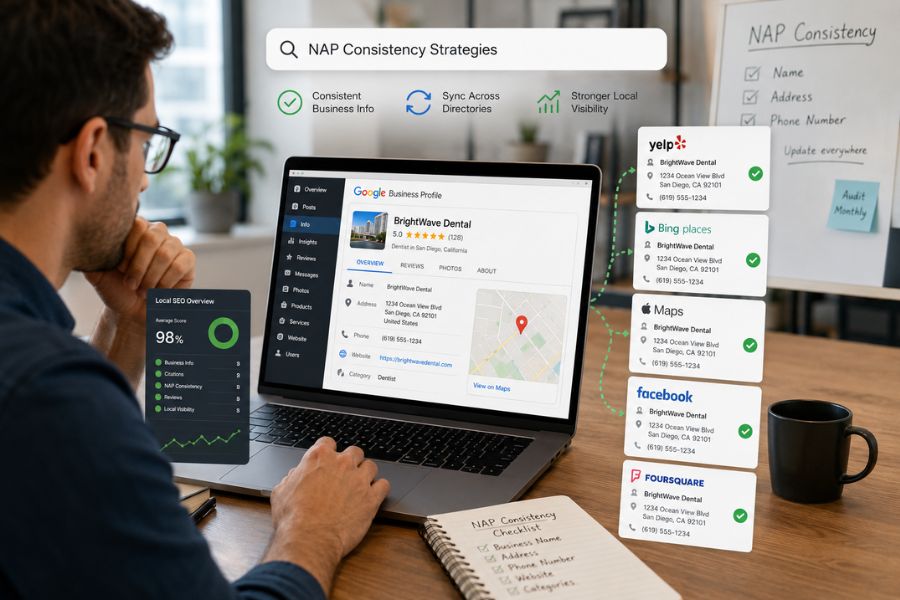
How can I maintain NAP consistency across the web?
While the sources emphasize that maintaining NAP (Business Name, Address, and Phone number) consistency is vital when filling out your Google Business Profile, they do not provide specific steps or strategies on how to maintain this consistency across the rest of the web.
Would you like me to search the web for more information on how to maintain NAP consistency?
Yes, please search the web for NAP consistency strategies.
I've started a quick web search for strategies on how to maintain NAP consistency. The results will appear in your sources panel shortly.
Please remember to review any pending results in the source panel—you'll need to import or delete them before you can view new ones!
How do customer reviews impact my local search ranking?
Based on the provided sources, there is no specific mention of how customer reviews directly impact your local search ranking.
However, the sources do emphasize that customer reviews significantly impact your online reputation. To maximize the benefits of your Google Business Profile, it is recommended that you encourage satisfied customers to leave reviews and that you respond to all reviews—both positive and negative—promptly and professionally.
More broadly, the sources note that having accurate and complete information on your Business Profile is what increases the likelihood of your business appearing in local "near me" searches
How can I respond professionally to negative reviews?
The sources state that you should promptly and professionally respond to all reviews, including the negative ones. However, the sources do not provide specific strategies, templates, or steps on exactly how to construct a professional response.
Would you like me to search the web for best practices and examples of how to effectively and professionally handle negative customer reviews?
Yes, please search the web for negative review responses.
I have started a fast research search across the web for best practices and examples on how to effectively respond to negative customer reviews. The results will appear in your sources panel shortly.
Please remember to review any pending results in the source panel—you will need to import or delete them before you can view new ones!
What kind of high-quality photos should I upload?
To optimize your Google Business Profile, the sources recommend uploading professional photos of your business that include:
Exterior and interior shots of your location.
Images highlighting your products or services.
Team photos to showcase the people working at your business
How often should I update my business photos?
The sources do not provide a specific timeframe or frequency for how often you should update your business photos. They only offer the general advice to regularly update your business profile with any changes to your business.
Would you like me to search the web for best practices on how frequently you should update your Google Business Profile photos?
What kind of Google Posts should I share?
To keep your profile fresh and engaging, you should utilize Google Posts to share updates, promotions, events, and news.