Google for Restaurants: Menu and Review Updates 

Google for Restaurants: Menu and Review Updates

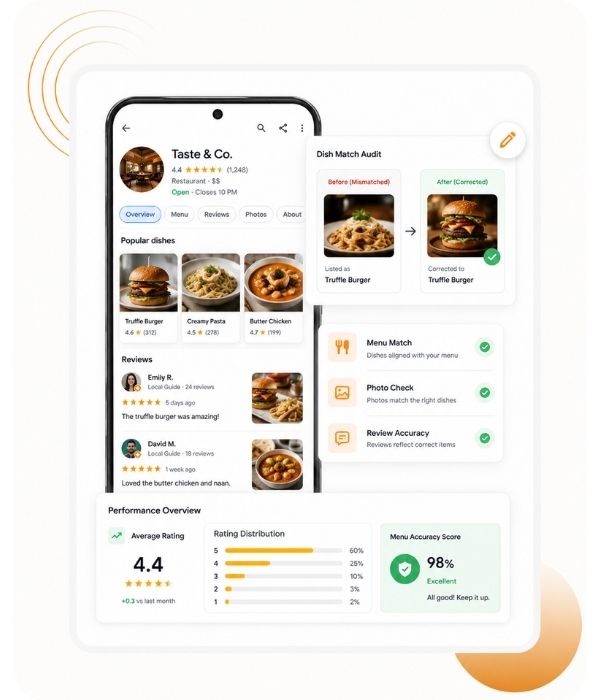
This text explores how Google’s advanced AI updates are revolutionizing the way eateries connect with potential diners by automatically linking menu items, reviews, and images. By synthesizing user-generated content and official business data, Google creates a visual and interactive digital storefront that highlights a restaurant’s most popular dishes. These technological changes enhance local search visibility and help customers make faster decisions based on peer recommendations and real-time food photography. Owners are encouraged to actively manage their profiles by auditing dish accuracy and motivating patrons to share specific culinary experiences online. Ultimately, leveraging these automated data-matching tools functions as a powerful, free marketing resource that boosts trust and improves search engine rankings. Successfully navigating these updates allows businesses to transform their basic listings into dynamic discovery hubs for hungry consumers.

Watch Our Podcast:

How does Google use AI to transform menu photos into listings?
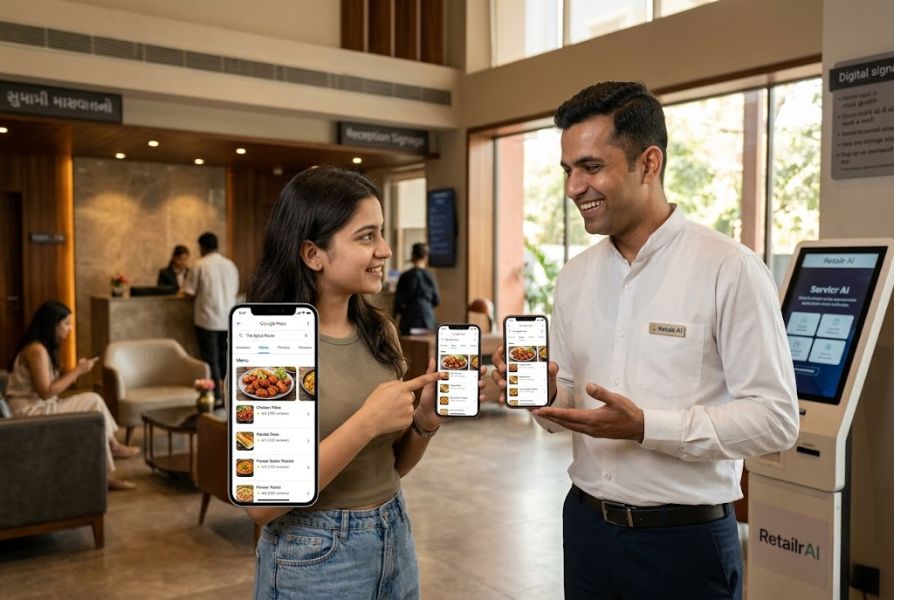
Google utilizes AI to automatically identify menu items by analyzing user-uploaded photos, review captions, and restaurant websites. Once identified, the AI transforms this collected information into a scrollable visual menu that is displayed directly on a restaurant's Google Business Profile. This transformation process involves several key AI-driven mechanisms:
How does Google use AI to transform menu photos into listings
Data Extraction and Display

The AI extracts relevant details to create comprehensive listings for individual dishes. These visual menus often include the dish name, photos (sourced from both customers and the business), price ranges, and descriptions.

Intelligent Data Matching

The system actively matches specific photos and user reviews directly to their corresponding menu items. By connecting structured business information with user-generated content, the AI allows potential diners to see real customer experiences tied to specific dishes.

Popularity Ranking and Highlights

AI scans through user reviews to identify keywords, which enables Google to summarize frequently praised items and generate popularity rankings for the dishes. This results in dynamic highlights on the listing, such as "Most-loved dishes," or quick summaries detailing what customers mention most often.

By seamlessly linking real customer photos and reviews to specific menu items, this AI-powered process transforms standard menus into dynamic, informative listings that help build instant trust and allow diners to make informed decisions based on crowd-sourced favorites.

How can restaurants improve their ranking for specific dishes?
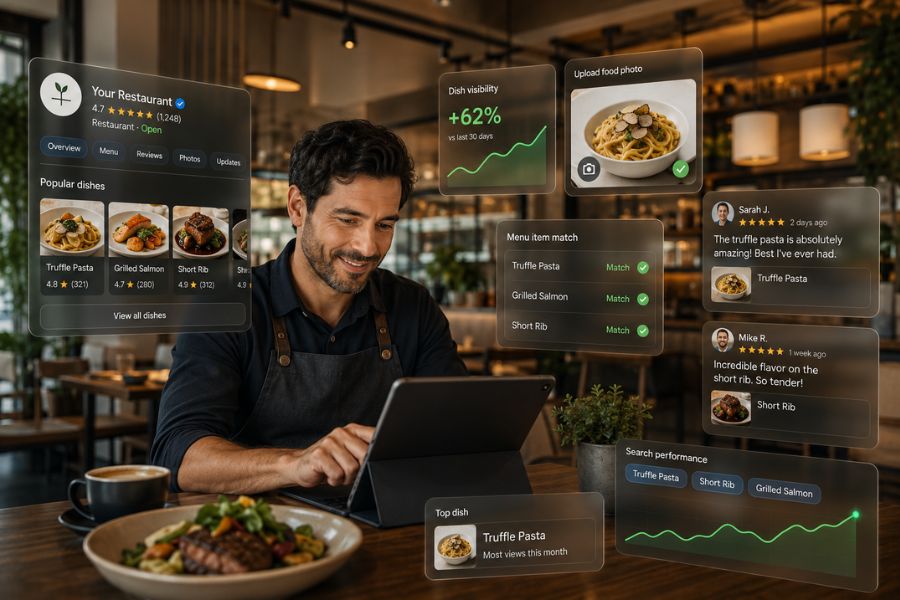
Restaurants can improve their ranking for specific dishes by actively managing their Google Business Profile and encouraging targeted customer engagement. The sources outline several specific strategies to achieve this:
How can restaurants improve their ranking for specific dishes?
Claim and Optimize the Menu

Add or update your full menu directly on your Google profile, making sure that dish names are spelled consistently so they correctly match the content in user reviews and uploaded photos.

Encourage Specific Dish Mentions

Prompt happy customers to upload photos of the exact dishes they ordered along with descriptive captions. Running mini-contests, like asking diners to share and tag their favorite dish, can help drive this content.

Respond to Reviews Smartly

When replying to customer reviews, explicitly name the dishes they ordered in your response (e.g., “We’re so glad you enjoyed the butter naan”).

Regularly Audit Dish Matching

Frequently check your Google listing to correct any misnamed or mismatched items, and proactively upload your own high-quality food images linked to the correct menu items.

Use Structured Data

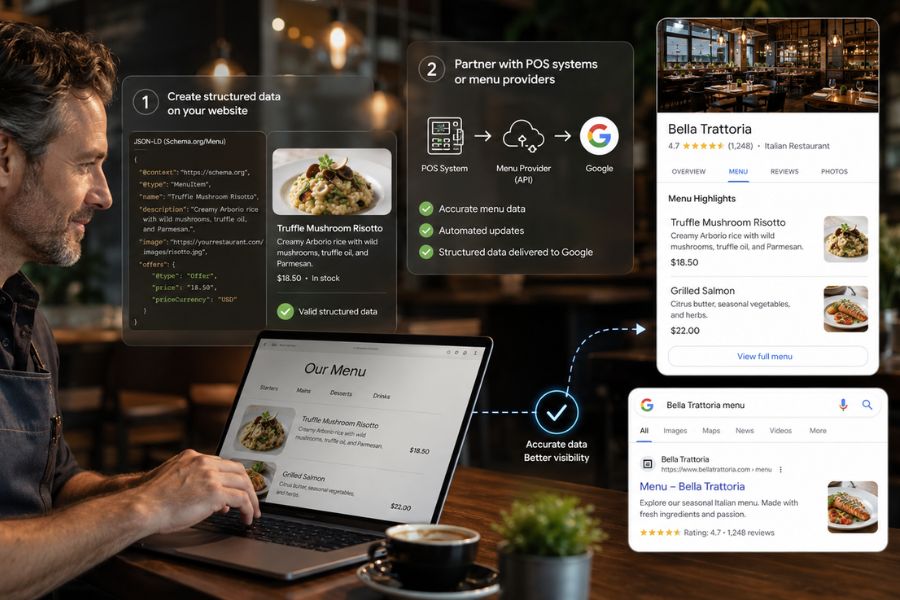
To ensure dishes aren't misrepresented, you can create structured data on your website or partner with POS systems that feed your menu directly into Google's database.

By cultivating this accurate, keyword-rich content through specific dish names, photos, and reviews, restaurants can significantly improve their Local SEO and Google Maps ranking. This makes specific items highly searchable, boosting your discoverability when potential diners search for targeted terms like "best pav bhaji near me".

How can I audit and fix mismatched dishes on Google?

To audit and fix mismatched dishes on your Google Business Profile, you should take the following steps:
How can I audit and fix mismatched dishes on Google?

How can I use structured data to represent my dishes?

Based on the sources, if your dishes are being misrepresented or underrepresented by Google's automated systems, you can use structured data to correct this by taking the following approaches:
The sources note that marketing services (like the Restaurant Growth Hub by Retailr AI) can assist you in creating this structured data for your website if you need help

Which POS systems feed menu data directly to Google?
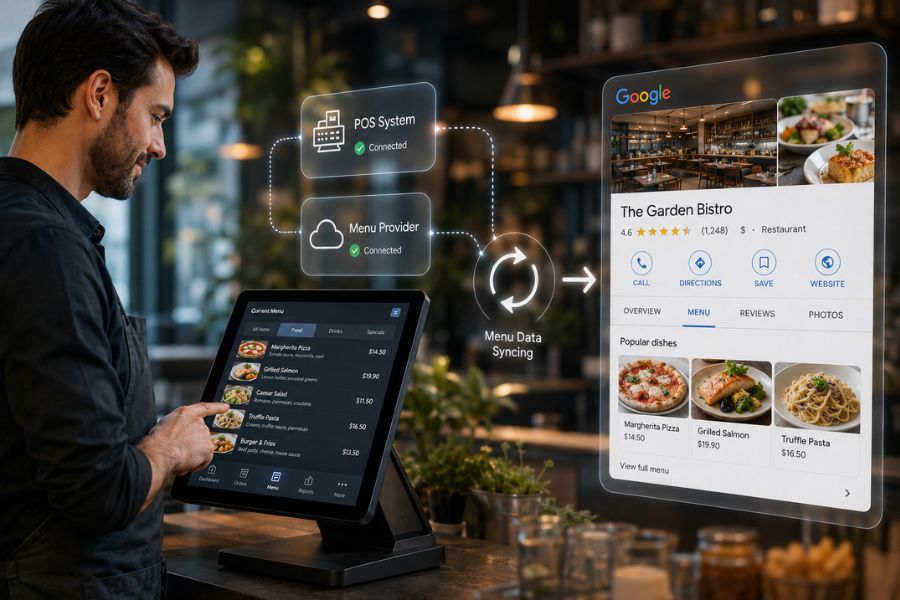
The provided sources do not list the specific names of the POS systems that feed menu data directly to Google. They only state that restaurants can update their menus using "supported POS/menu providers" or by partnering with POS systems that have the capability to feed information directly into Google's database.
Which POS systems feed menu data directly to Google?

What is the Restaurant Growth Hub by Retailr AI?

The Restaurant Growth Hub by Retailr AI is the entity providing the detailed guidance on how Google's menu item, review, and customer data matching updates impact restaurant owners. While the sources do not provide a comprehensive overview of the organization, they indicate that the Hub offers direct assistance to restaurants whose dishes are being misrepresented or underrepresented on Google. Specifically, they help restaurant owners by creating structured data on their websites or by partnering with POS systems that feed accurate menu information directly into Google’s database.
What is the Restaurant Growth Hub by Retailr AI?

How can I contact the Restaurant Growth Hub for help?
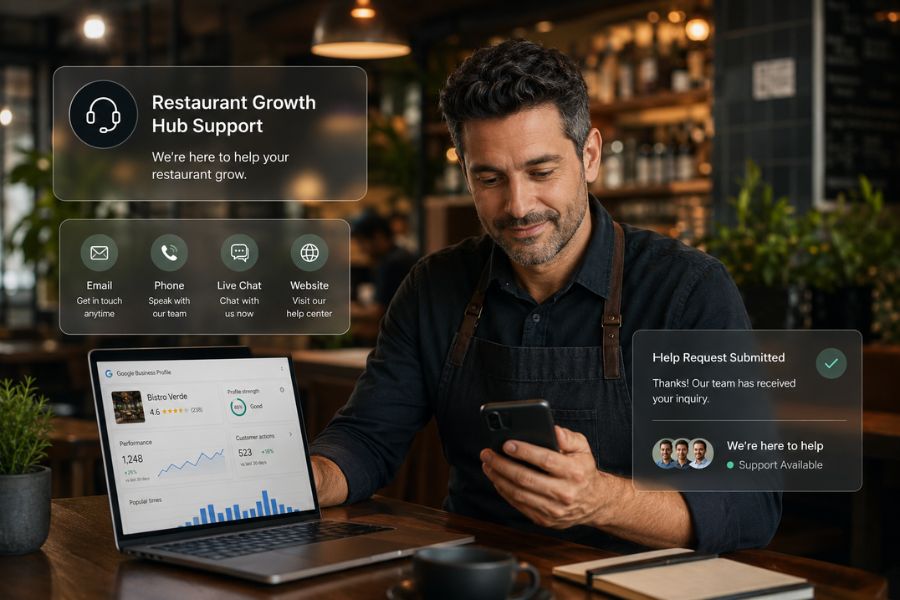
The sources do not contain any contact information, such as a website link, email address, or phone number, for the Restaurant Growth Hub by Retailr AI. If you would like, I can search the web to find their contact details for you. Just let me know if you would like me to initiate a search!
How can I contact the Restaurant Growth Hub for help?

Please search for their contact details!

I have started a fast web search for the contact details of the Restaurant Growth Hub by Retailr AI. The results will appear in your sources panel once the search is complete. Please remember to review any pending results there—by either importing or deleting them—before you can view the new ones!

What services does Retailr AI provide for restaurant owners?

Based on the provided source, Retailr AI (through its Restaurant Growth Hub) provides the following services for restaurant owners:
Educational Guidance

They provide detailed breakdowns and insights on how Google's AI-powered updates to menu items, reviews, and customer data matching impact restaurant visibility and customer retention.

Structured Data Creation

If a restaurant's dishes are being underrepresented or misrepresented on Google, Retailr AI can help create structured data directly on the restaurant's website to ensure accurate information is displayed.

POS System Integration

They assist restaurants in partnering with Point of Sale (POS) systems that feed accurate menu information directly into Google's database.

How can I add structured data to my website?
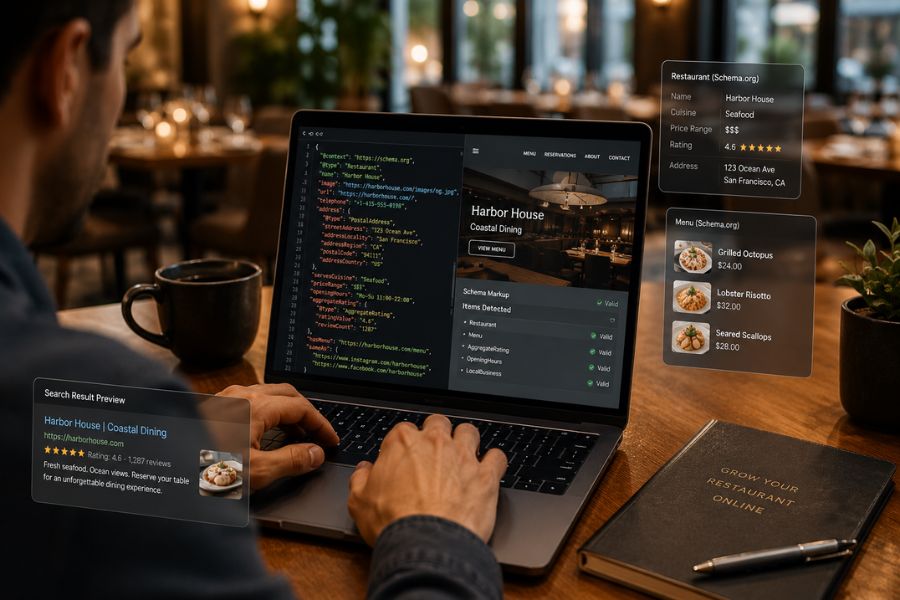
The provided sources do not contain technical instructions or step-by-step guides on how to manually add structured data to your website. They only note that the Restaurant Growth Hub by Retailr AI offers services to help create and implement this structured data for you. If you would like to learn how to do this yourself, I can search the web for tutorials and guides on adding restaurant structured data (such as Schema markup) to a website. Just let me know if you would like me to start that search!
How can I add structured data to my website?

Please start a search for restaurant structured data guides!
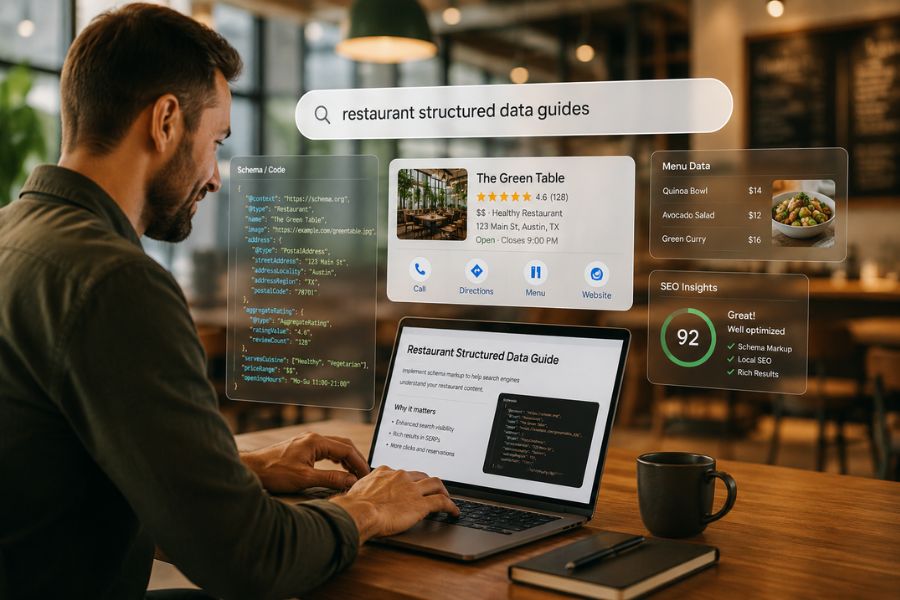
I have started a fast web search for guides and tutorials on how to add restaurant structured data to your website. The results will appear in your sources panel once the search is complete. Please remember to review any pending results there—by either importing or deleting them—before you can view the new ones!
Please start a search for restaurant structured data guides!