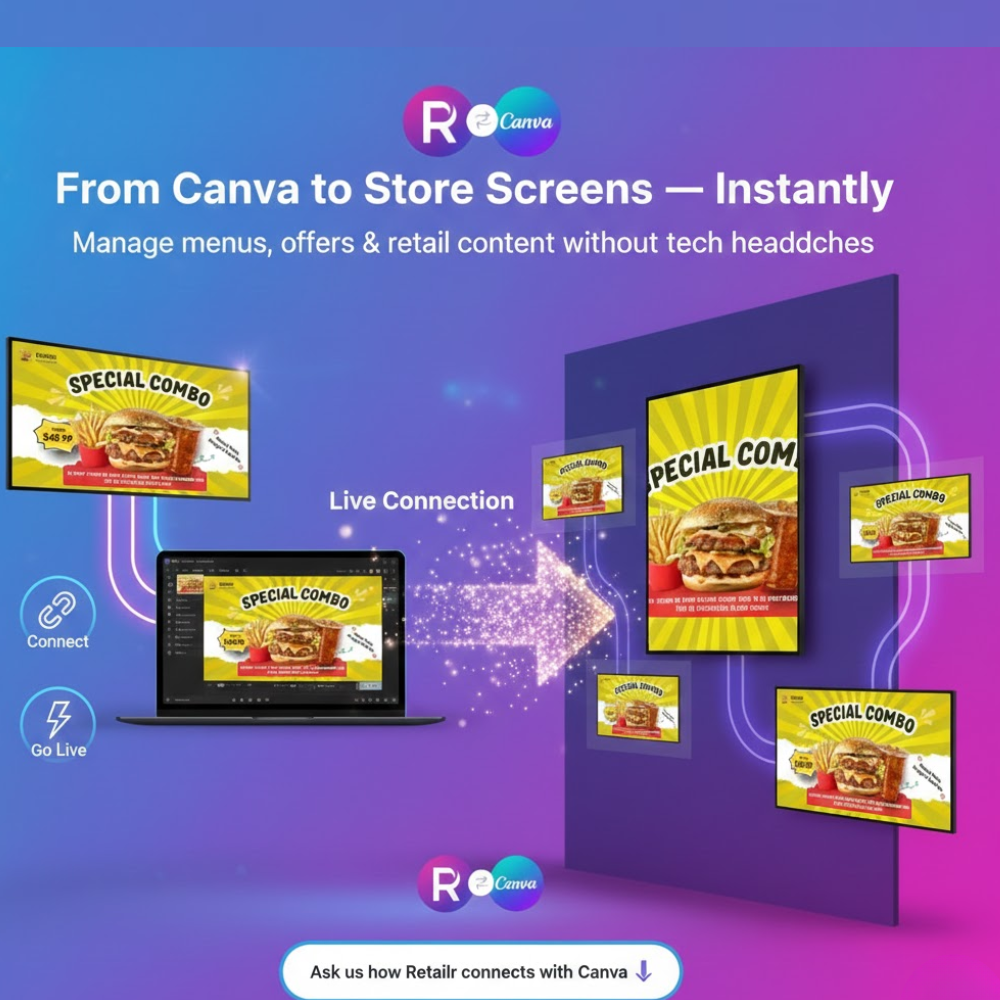
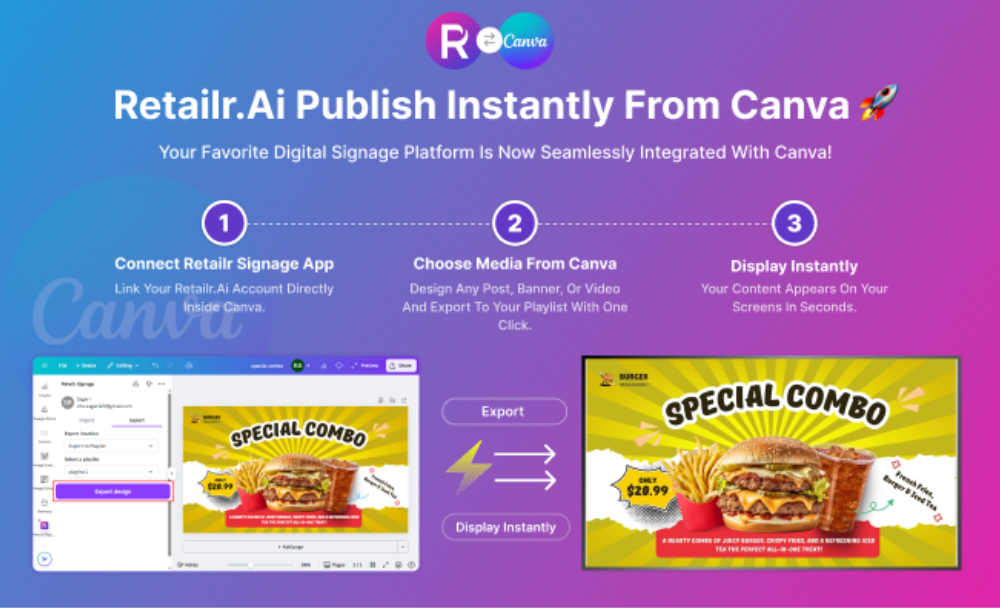
Design in Canva.
Run it on your store screens.
Update it anytime.
Create professional designs easily using Canva
Instantly display content on all your store screens
Update offers, menus, or promotions in real time
No technical skills or complex setup required
Keep your screens fresh with quick edits anytime
Manual screen updates slow down your business.
Pendrive / staff updating TV
Exporting files and depending on staff to update screens causes delays and frequent mistakes.
Time-Consuming Updates
Price changes and new offers demand manual updates and coordination.
No Central Control
Handling multiple screens or locations without one central system leads to chaos.
Outdated Screen Content
Old menus and expired offers stay on screens, impacting customer trust and sales.
Your designs go directly to menu boards & retail TVs
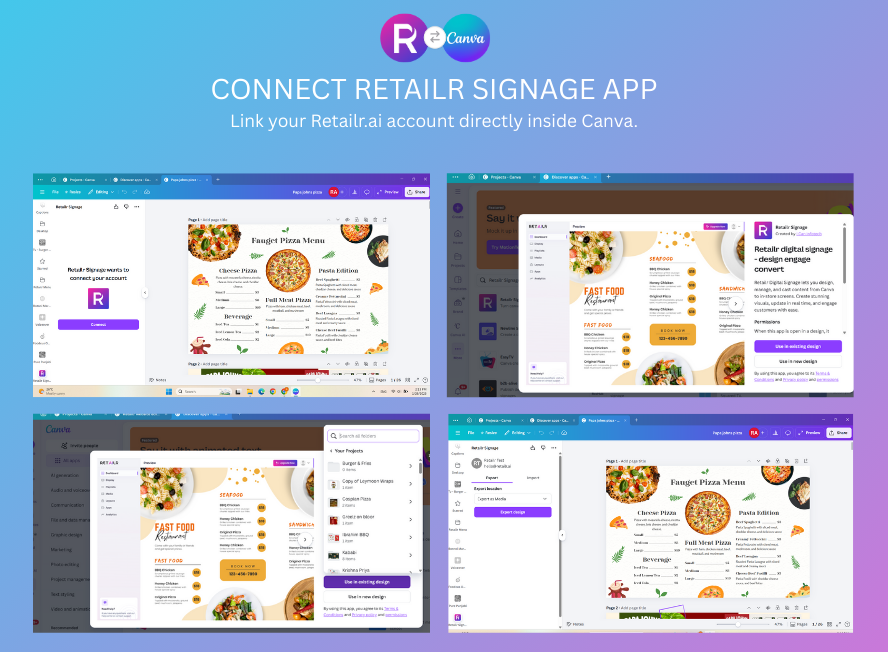
Design menus, promotions, and retail content easily in Canva and publish them directly to your menu boards and retail TVs using Retailr. No file exports, no pendrives, and no staff coordination required. Every update goes live instantly, keeping your screens accurate, fresh, and always in sync across all locations.
✔ Design menus & promotions in Canva ✔ Publish content directly to store screens ✔ No pendrives or manual uploads ✔ Instant updates across all screens ✔ Central control for all locations
Everything You Need to Manage Screen Content
Create, update, and manage your menu boards and retail screens effortlessly. Retailr makes it easy to keep your content fresh, accurate, and consistent across all screens.
✅ Design menus & promos in Canva ✅ Publish to screens in 1 click ✅ Change prices, offers, and images instantly
Running multiple locations?
Update all screens from your Canva designs using Retailr. Manage content centrally and keep every location perfectly in sync — instantly 📱
✔ One dashboard for all locations ✔ Instant updates across all stores ✔ No local staff dependency
Your screens should sell — not stay static
Turn your menu boards and retail screens into powerful sales tools with real-time updates powered by Canva + Retailr.