01
Gesture
Computer vision · 1080p/4K camera
The mirror shows a live feed. A wave opens the garment picker — nothing to touch, which matters in high-traffic or hygiene-sensitive stores.
Smart Mirror · Virtual Try-On
A shopper stands in front of the mirror, picks a garment, and sees a photorealistic image of themselves wearing it in a few seconds. The AI runs on the box in the store — no cloud, no upload, no internet required.
Runs offline on an NVIDIA RTX edge box · 2–8 seconds per try-on
The shopper steps in front of the mirror. The integrated camera picks them up.
They browse the catalogue by touch, by gesture, or from their own phone.
Retailr VITON generates a photorealistic image of them in that garment — 2 to 8 seconds.
The result fills the screen. They try the next colour, save it, or buy.
The camera feed, the body mapping and the render all run on a local GPU. No customer image is uploaded anywhere, and the mirror keeps working when the store's internet doesn't.
Full try-on operation with the network down. Sync catches up later.
Customer photos are processed on the box and not sent to a cloud service.
2–3 seconds on the premium tier, so shoppers try five things, not one.
Garment count is limited by disk, not by a per-item licence.
The intelligence isn't in the glass — it's in the NVIDIA box behind it. Plug it into a display you already have and that screen becomes a try-on mirror.
Existing signage screens, portrait totems, video walls or a standard 4K panel. HDMI in, try-on out.
Run it behind two-way glass for a true mirror, or on a plain screen as a try-on kiosk.
Keep the fixtures and the mounts you've already paid for. Only the compute is new.
Render speed follows the card — RTX 3060 to 4090 — so you buy performance, not a new mirror.
Audience-aware content
Presence and vision sensors tell the screen whether anyone is there and roughly who they are, so it can lead with something relevant instead of a generic loop.
Audience estimation is optional and configurable — you choose which signals drive content, or turn it off entirely.
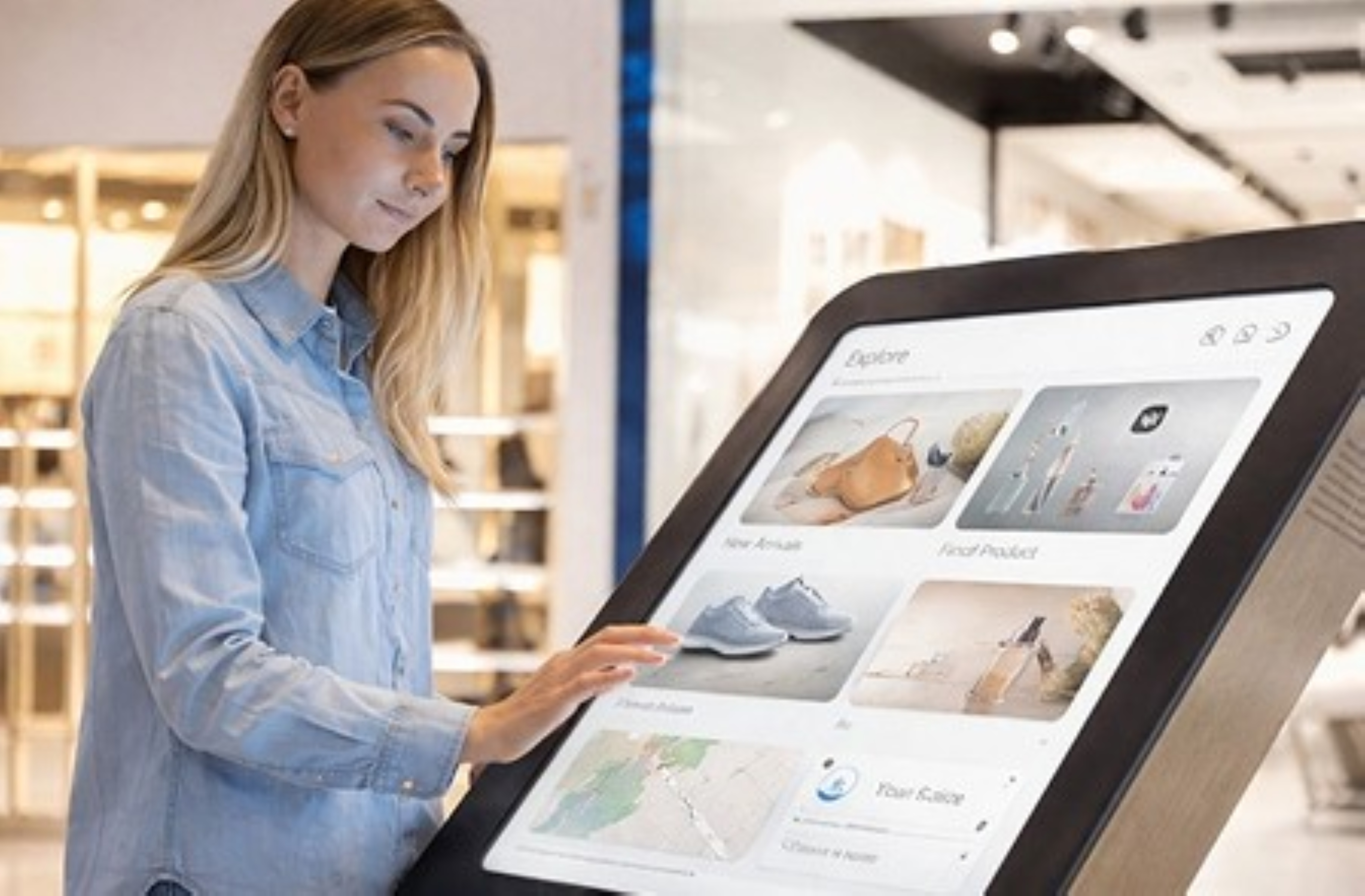
The mirror plays signage until someone approaches. How it hands over to try-on is your choice — and it works with touch or entirely without.
Computer vision · 1080p/4K camera
The mirror shows a live feed. A wave opens the garment picker — nothing to touch, which matters in high-traffic or hygiene-sensitive stores.
Mobile integration
The shopper scans a code on the mirror. Their browser session links across, loading the wishlist and recently viewed items from your e-commerce site.
Presence sensor + AI
Default state is digital signage. When someone comes within two metres it switches to mirror mode with relevant suggestions ready.
A cut-out pasted on a photo fools nobody. Retailr VITON maps the garment to the body and re-renders it with the fabric behaving the way fabric behaves.
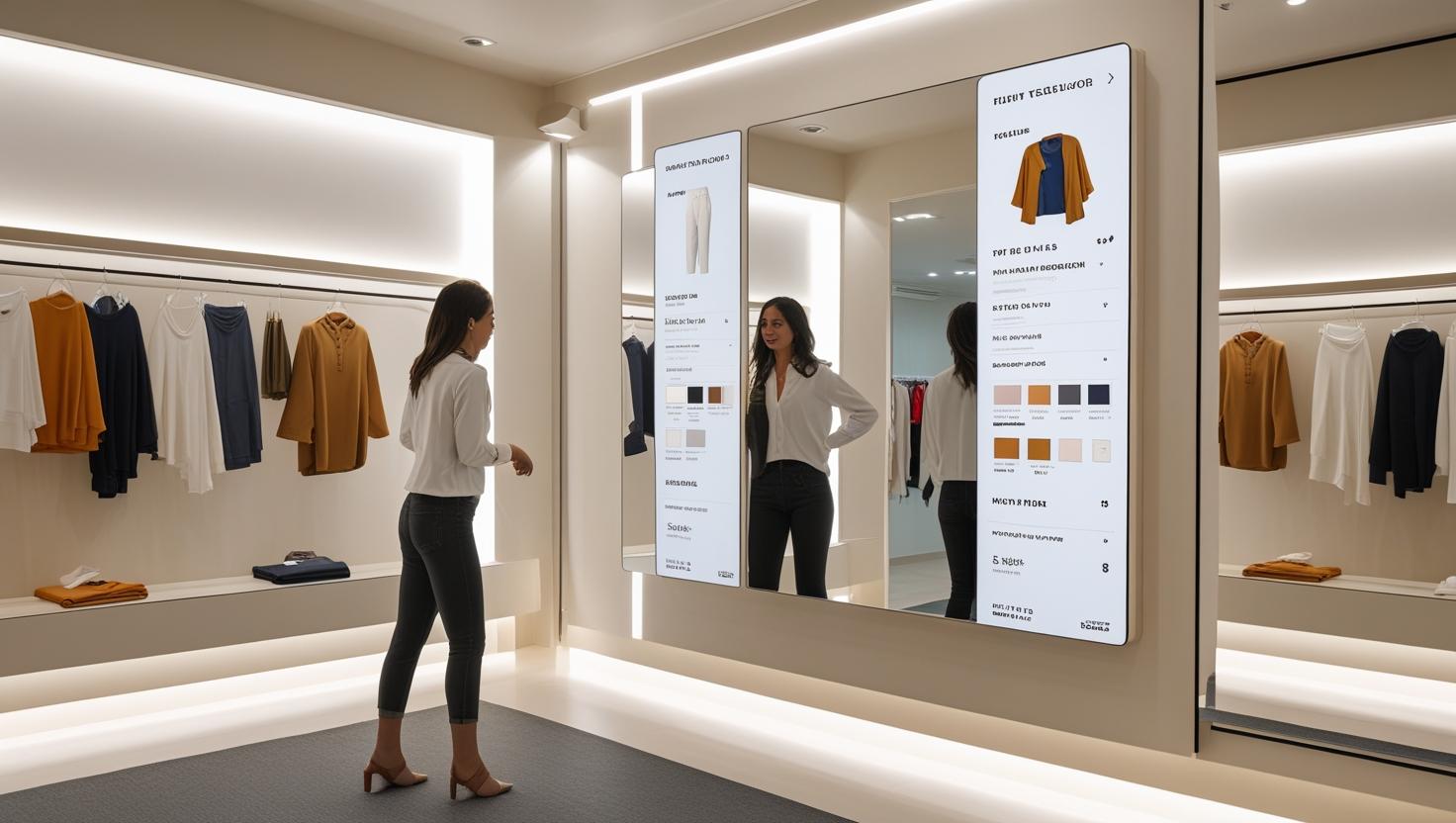
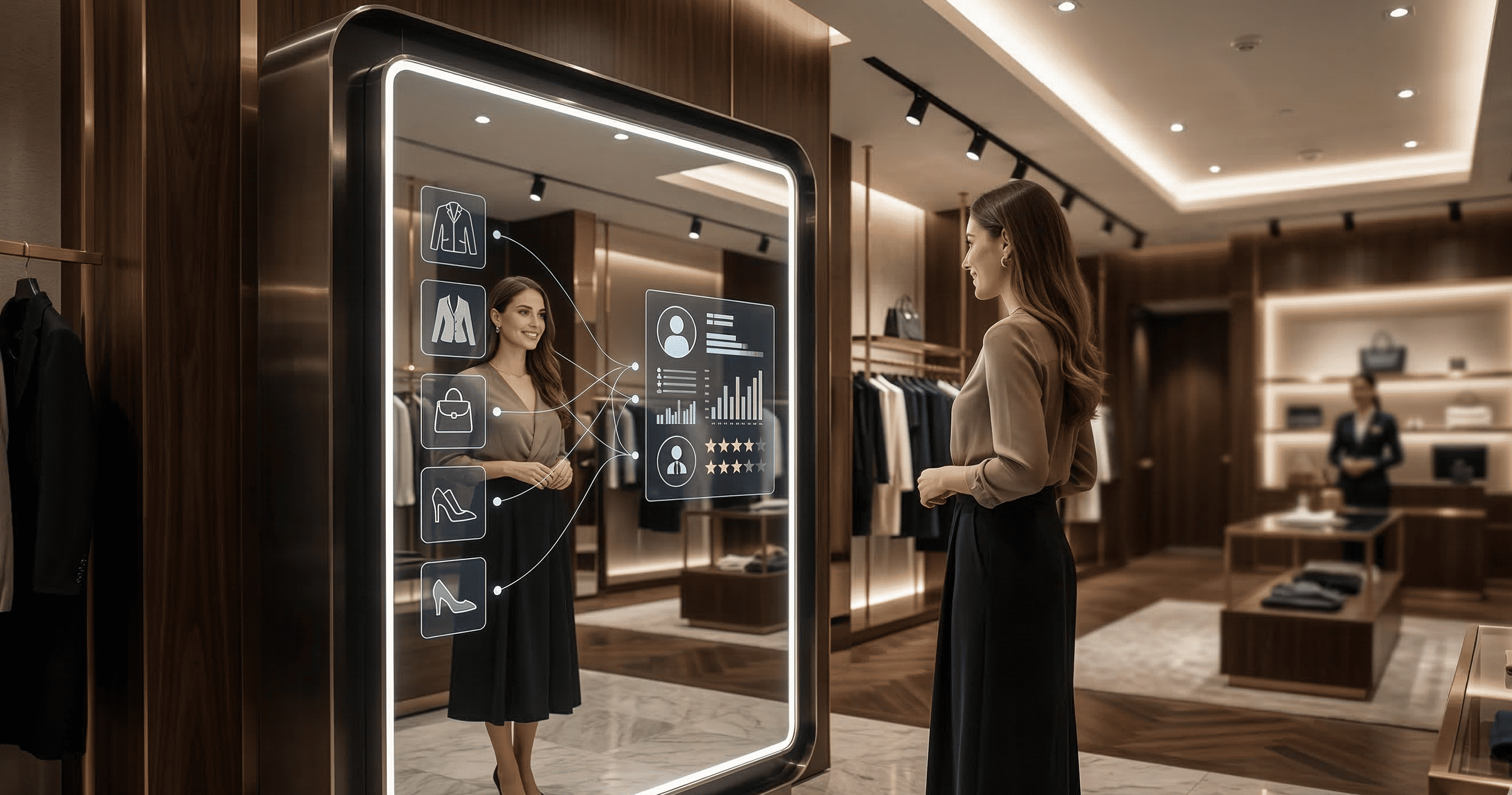
The mirror renders locally, but it isn't a data island. When it's online it talks to the systems you already run.
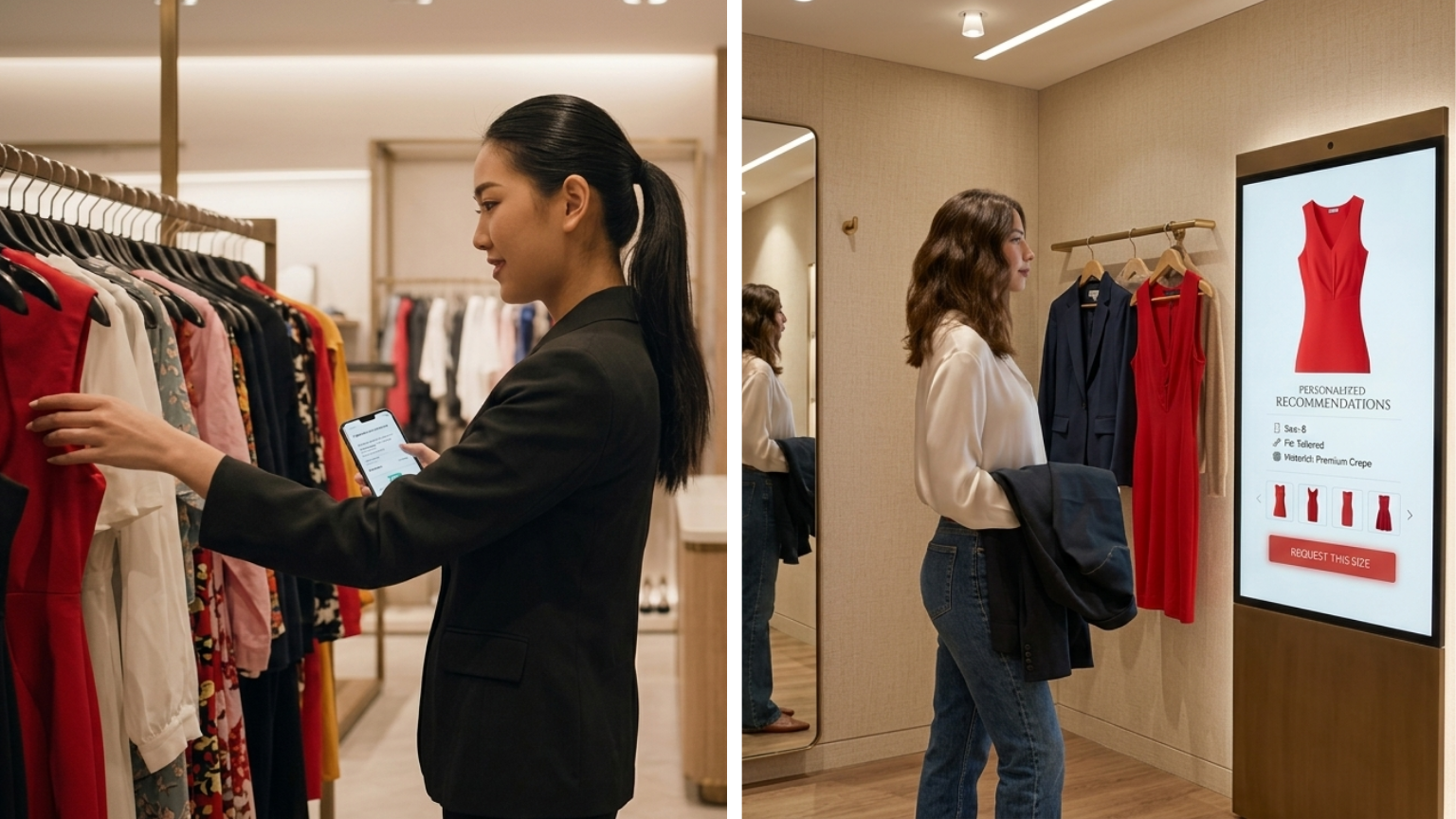
RFID picks up what the shopper carried in. The mirror shows sizes, colours, fabric and care, and calls a staff member without anyone getting half-dressed to go looking.
Try-on data answers the question a POS never can: what did people want, and not buy?
Engagement-to-conversion per garment, so you can see what looks good on the rail and fails in the mirror.
What draws attention, which sizes get picked, which pairings repeat.
Items tried often but never bought point at fit or price, not demand.
Custom BI on a dedicated cloud layer, kept separate so mirror performance never suffers.
Advanced BI dashboards are a separate module with their own cloud instance and development scope — deliberately, so heavy reporting never slows the render.
Yes. Rendering, body mapping and the garment catalogue are all local. Connectivity is only used for optional syncing with your POS, CRM or e-commerce catalogue.
They're processed on the local machine. Nothing is sent to a cloud rendering service. We'll walk through exactly what is and isn't retained during the demo, so you can post the right in-store notice.
Between 2 and 8 seconds, depending on the hardware tier. The flagship build renders in 2–3 seconds.
The catalogue is limited by local storage, not by licence. Each garment is prepared once and reusable indefinitely.
No. It works in touch and touchless modes — gesture activation and proximity switching both work without contact.
The same pipeline handles worn items like eyewear and accessories; talk to us about your specific category and we'll show you a sample render.
The fastest way to judge this is to see your own product rendered. Book a demo and we'll do exactly that.